

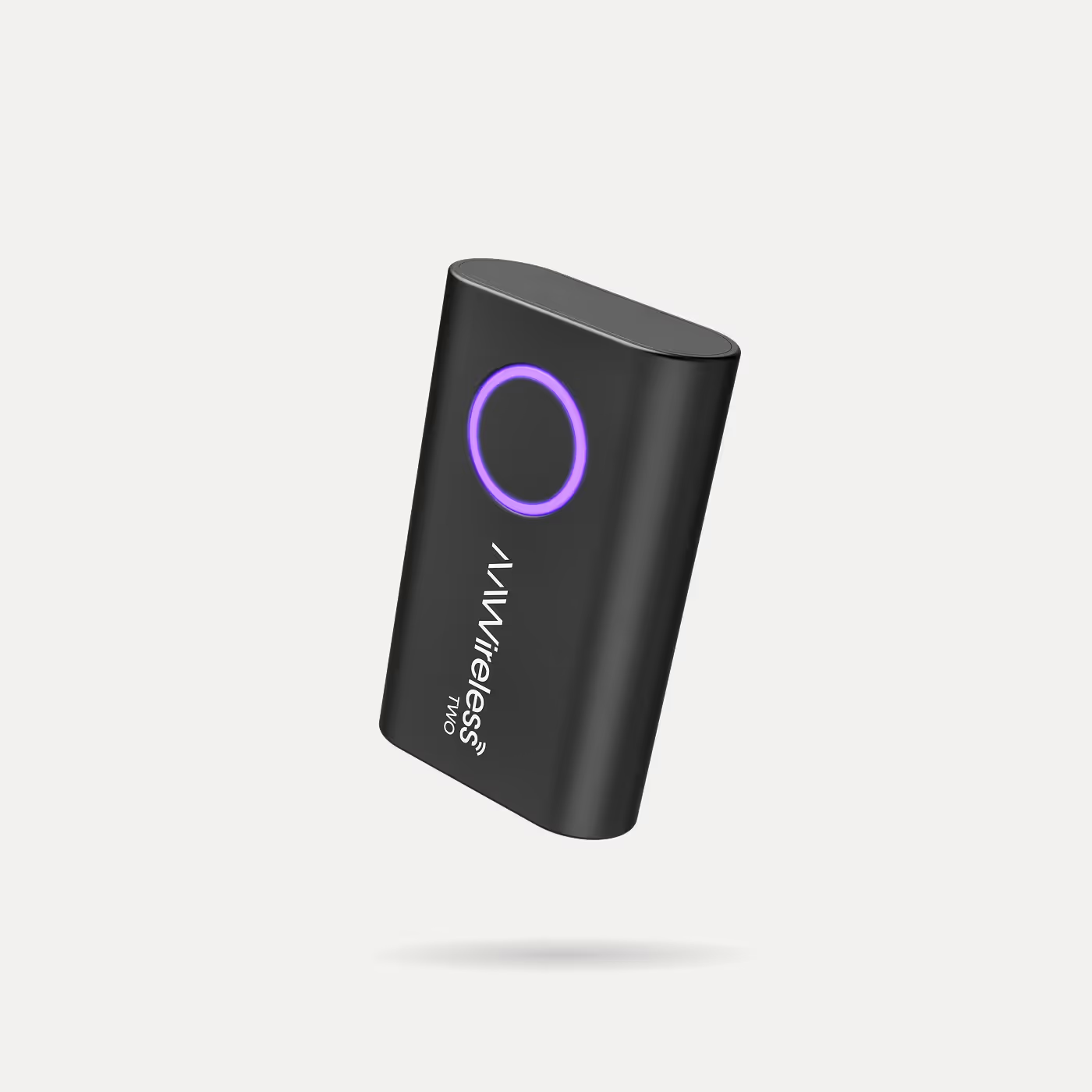
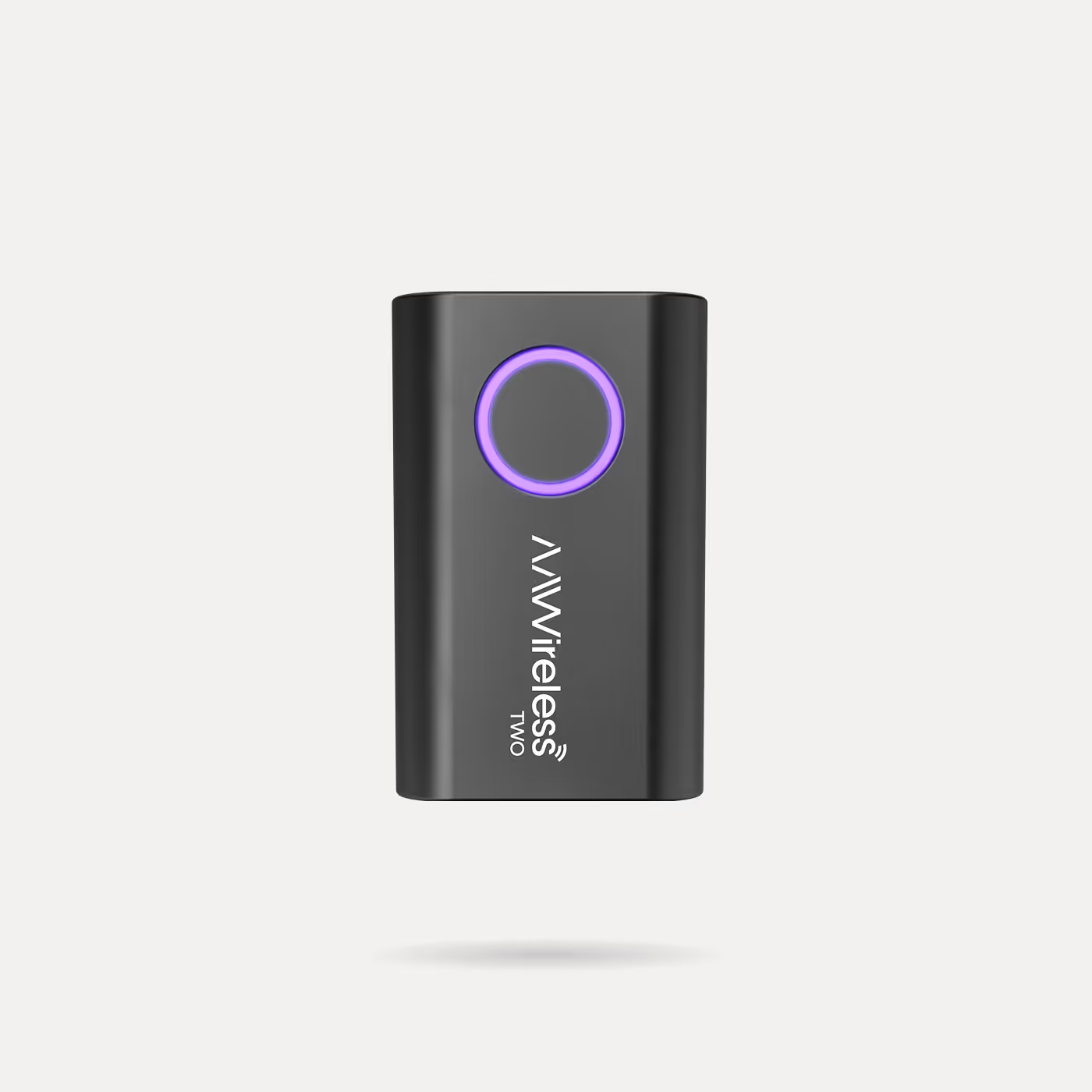
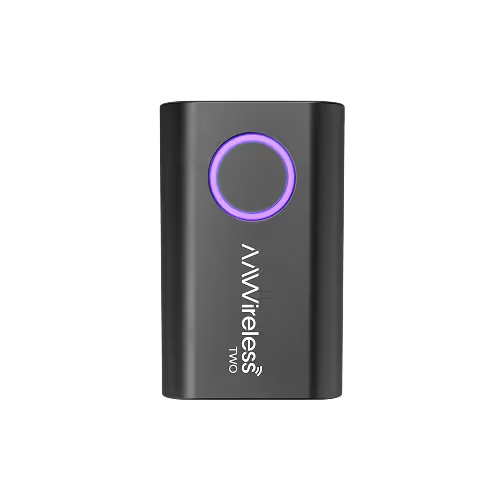
AAWireless TWO
Wireless Android Auto Adapter
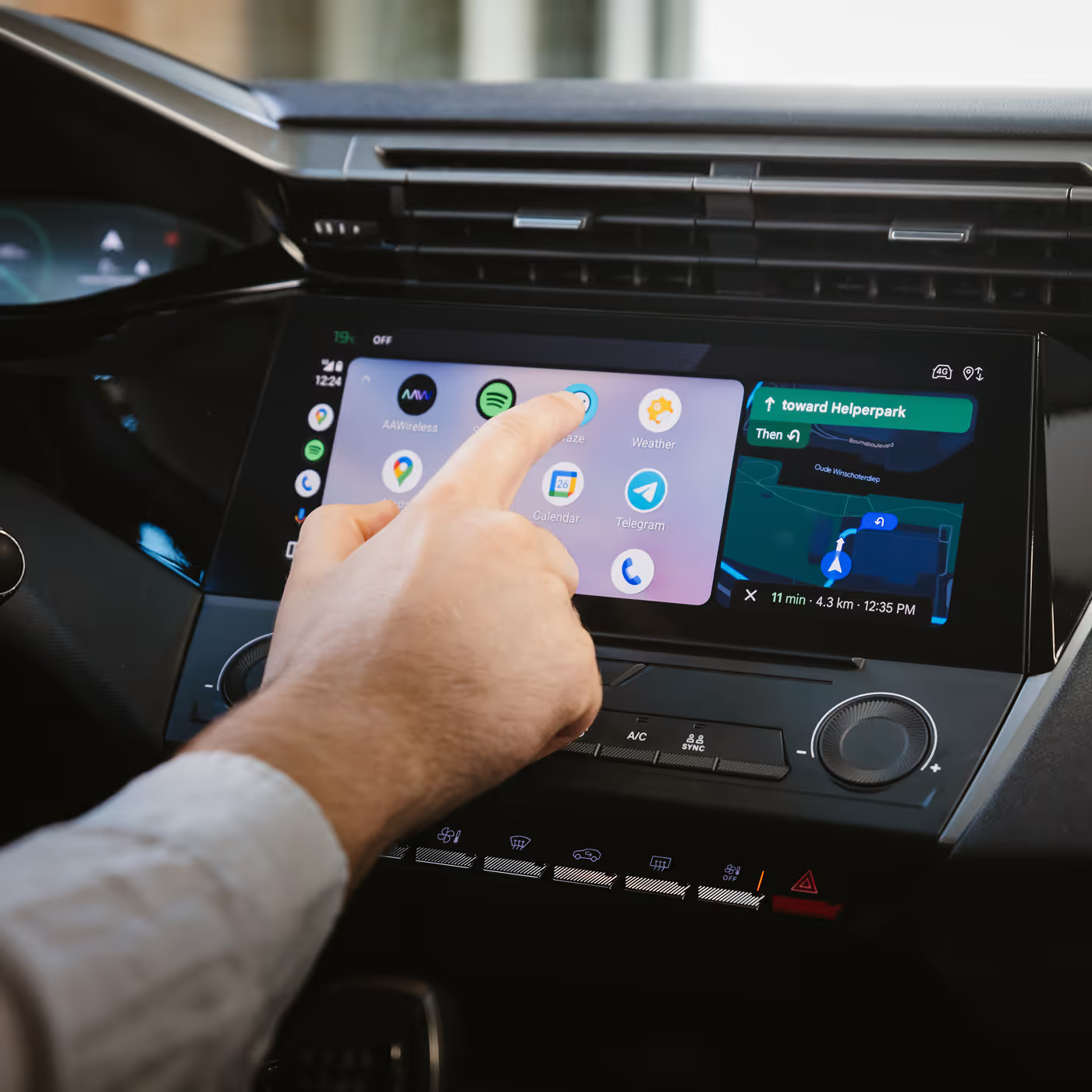
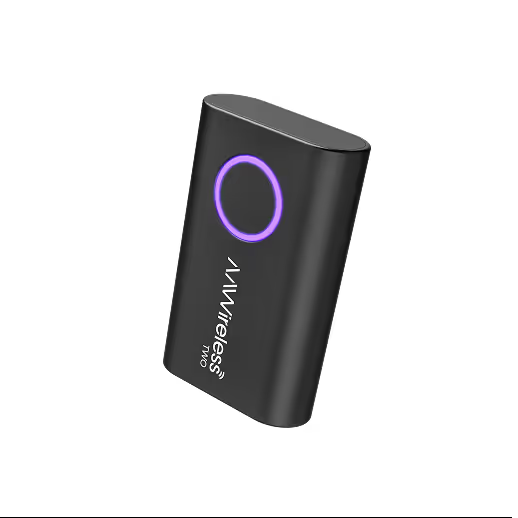
AAWireless TWO lets you use Android Auto without plugging in your phone. Switch phones, pair instantly, and enter standby mode, all with the tap of a button.
Top features
- Wireless Android Auto
- Connect unlimited amount of phones
- Tap button to pair and switch phones
- Auto-standby
Compatibility
- Works with cars and aftermarket head units that have wired-only Android Auto
- Requires Android 11 or higher for wireless Android Auto.
Specifications
- Dimensions: 5.5 × 3.5 × 1.5 cm
- Weight: 18 g
- Connectivity: Bluetooth & Wi-Fi
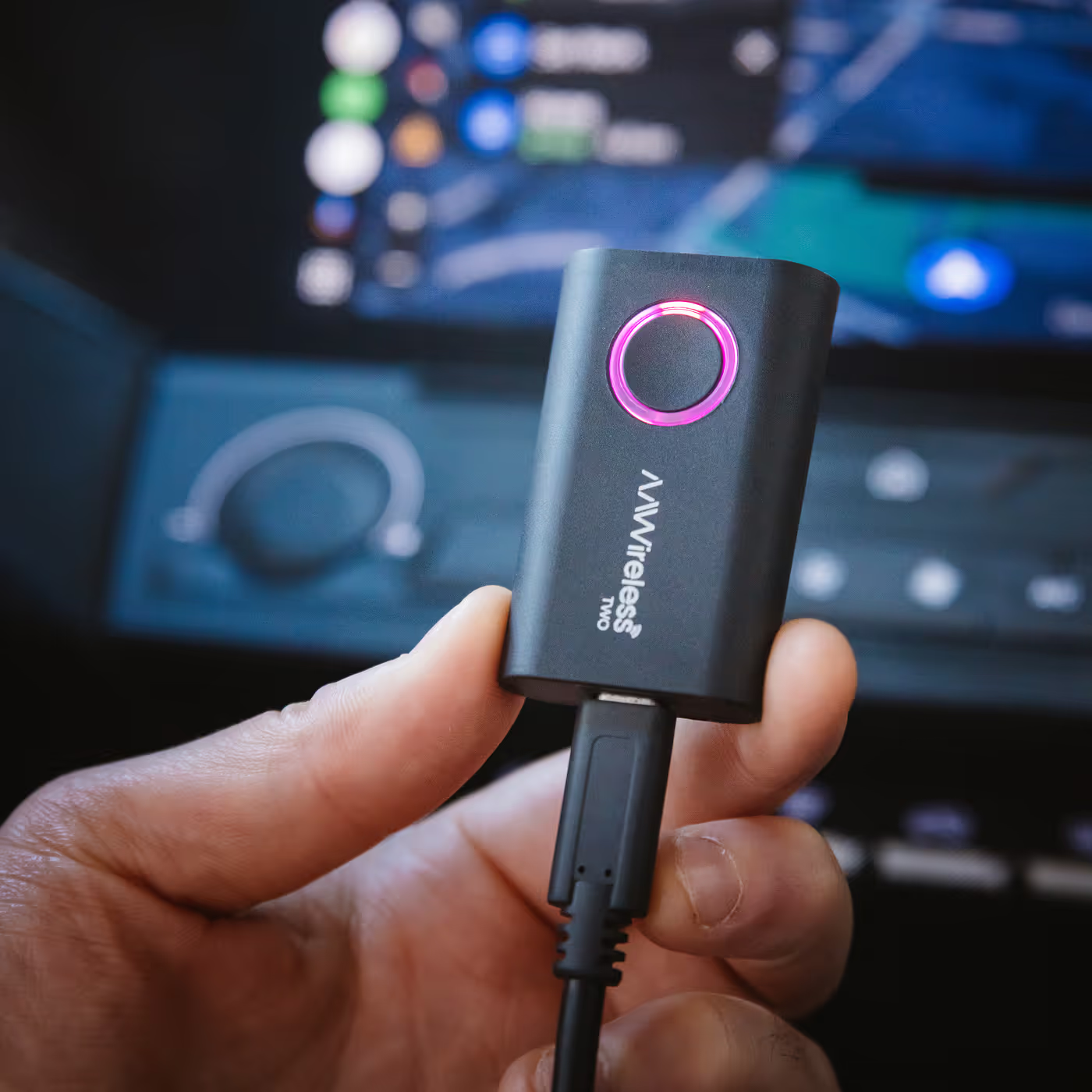
- Port: USB-C
- Compatibility: Wired Android Auto
What's in the box
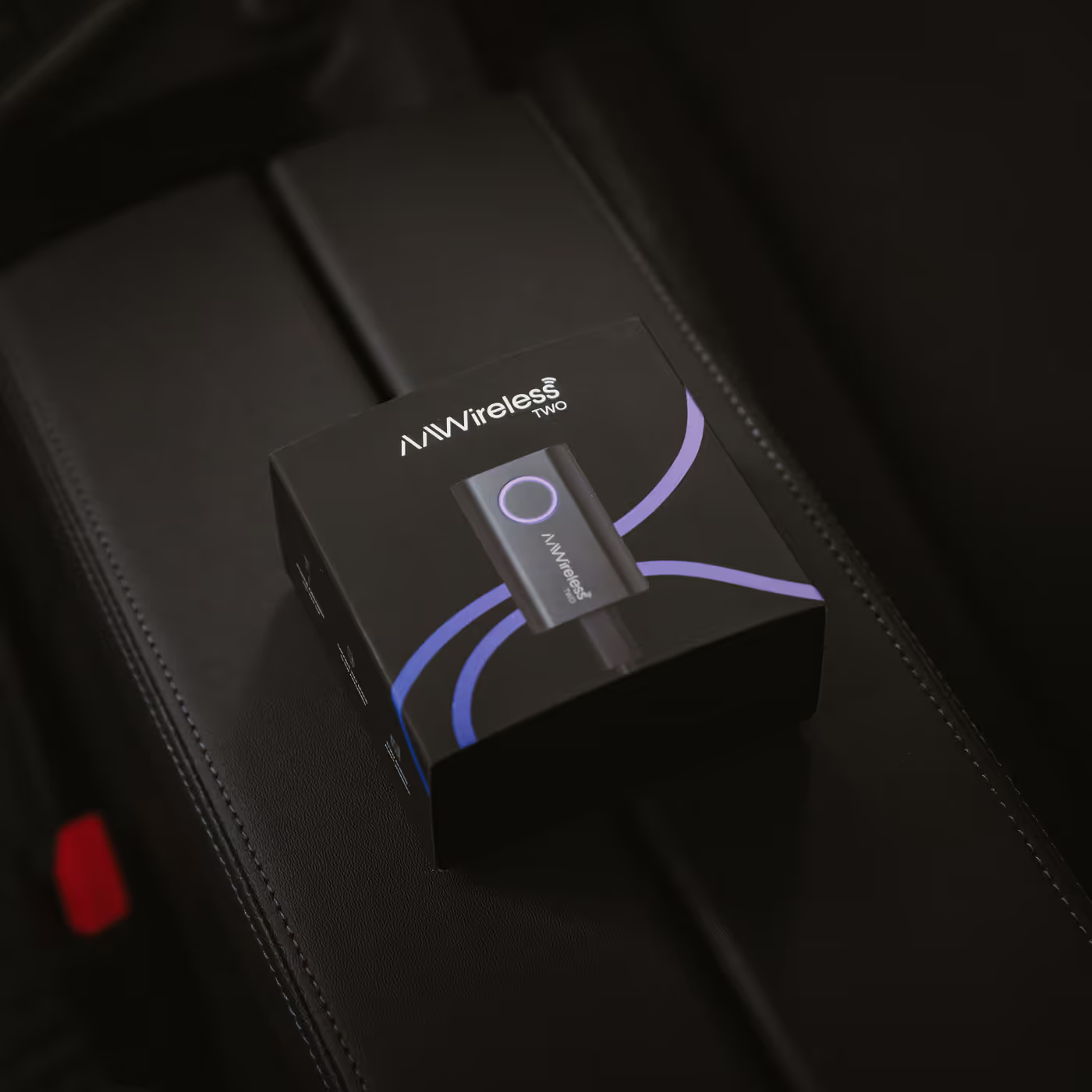
- TWO Adapter
- USB-C to USB-A cable
- User manual
Wireless Android Auto
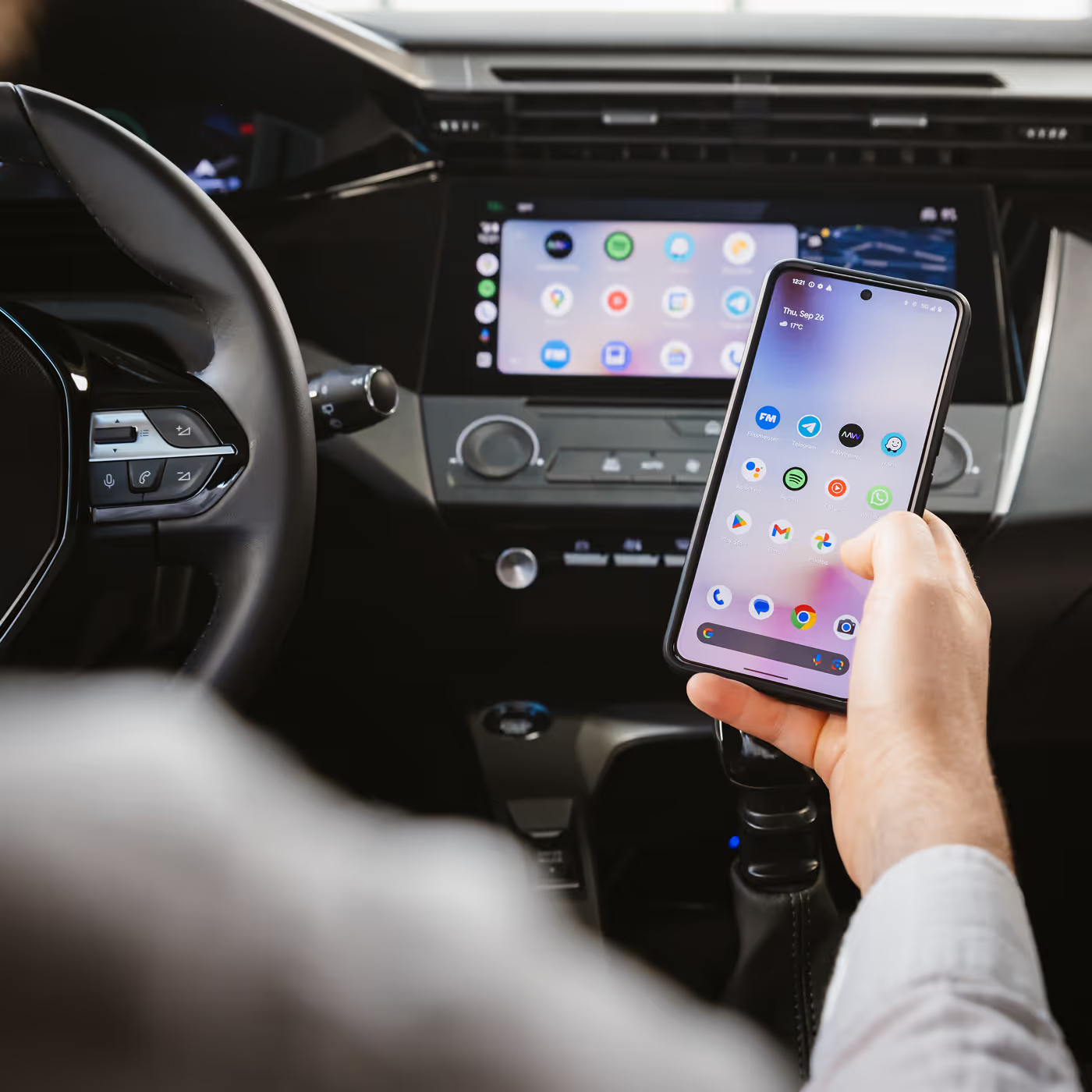
Experience the freedom of wireless Android Auto with the TWO adapter. All your favourite apps on your car screen, now completely wireless.
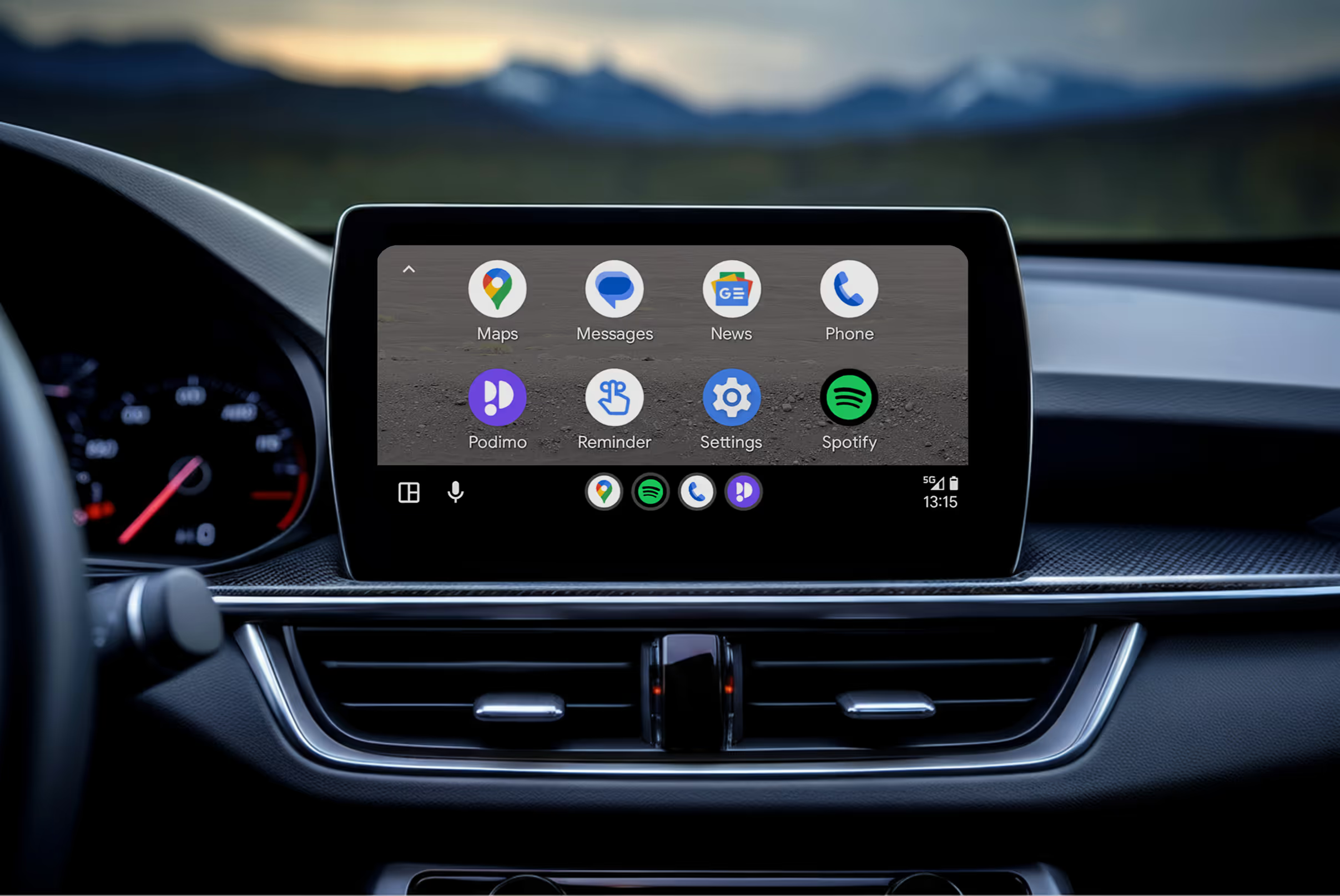
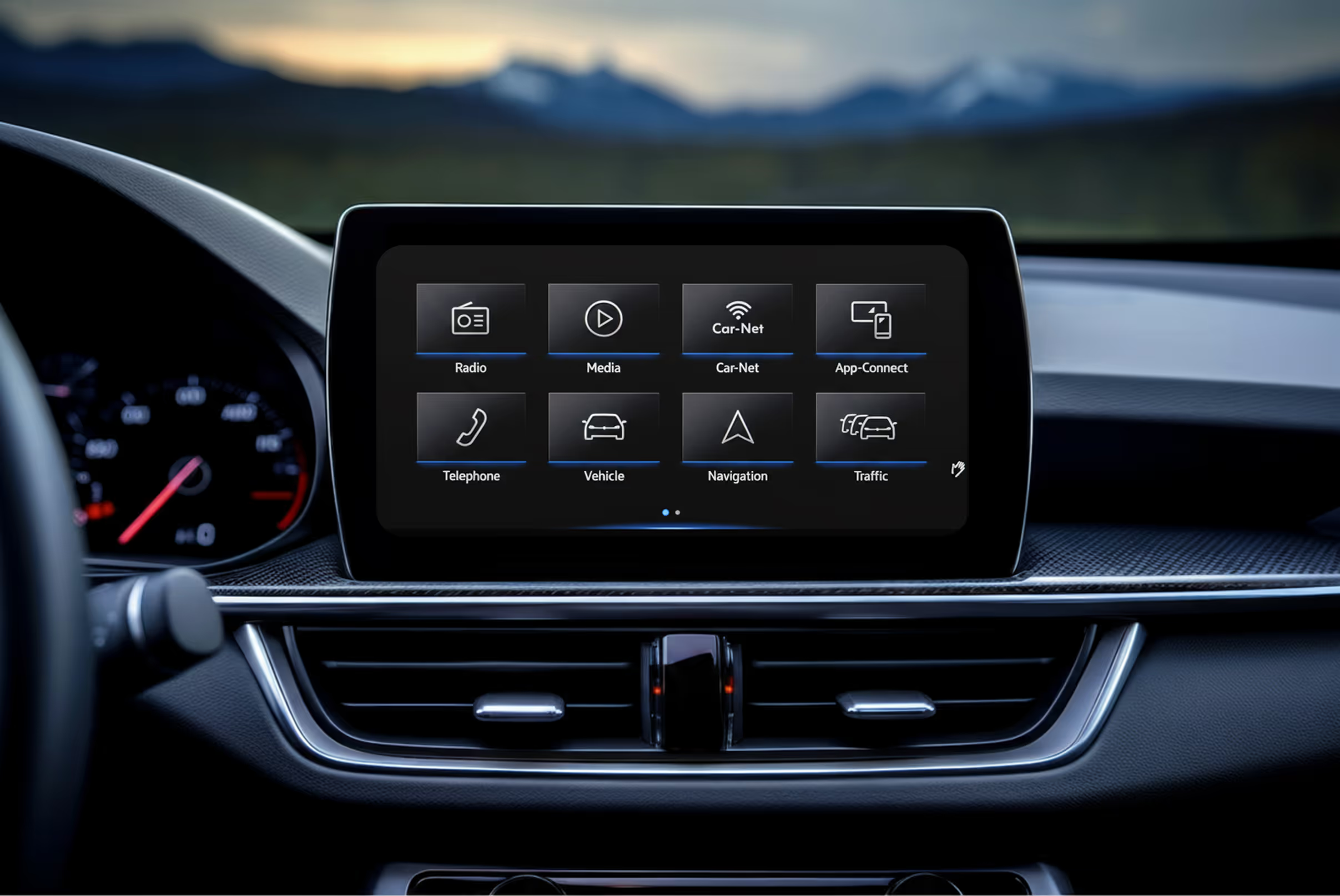
Wireless freedom
Our mission is to make your life on the road easier.
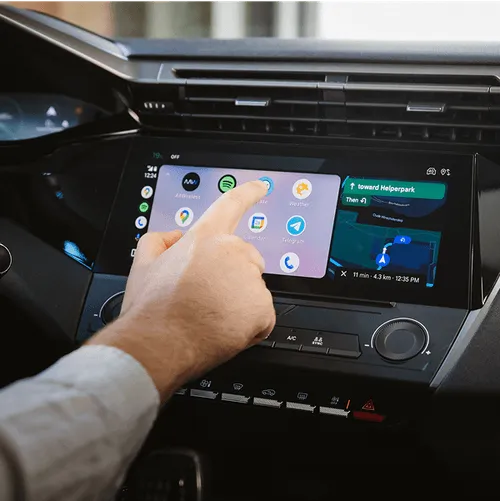
Go wireless
Tired of tangled cables? Go wireless in seconds with our adapter.
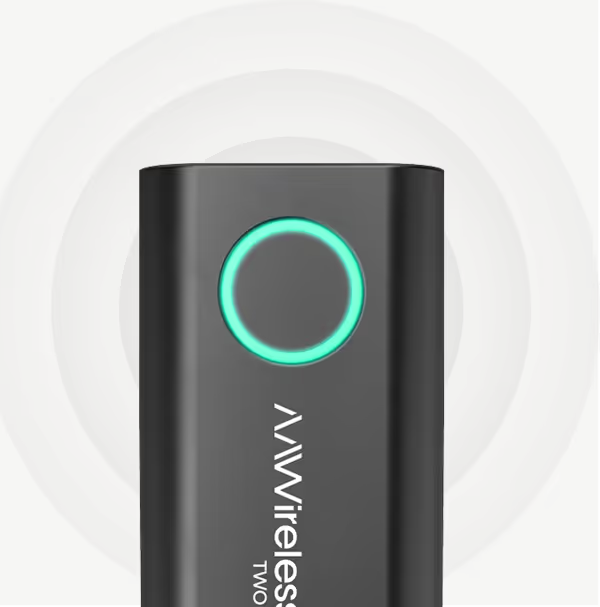
Quick action button
Tap the button to pair a new phone, switch to the next phone or put the adapter in standby mode.

Plug & play device
The AAWireless adapter is easy to install, even if you're not that tech savvy.
.avif)
Switch phones
Switch to your travel buddy’s phone with a single tap.
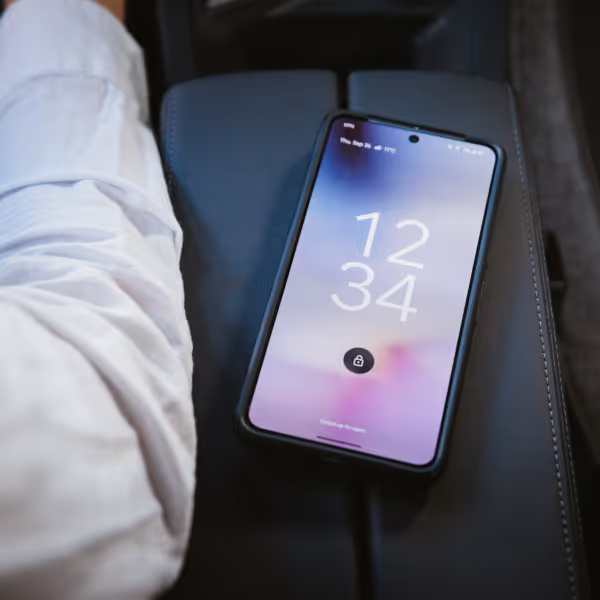
Keep your phone anywhere
No need to unplug your phone at the drive-thru.

Roadtrip gadget
Your adapter is designed to be shared. Easily add a phone and switch to the next DJ in the car.
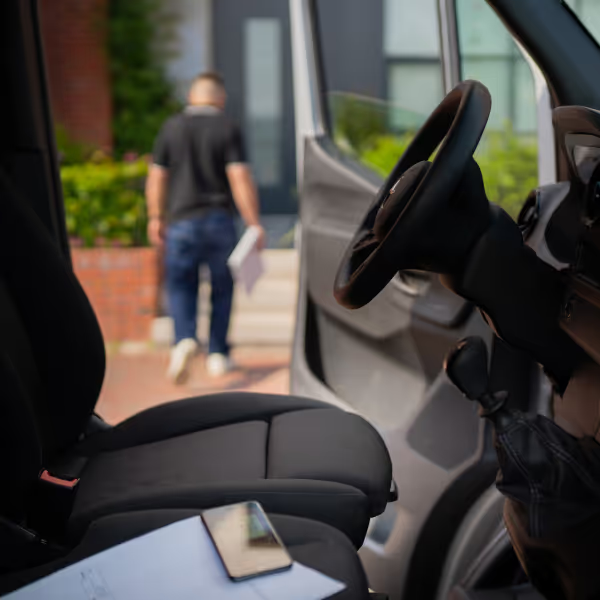
Stay connected
Step out, stay connected. Your adapter keeps the music, route and calls flowing.
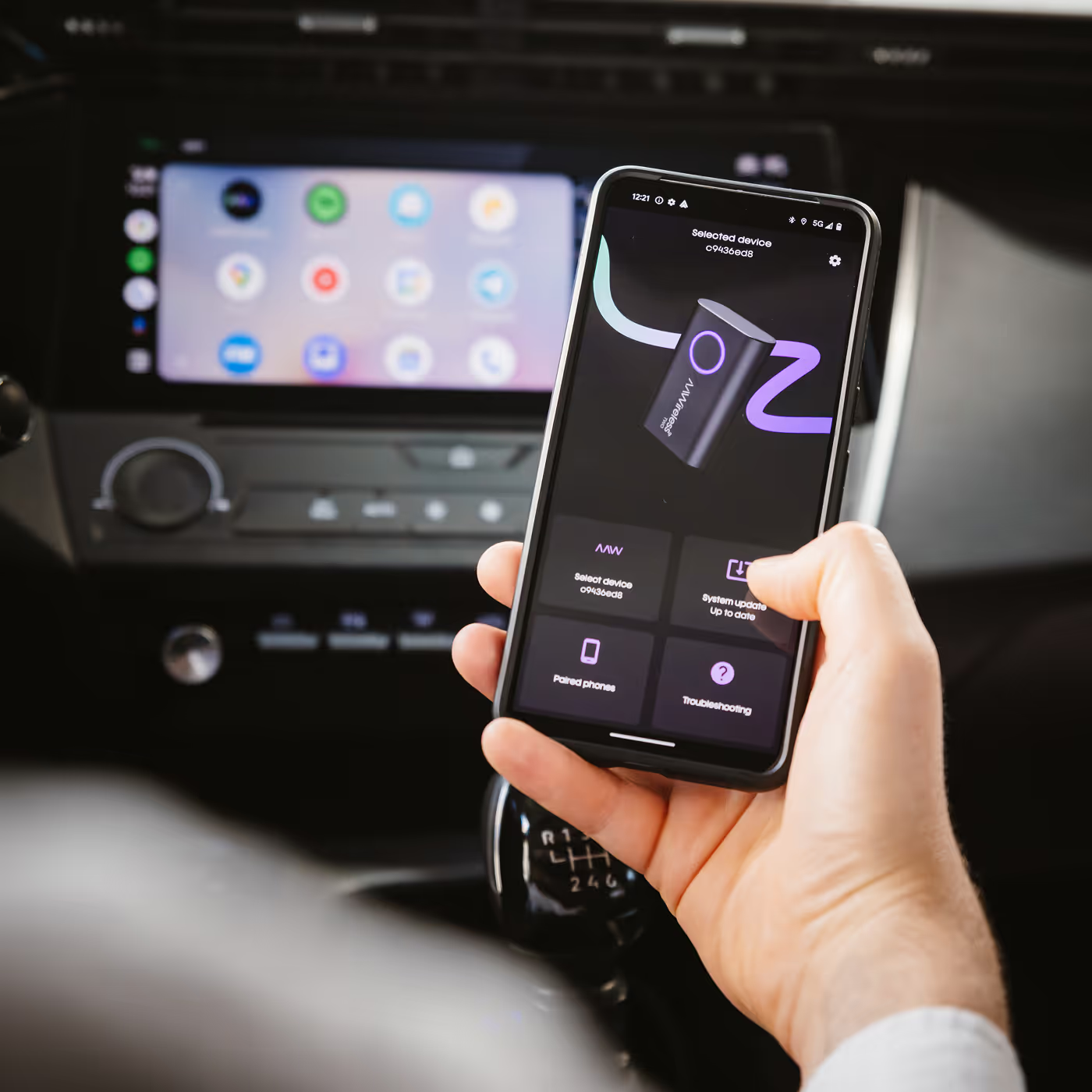
Use the AAWireless app for an optimal experience
While the adapter is plug-and-play, the app lets you update, troubleshoot, and customise it.
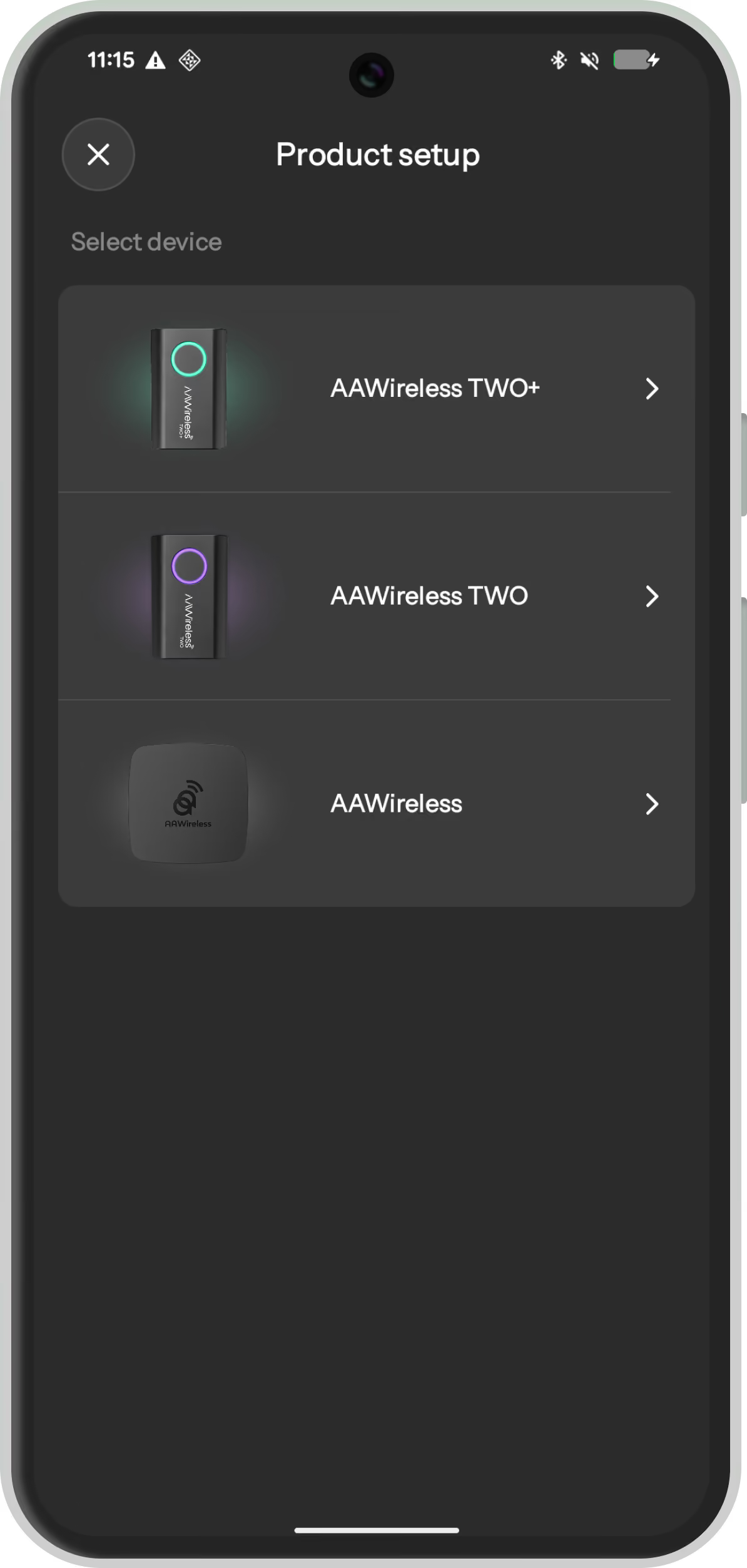
Product Setup
While our adapters are standalone, the app can help you set up your device.
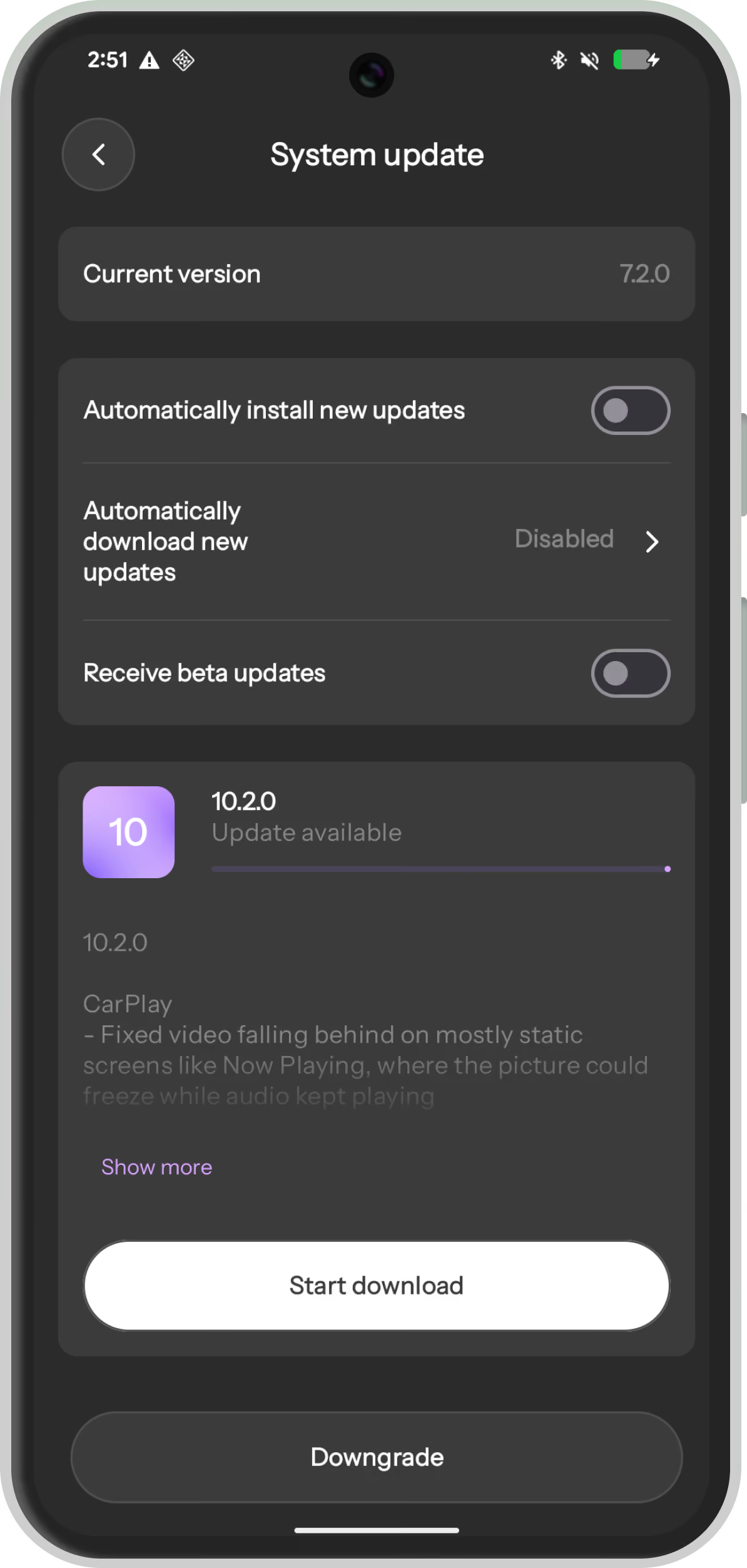
Firmware Updates
Enjoy (automatic) updates that make your AAWireless future-proof.
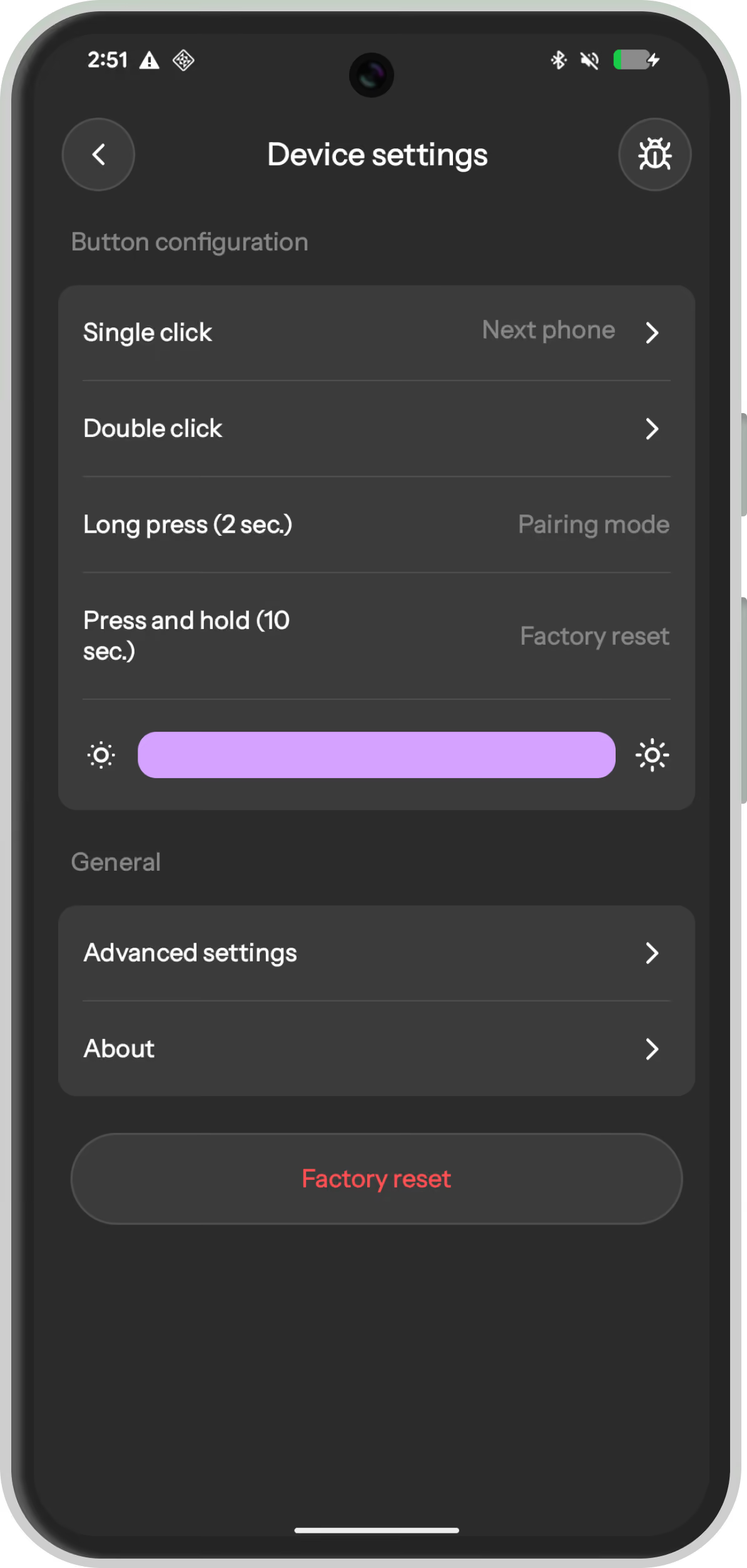
Button Configuration
Manage button behavior from the device settings.
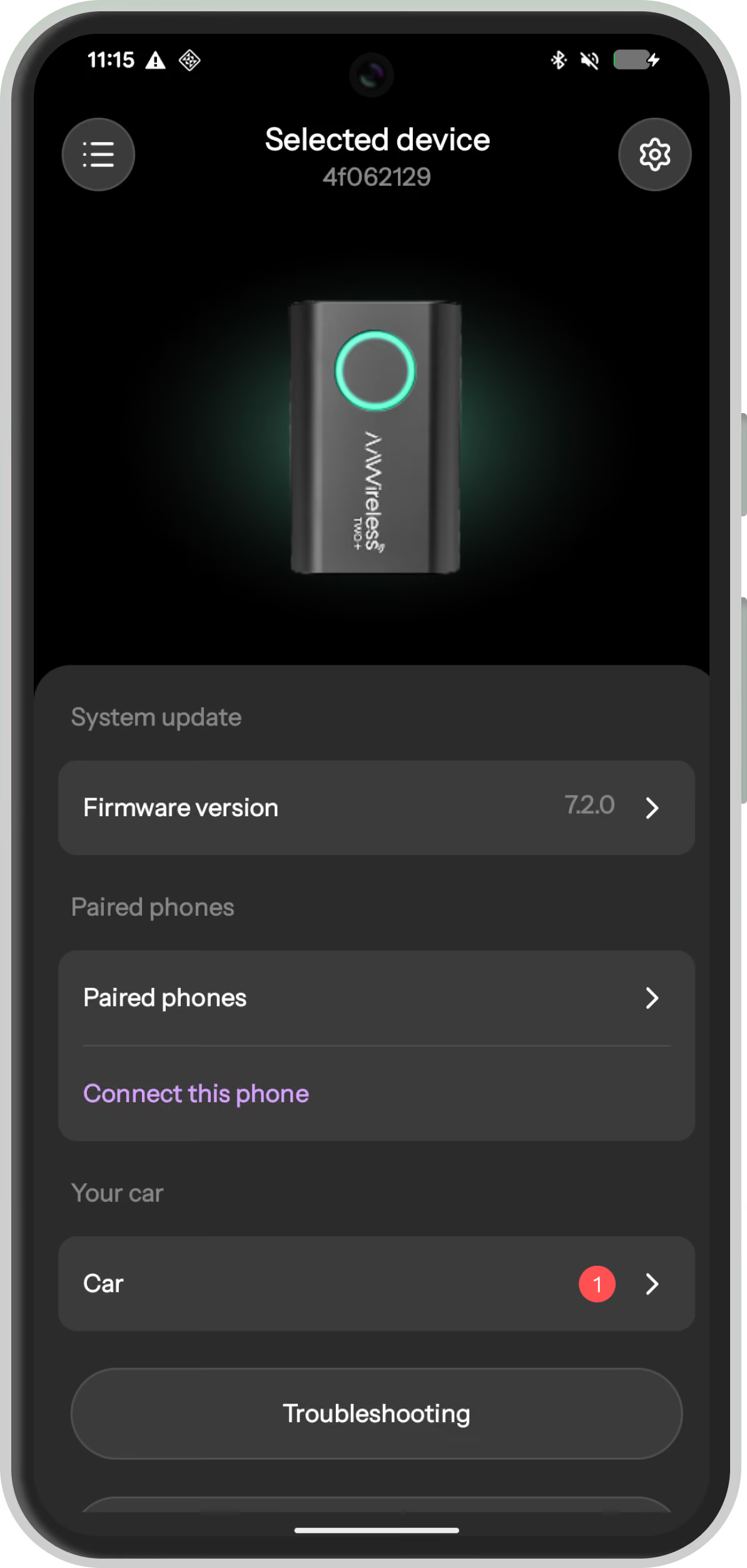
Manage Device
Manage your device(s) from within one overview.
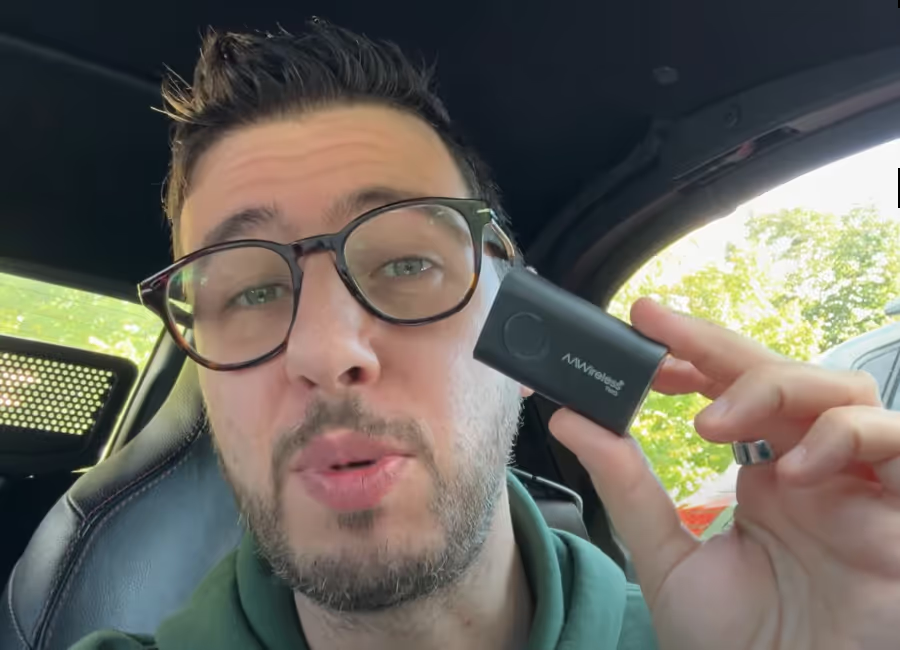
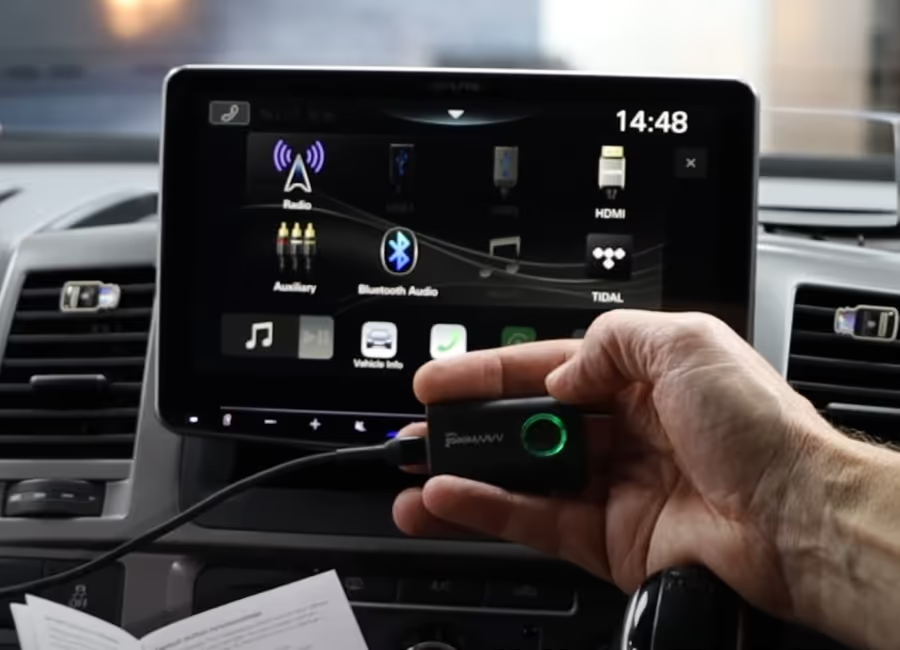
Join 530K+ AAWireless users


Verified
Easy to order and fast.
November 6, 2026
Verified
Quick delivery and works with my android auto.
November 6, 2026
Verified
Using the Two version for Android Auto under VPN (Wireguard). Works stable and connection is fine. Also under Wireguard VPN active - added an exception for Android Auto in the VPN tunnel). Only minor topic: still needs the (same) dedicated USB port (for the connection with the AAWireless Two device) in the car which is used with wired USB connection with Android Auto. So not another USB connection in your car.
November 5, 2026
Verified
Easy to order and fast.
November 6, 2026
Verified
Quick delivery and works with my android auto.
November 6, 2026
Verified
Using the Two version for Android Auto under VPN (Wireguard). Works stable and connection is fine. Also under Wireguard VPN active - added an exception for Android Auto in the VPN tunnel). Only minor topic: still needs the (same) dedicated USB port (for the connection with the AAWireless Two device) in the car which is used with wired USB connection with Android Auto. So not another USB connection in your car.
November 5, 2026
Verified
Very easy ordering
November 4, 2026
Verified
As expected and fast delivery
November 4, 2026
Verified
Was easy to order
November 4, 2026
Verified
Everything is OK
November 3, 2026
Verified
Website was clear and easy to use, delivery was fast and the unit was a doddle to set up using the app so it was up and running within minutes. 100% recommended.
November 2, 2026
Verified
Niks op aan te merken, ging easy
November 2, 2026
Verified
Prima oplossing om toch draadloos mijn Apple Car play te koppelen aan mijn systeem.
October 30, 2026
Verified
Overall, everything is fine, but it's not possible to issue an invoice to a company.
October 29, 2026
Verified
Was super gemakkelijk
October 29, 2026
Verified
Top schnelle Lieferung!👍
October 28, 2026
Verified
It has been easy
October 27, 2026
Verified
Le produit aawireless 2+ est très réactif. Si cela peut parfois prendre 3 ou 4 secondes à démarrer, c’est uniquement à cause de l’association Bluetooth qui se fait automatiquement et un peu aléatoirement, cela arriverait donc aussi avec le carplay/android auto de la voiture. Le plastique ne fait pas cheap et il ne chauffe pas contrairement à de nombreux concurrents. Il est maintenu à jour par une marque très active. On sent la bonne différence avec les concurrents asiatiques. Il y a meme une option pour régler la luminosité du bouton. C’est dire le soucis du détail. Je n’ai pas ressenti de latence lorsque je sélectionne sur l’écran ou change de musique avec la palette au volant. Je suis très étonné, j’en attendais pas autant. On sent que la marque est tenue par des professionnels qui veulent fournir des produits de qualité.
October 25, 2026
Verified
Honestly it is an amazing product. I use it in my car and it always works flawlessly. 4 Star because I need to buy another product to connect it with Apple since I bought the one that only works with Android.
October 25, 2026
Verified
AAWireless Two+ is top of de top als het gaat om een CarPlay dongle. Met elke update van het apparaat wordt het ook weer beter. Ik had in het begin wat issues met audio skipping, waarbij ik de de audio fix aan had gezet, maar in mijn auto loste het probleem zich juist op door deze fix uit te zetten in de instellingen. Daarna geen issues meer gehad. Kan heel fijn twee telefoons te gelijk gekoppeld hebben en daar tussen switchen met een druk op de knop. Levering duurde wel een weekje, dus houdt daar rekening mee.
October 24, 2026
Verified
Great device, compact, easy to connect, stable during use and regular firmware updates provided. Works effortlessly with Mazda 3 2021.
October 23, 2026
Verified
O aparelho AA Wireless Two funciona e é uma vantagem não ter que ligar o telemóvel ao carro com um cabo de todas as vezes. No entanto, o aparelho é vendido com um adaptador com cabo, para conectar-se ao carro o que não faz grande sentido. Para ser estético, tive que comprar um adaptador de usb-a / usb-c sem cabo o que foi uma despesa adicional. Acresce ainda que o aparelho parece ser produzido com um material plástico de fraca qualidade e produz ruido com as vibrações do carro em andamento o que é muito desagradável. Ainda vou ver se consigo resolver esta última questão. Se não conseguir, terei que devolver o produto.
October 23, 2026
Verified
product as described, efficiently and quickly, I recommend
October 22, 2026
Verified
Duidelijke website en daar gaat het om en natuurlijk de snelle levering
October 22, 2026
Verified
I spend just two minutes to order what I wanted
October 22, 2026
Verified
Easy, fast, many choices to pay Excellent
October 21, 2026
Verified
I’m very satisfied with AAWireless customer support. Communication was quick, friendly, and professional. When my device stopped working, they handled the issue efficiently and arranged a replacement. Excellent customer service and a smooth support experience. Highly recommended!
October 21, 2026
Verified
great and easy
October 21, 2026
Verified
Easy to order and fast delivery Got it today and works great
October 20, 2026
Verified
Ich habe das Gerät für meinen Toyota RAV4 gekauft und bin wirklich sehr zufrieden! 😊 Alles funktioniert einwandfrei, die Qualität ist super und der gesamte Kauf lief problemlos. Vielen Dank für den tollen Service! Ich kann den Verkäufer zu 100 % weiterempfehlen. 👍🏼
October 20, 2026
Verified
Fantastico
October 20, 2026
Verified
English? Not good. But article first class and also personnel excellent. And delivry super fast. Thanks a lot.
October 20, 2026
Verified
Zu Ersten Klasse Ware zum Zweiten sehr geschultes Personal und zum Dritten eine superschneller Versand und Lieferung. Herzlichen Dank. MfG Albert
October 20, 2026
Compare our adapters
The most important difference between the AAWireless TWO and TWO+ is compatibility with iOS / Apple Carplay. We've listed all the comparisons and differences for your convenience.
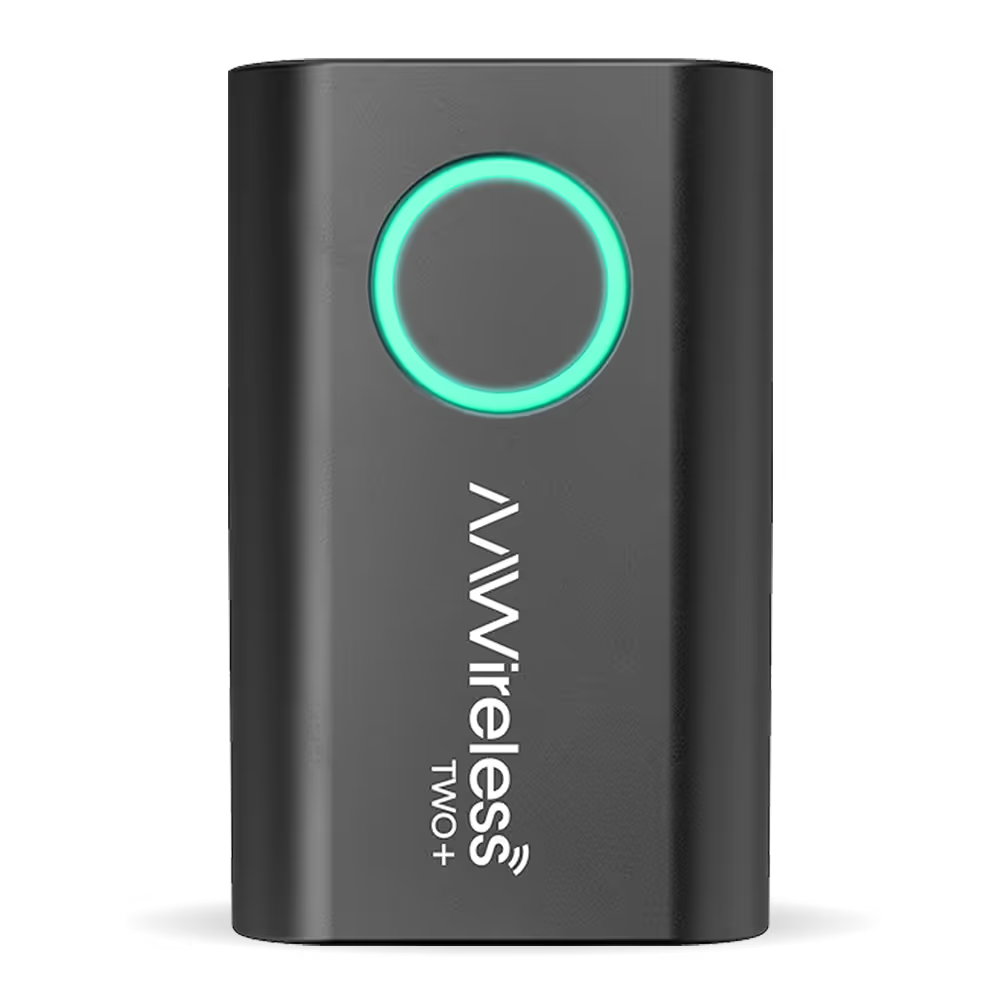
AAWireless TWO+
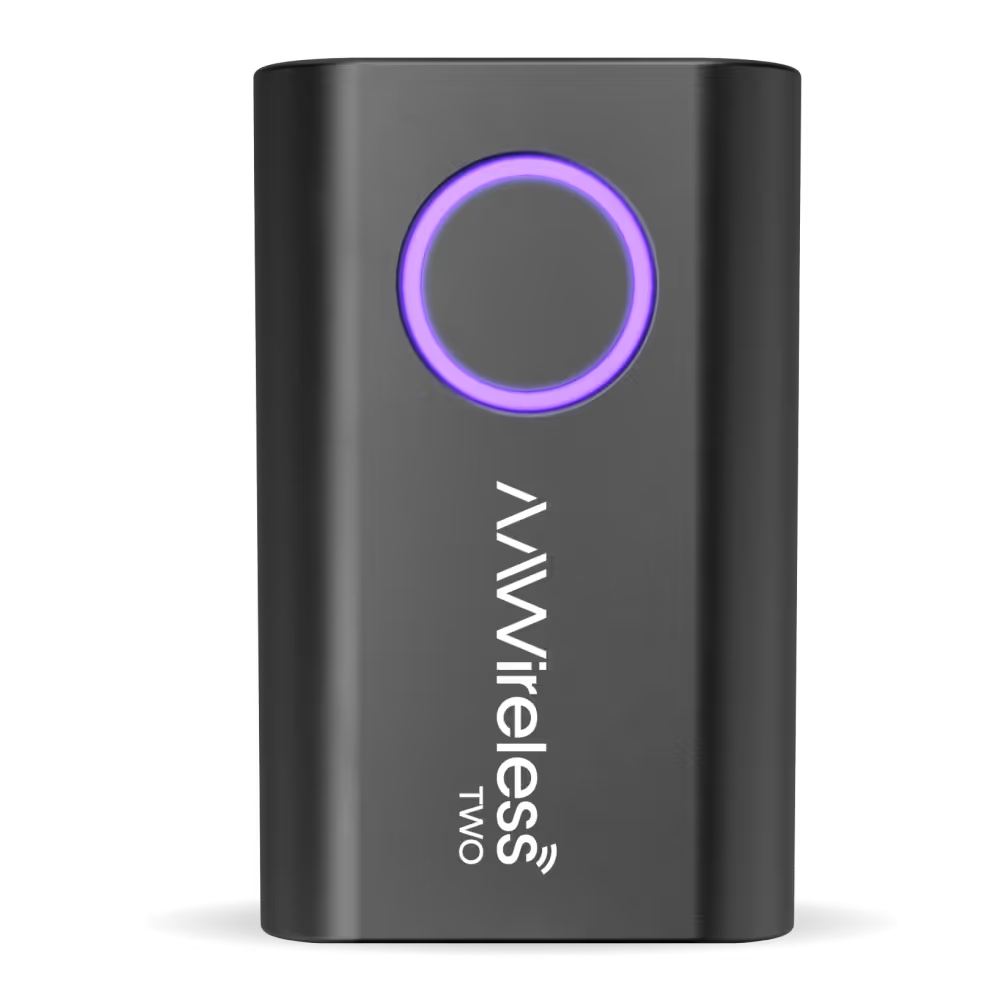
AAWireless TWO
Frequently Asked Questions
What is included in the AAWireless box?
Every AAWireless kit contains everything you need to get started:
- 1x AAWireless adapter
- 1x USB-C to USB-A fast data transfer cable (short length, optimized for stability)
- 1x Quick-start manual
Is AAWireless compatible with my car?
In general, AAWireless adapters are compatible with cars and head units that exclusively support wired Android Auto or wired Apple CarPlay. In other words, AAWireless is compatible with your car / head unit:
- If your car supports wired-only Android Auto, you can use the AAWireless Android Auto adapter to make Android Auto wireless.
- If your car supports wired-only CarPlay, you can use the AAWireless CarPlay adapter to make CarPlay wireless.
To check compatibility: plug your phone directly into your car’s USB port. If Android Auto or CarPlay starts up, your vehicle supports the wired version and should be compatible.
If you’re unsure, please contact our AAWireless Support Team for help by email, or refer to Android Auto’s official list of compatible vehicles.
Do I need both Bluetooth and Wi-Fi in order to connect to AAWireless?
Our adapter has Wi-Fi and Bluetooth hardware. AAWireless establishes a Bluetooth connection with your phone, passes the Wi-Fi credentials from the dongle to the phone, and then breaks off the Bluetooth connection. The adapter itself exclusively utilizes Wi-Fi from that moment on, however, Android Auto processes also require a Bluetooth connection.
How it works:
- If AAWireless’s Bluetooth is not visible, go ahead and reboot your phone, reset the AAWireless dongle and re-pair as you’d normally do for the first time.
- If AAWireless’s Bluetooth is visible, but not connected, turn Bluetooth on your phone on and off, forget the “AAWireless-XXXX” device in your phone’s Bluetooth list, then pair again. At last, restart both the phone and your car’s infotainment system.
- If AAWireless’s Wi-Fi SSID is not visible, go ahead and reboot your phone, reset the AAWireless dongle and re-pair as you’d normally do for the first time.
- If AAWireless’s Wi-Fi is visible, but not connected or asking for the password, manually connect to the dongle’s Bluetooth by tapping on it under your phone’s list of Bluetooth devices.
- If Bluetooth connects but Wi-Fi still fails, test with another phone (if possible) to check if the issue is device-specific.
- If the issue persists, clear cache data for the Android Auto app. Next, delete the “AAWireless-XXXX” Wi-Fi network from your phone’s Wi-Fi settings
AAWireless uses Bluetooth only to pass Wi-Fi credentials to your phone. Once credentials are exchanged, the connection switches entirely to Wi-Fi, indicated by a solid blue light.
My car already has wireless Android Auto/CarPlay, can I still use AAWireless?
Cars with built-in wireless Android Auto or CarPlay are not compatible with the AAWireless dongle. If you’re unsure whether your car has native wireless Android Auto or CarPlay, please reach out to our AAWireless Support Team by email.
What are the warranty conditions?
All AAWireless dongles purchased through Amazon or our official webshop are covered by a 2-year warranty. This means you are fully protected against defects or issues during that period. For more information, please visit our Terms and Conditions.
If you are experiencing problems and need further technical assistance, you can reach our support team in the following ways:
- AAWireless Companion App: Use the built-in troubleshooter to diagnose and report issues.
- Via email: support@aawireless.io
Once you contact us, our support team will:
- Guide you through additional troubleshooting steps.
- Arrange a warranty replacement if necessary.
We are committed to ensuring you get the best experience with your AAWireless dongle.
Can I get a business invoice for my AAWireless order?
At this time, AAWireless is unable to generate invoices for companies, or modify the automatically generated invoice. Our webshop is designed to cater exclusively to individual customers, and it does not currently support sales to companies or businesses.
Can I return to AAWireless for free?
Unfortunately, return costs must be borne by the customer. In case of a defective device, we would be more than happy to help you troubleshoot the issue and replace your device at no extra cost. More information about the warranty and return policy can be found in our Terms and Conditions, on the website.
Are there any discount codes, coupons or vouchers available for purchasing AAWireless?
Our valued subscribers will be the first to receive exclusive updates regarding upcoming promotions and discounts immediately after signing up for our AAWireless newsletter. You can easily join via the sign up in the footer. We look forward to keeping you informed about all our exciting offers!