 Learn more
Android Auto & CarPlay wireless adapters
The next generation of AAWireless
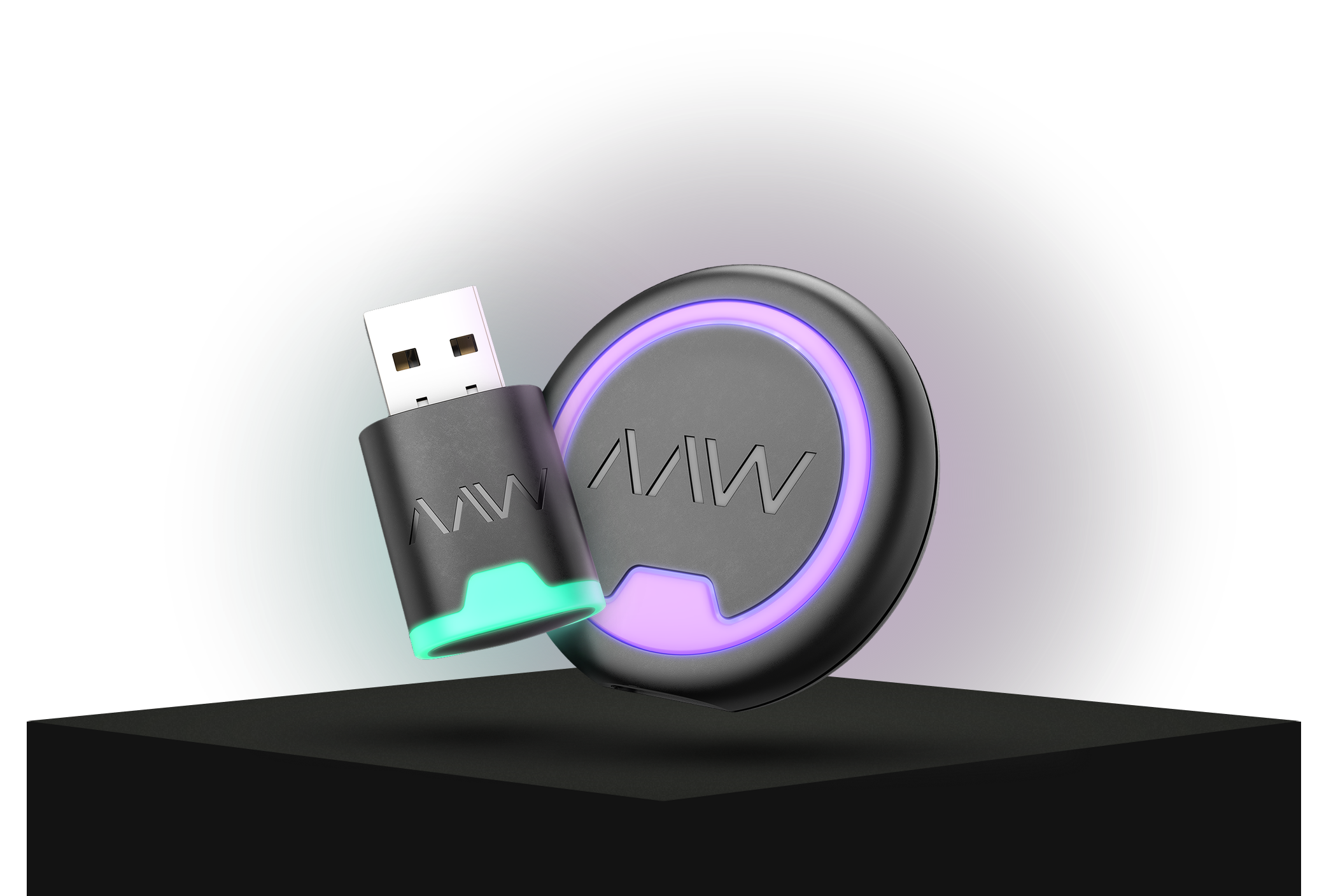
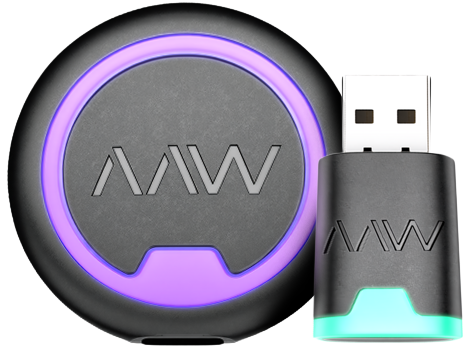
Meet NEXUS & NANO, our new wireless adapters, designed to make every drive a little smarter.
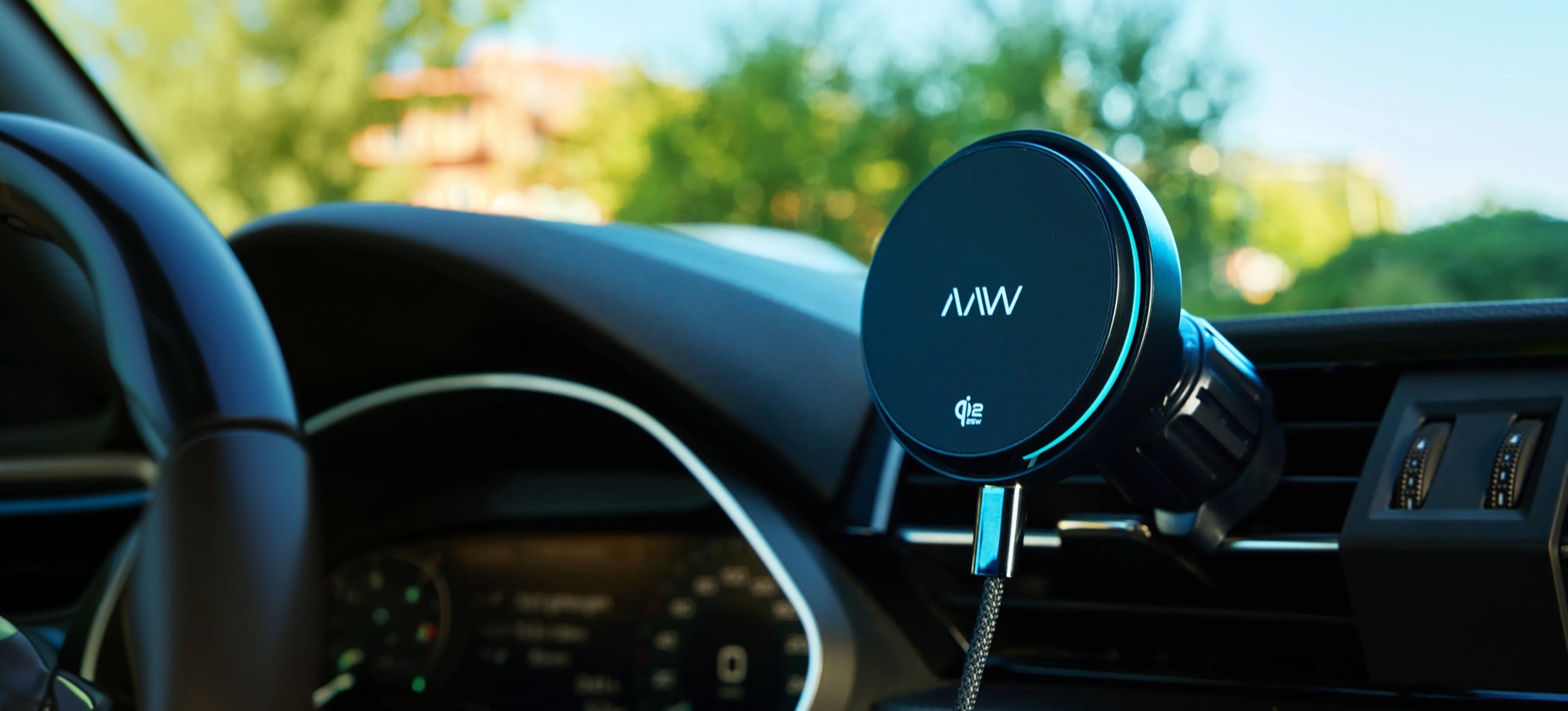
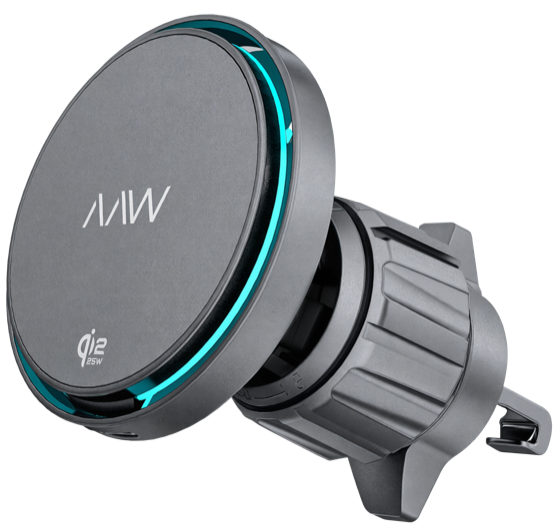
AAWireless adapters and chargers


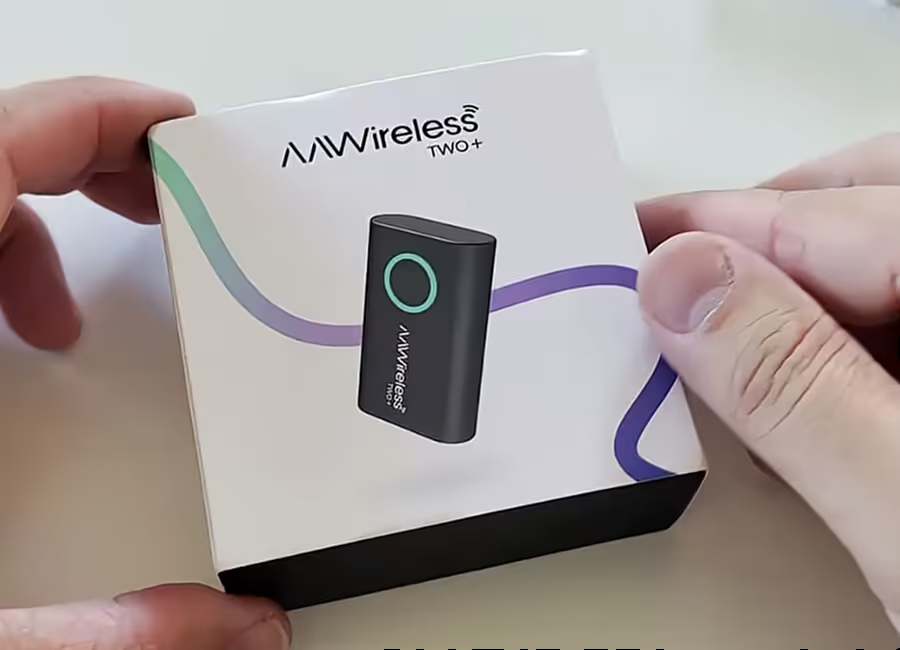
Unboxing
Hands-on review
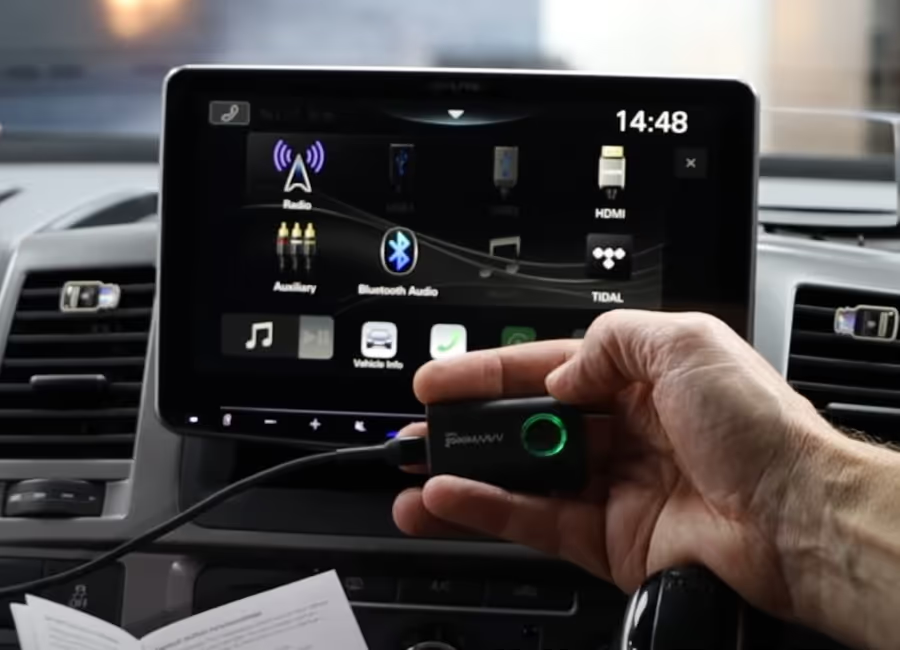
Wired to wireless

In-depth review

First impressions
Discover the next generation of AAWireless


Why shop at AAWireless
Discover the world of AAWireless
View all
Press release
AAWireless expands beyond adapters with CHARGE
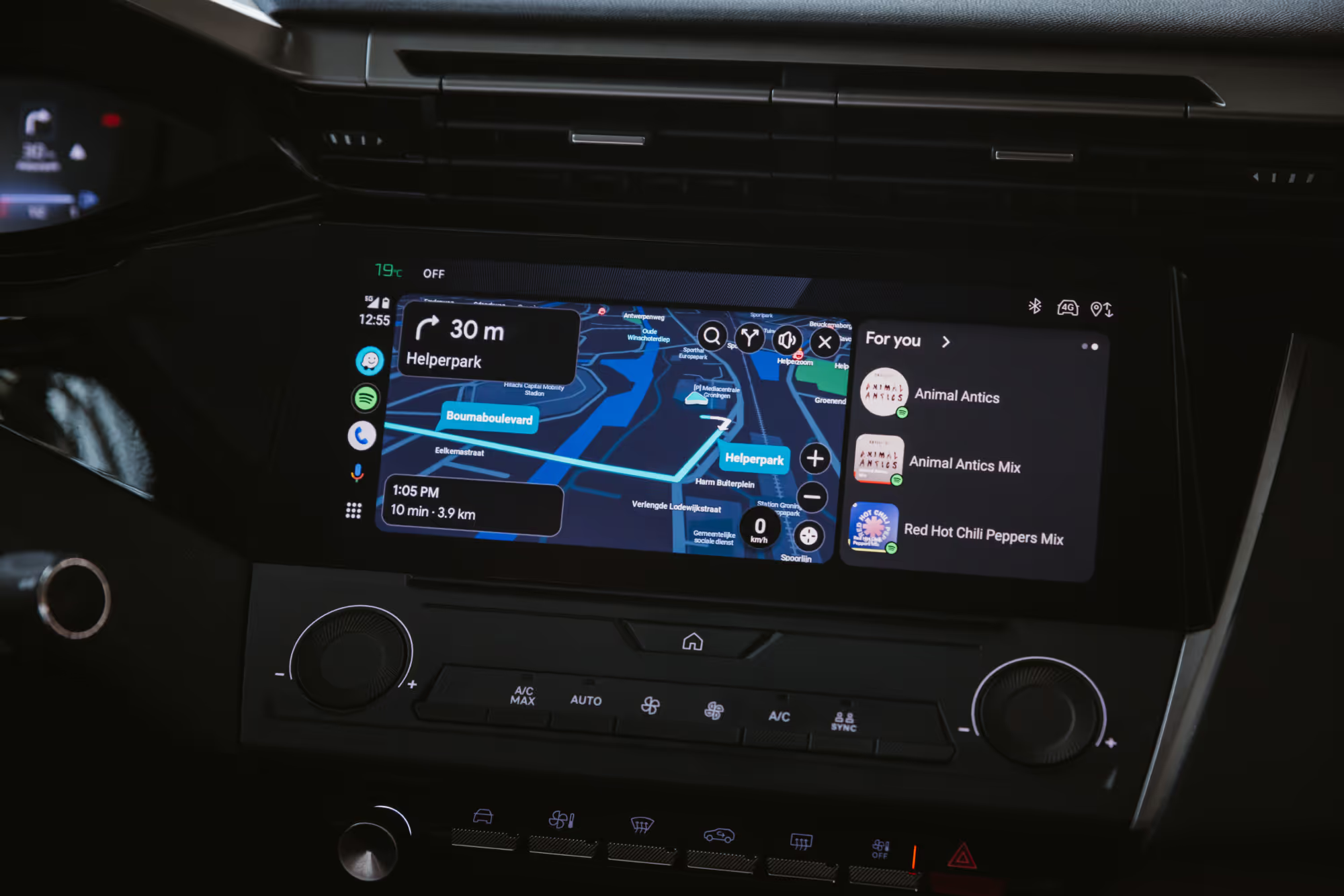
Knowledge
Android Auto not connecting or not working? Here are 5 fixes

Knowledge
Does Mercedes Have Apple CarPlay? How to Check Your Car

Knowledge
AAWireless vs Motorola: Which wireless adapter is the best choice?
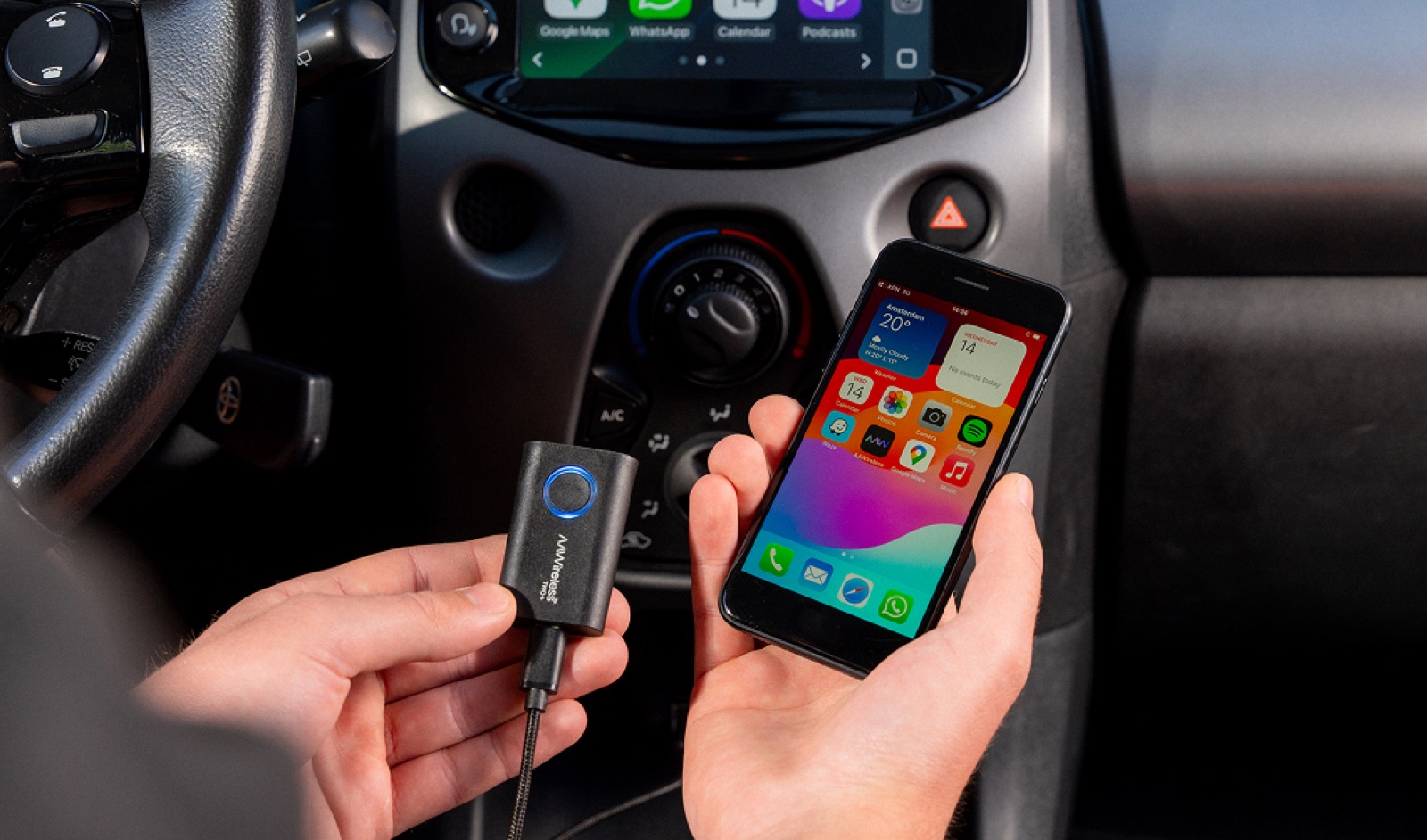
Knowledge
Best wireless CarPlay adapter 2026: Why TWO+ is recommended
Frequently asked questions
What is included in the AAWireless adapter box?
Every AAWireless adapter box contains everything you need to get started:
- 1x AAWireless adapter
- 1x USB-C to USB-A fast data transfer cable (short length, optimized for stability)
- 1x Quick-start manual
Are the AAWireless adapters compatible with my car?
In general, AAWireless adapters are compatible with cars and head units that only support wired Android Auto or wired Apple CarPlay. In other words, AAWireless is compatible with your car or head unit if:
- Your car supports wired-only Android Auto: use the AAWireless TWO or AAWireless TWO+ to make Android Auto wireless.
- Your car supports wired-only CarPlay: use the AAWireless TWO+ to make CarPlay wireless.
To check compatibility, plug your phone directly into your car's USB port. If Android Auto or CarPlay starts up, your car supports the wired version and should be compatible.
Not sure? Email our support team at support@aawireless.io, or check Android Auto's official list of compatible vehicles and Apple CarPlay's official list of compatible vehicles.
Do I need both Bluetooth and Wi-Fi to connect to an AAWireless adapter?
Our adapter has Wi-Fi and Bluetooth hardware. The adapter establishes a Bluetooth connection with your phone, passes the Wi-Fi credentials from the dongle to the phone, and then breaks off the Bluetooth connection. The adapter itself exclusively utilizes Wi-Fi from that moment on, however, Android Auto processes also require a Bluetooth connection.
How it works:
- If the adapter’s Bluetooth is not visible, go ahead and reboot your phone, reset the AAWireless dongle and re-pair as you’d normally do for the first time.
- If the adapter’s Bluetooth is visible, but not connected, turn Bluetooth on your phone on and off, forget the “AAWireless-XXXX” device in your phone’s Bluetooth list, then pair again. Finally, restart both the phone and your car’s infotainment system.
- If the adapter’s Wi-Fi SSID is not visible, go ahead and reboot your phone, reset the AAWireless dongle and re-pair as you’d normally do for the first time.
- If the adapter’s Wi-Fi is visible, but not connected or asking for the password, manually connect to the dongle’s Bluetooth by tapping on it under your phone’s list of Bluetooth devices.
- If Bluetooth connects but Wi-Fi still fails, test with another phone (if possible) to check if the issue is device-specific.
- If the issue persists, clear cache data for the Android Auto app. Next, delete the “AAWireless-XXXX” Wi-Fi network from your phone’s Wi-Fi settings.
The AAWireless adapter uses Bluetooth only to pass Wi-Fi credentials to your phone. Once credentials are exchanged, the connection switches entirely to Wi-Fi, indicated by a solid blue light.
My car already has wireless Android Auto/CarPlay, can I still use an AAWireless adapter?
Cars with built-in wireless Android Auto or CarPlay are not compatible with AAWireless adapters. Not sure whether your car has native wireless Android Auto or CarPlay? Email our support team at support@aawireless.io.
What are the warranty conditions?
All AAWireless products purchased through Amazon or our official webshop are covered by a 2-year warranty. This means you are fully protected against defects or issues during that period. For more information, please visit our Terms and Conditions.
If you are experiencing problems and need further technical assistance, you can reach our support team in the following ways:
- Via email: support@aawireless.io
- Companion App (adapters only): have an AAWireless adapter? Use the built-in troubleshooter in the app to diagnose and report the issue.
Once you contact us, our support team will:
- Guide you through additional troubleshooting steps.
- Arrange a warranty replacement if necessary.
We want every AAWireless product to work the way it should, every time you get in the car.
Can I get a business invoice for my AAWireless order?
At this time, AAWireless is unable to generate invoices for companies, or modify the automatically generated invoice. Our webshop is designed to cater exclusively to individual customers, and it does not currently support sales to companies or businesses.
Can I return to AAWireless for free?
Unfortunately, return costs must be borne by the customer. In case of a defective device, we would be more than happy to help you troubleshoot the issue and replace your device at no extra cost. More information about the warranty and return policy can be found in our Terms and Conditions, on the website.
Are there any discount codes, coupons or vouchers available for purchasing AAWireless?
Our valued subscribers will be the first to receive exclusive updates regarding upcoming promotions and discounts immediately after signing up for our AAWireless newsletter. You can easily join via the sign up in the footer. We look forward to keeping you informed about all our exciting offers!
How useful is the information on this page to you?