


1 / 7
AAWireless NEXUS
Wireless CarPlay & Android Auto Adapter
1 740,86 CZK
- Works with Apple CarPlay & Android Auto™
- Compatible with cars that have USB-A or USB-C ports
- Flexible placement for a cleaner setup
Coming soon
- 2-year warranty
- 30-day easy returns
- Secure payment
Description
Upgrade your wired Apple CarPlay and Android Auto™ connection to a seamless wireless experience. With included USB-A and USB-C cables, the compact dongle adapts to your car’s port and can be placed wherever you'd prefer.
How it works
- Plug the AAWireless NEXUS into your car
- Connect your phone to the AAWireless NEXUS
- Enjoy Apple CarPlay & Android Auto™ wirelessly
Not sure which adapter suits your car? Compare all AAWireless adapters.
Compatibility
- Works with cars and aftermarket head units that have wired-only Android Auto and / or CarPlay
- Fits cars with a USB-A or USB-C port (both cables included).
- Requires Android 11 or higher for wireless Android Auto.
- Requires iPhone X or newer for wireless CarPlay.
Specifications
- Dimensions: 3.7 × 3.6 × 0.8 cm
- Weight: approx. 8 g
- Connectivity: Bluetooth & Wi-Fi 6 (2.4 + 5 GHz)
- Port: USB-C (replaceable cable)
- Car connection: USB-A or USB-C
- Compatibility: Wired Android Auto & Apple CarPlay systems
What's in the box
- NEXUS adapter
- USB-C to USB-A cable
- USB-C to USB-C cable
- 3M mounting sticker
- User manual
Discover AAWireless NEXUS
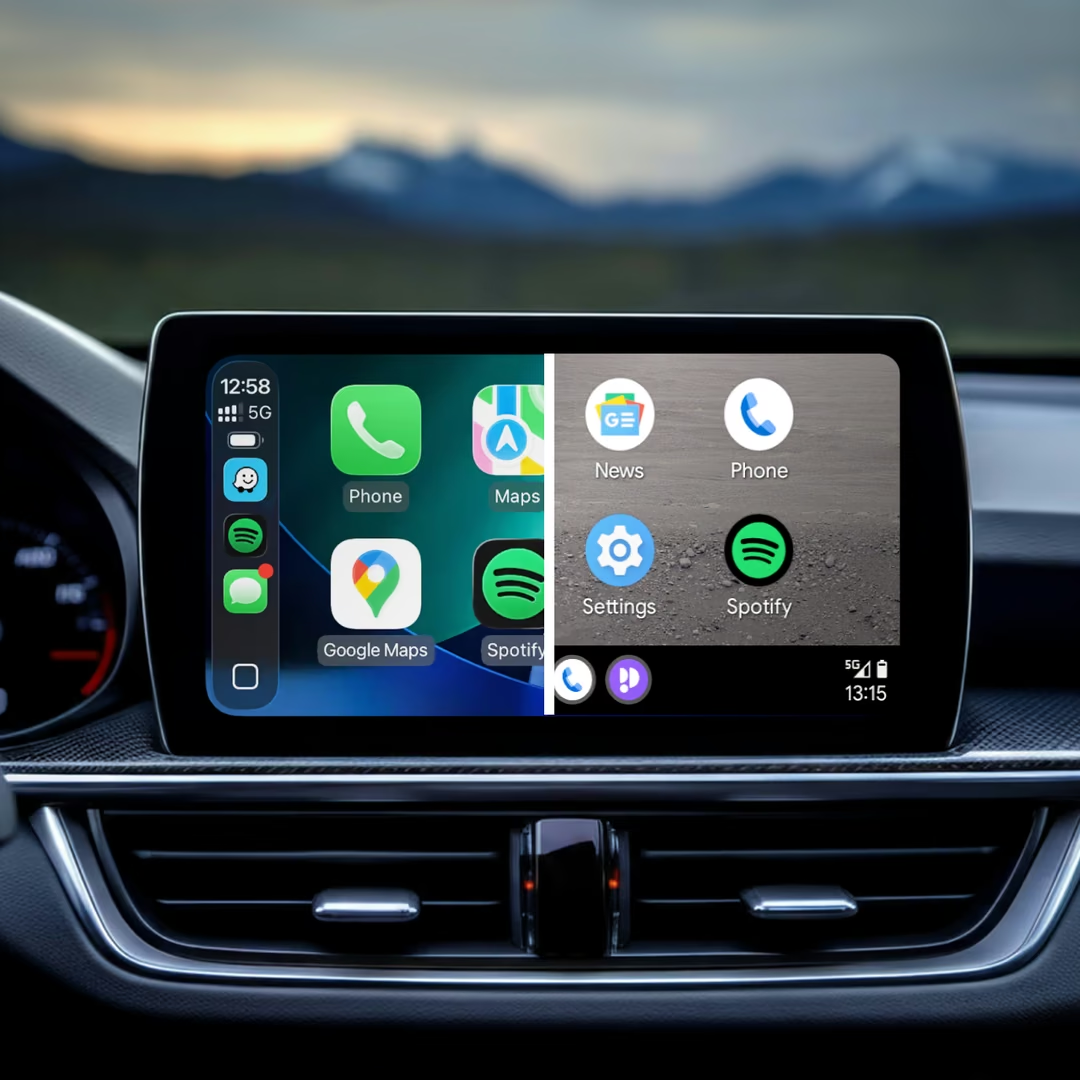
Wireless CarPlay & Android Auto
Works with Apple CarPlay & Android Auto™
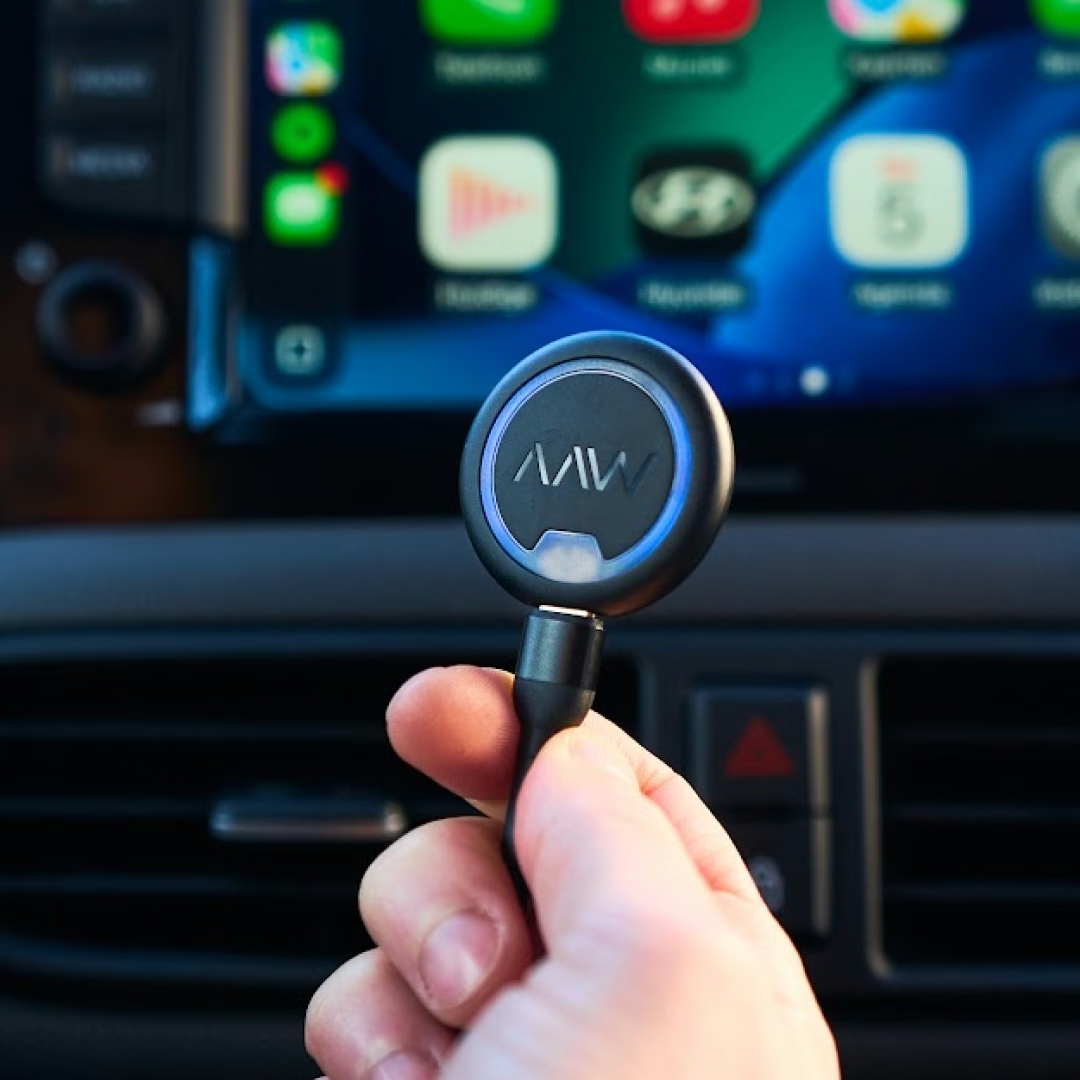
Replaceable cable
Replaceable cable design
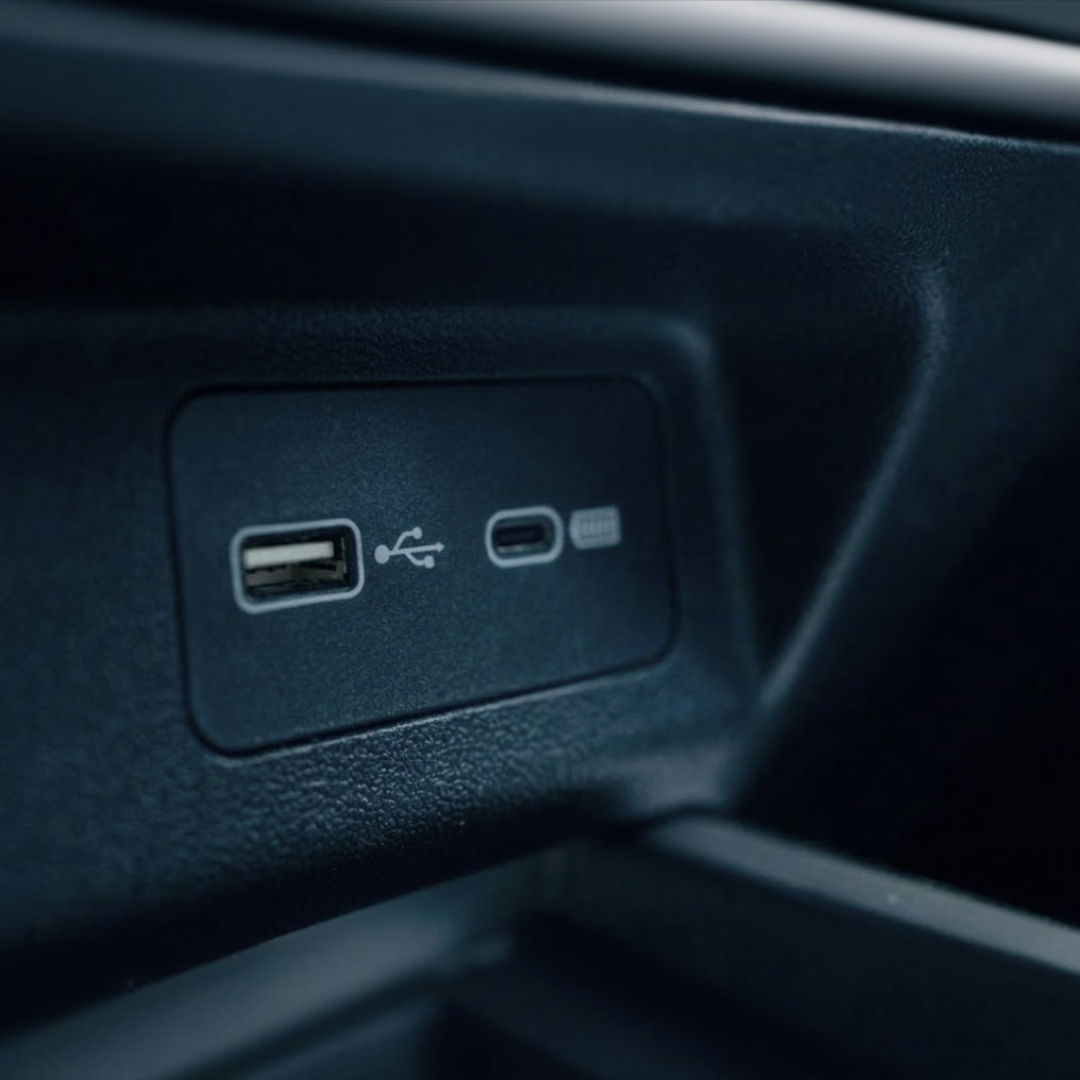
USB-A & USB-C
Compatible with cars that have USB-A or USB-C ports
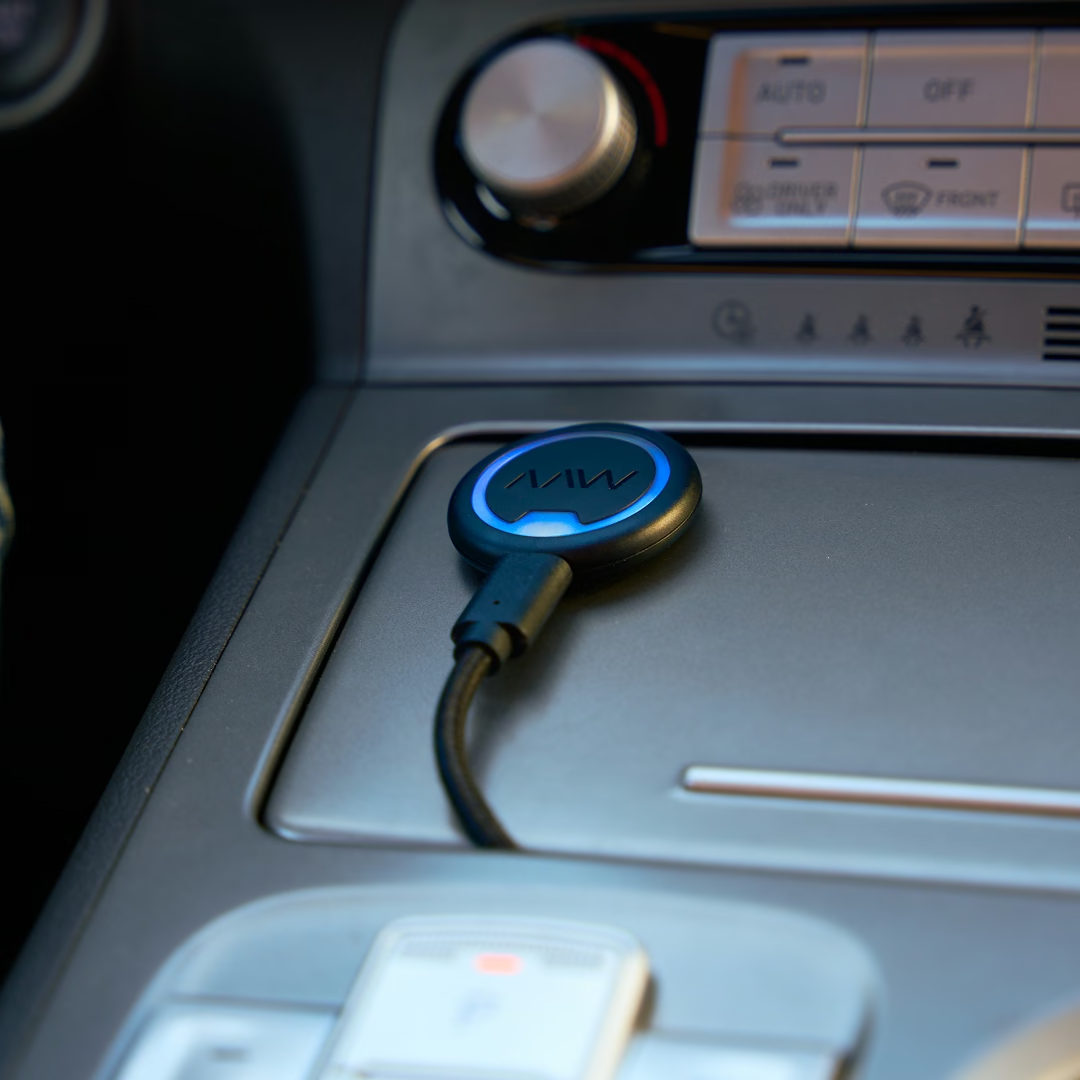
Flexible placement
Flexible placement for a cleaner setup
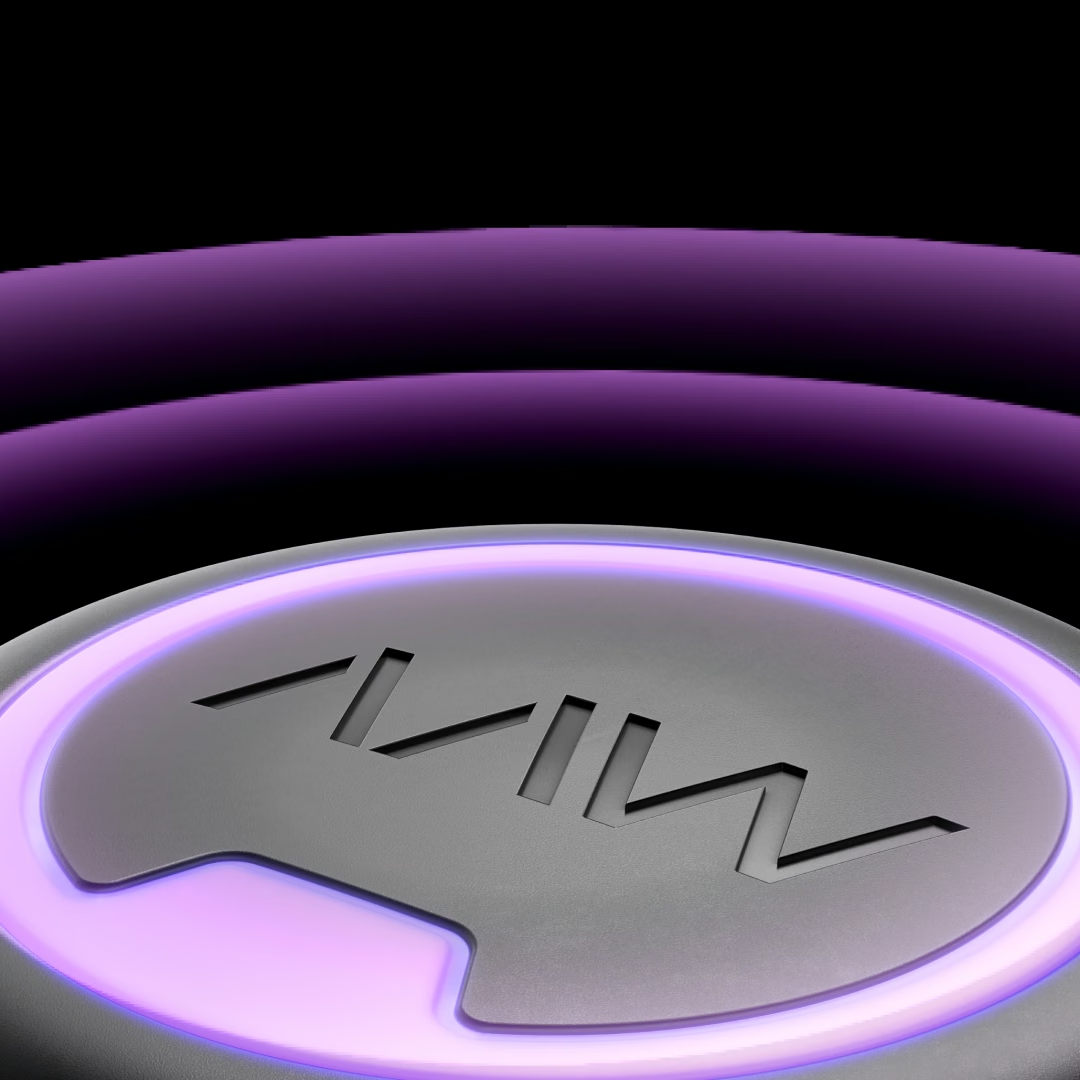
Multifunctional button
Pair and switch phones with one button
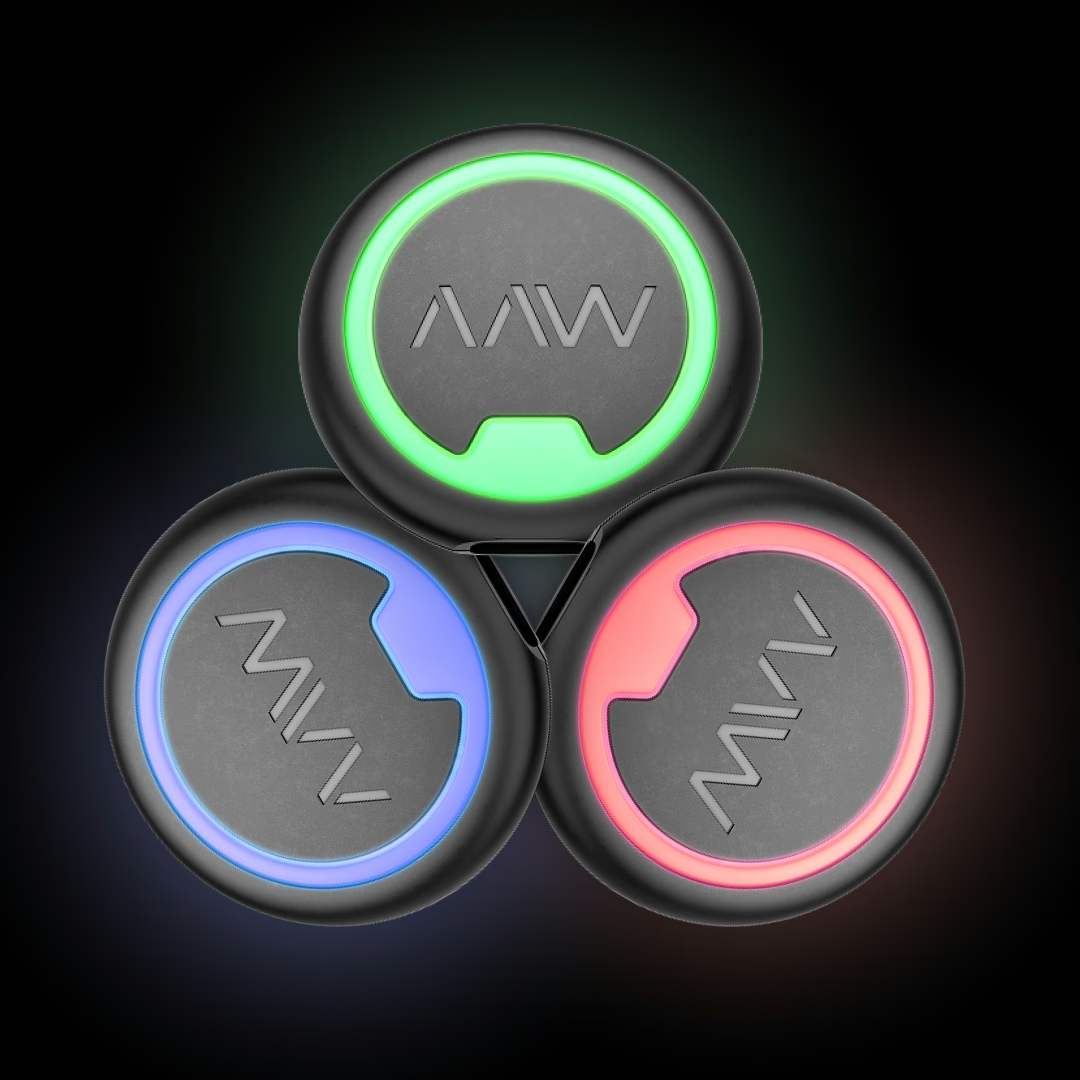
LED indicator
Built-in LED for clear connection status
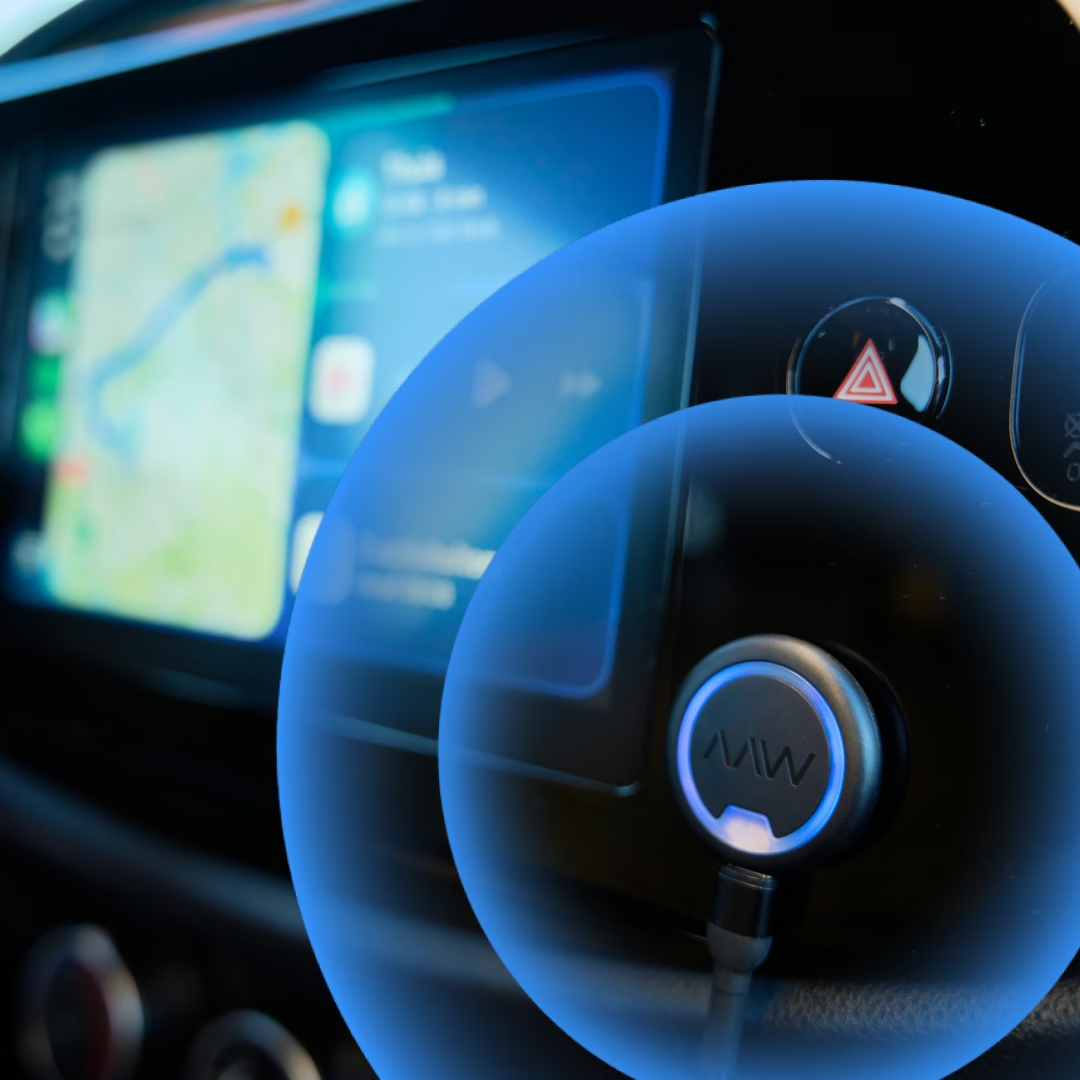
Wi-Fi 6
Dual-band Wi-Fi 6 for a stable connection
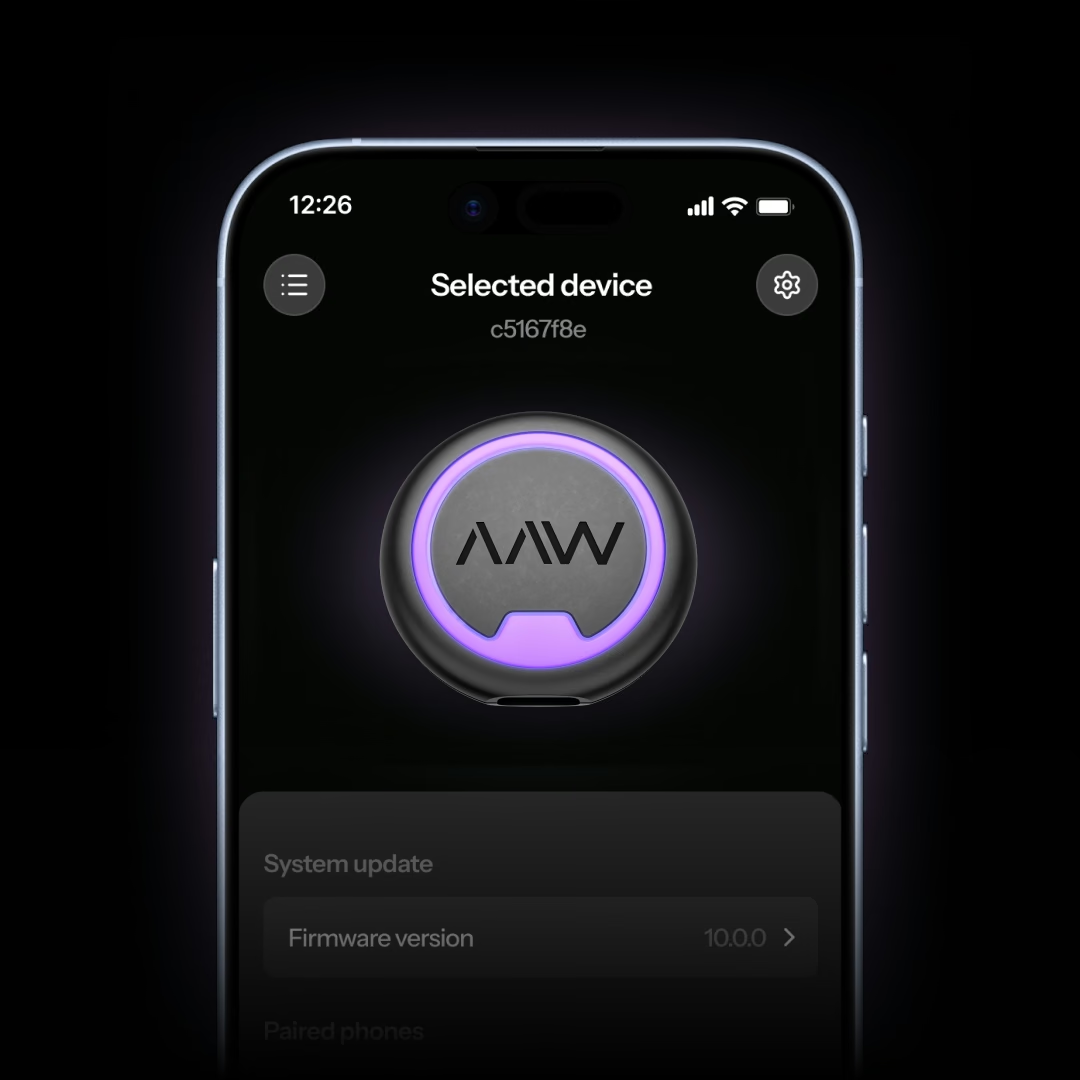
Companion App
Fine-tune your wireless experience


Frequently asked questions
Which cars does the AAWireless NEXUS work with?
The AAWireless NEXUS works with cars and aftermarket head units that have wired Apple CarPlay and/or Android Auto. It fits both USB-A and USB-C ports, because a USB-C to USB-A cable and a USB-C to USB-C cable are included.
For wireless Android Auto you need Android 11 or higher, for wireless CarPlay an iPhone X or newer.
To check compatibility, plug your phone directly into your car's USB port with a cable. If Apple CarPlay or Android Auto starts up, your car supports the wired version and the NEXUS should work.
Does your car already have built-in wireless Apple CarPlay or Android Auto? Then the AAWireless NEXUS is not compatible.
Does the AAWireless NEXUS work with a USB-C port in my car?
Yes. The AAWireless NEXUS comes with a USB-C to USB-C cable for cars with a USB-C port and a USB-C to USB-A cable for cars with a USB-A port. Thanks to the replaceable cable design, you simply use the cable that fits your car.
Where do I place the AAWireless NEXUS in my car?
Because the AAWireless NEXUS connects with a cable, you can place it wherever you prefer, for example in the center console or a storage compartment. Use the included 3M mounting sticker to attach it firmly for a clean setup.
What is the difference between the AAWireless NEXUS and the AAWireless NANO?
Both adapters make wired Apple CarPlay and Android Auto wireless, use Wi-Fi 6 and have a multifunctional button. The difference is in how they connect:
- AAWireless NEXUS: a compact dongle with a replaceable cable. Fits USB-A and USB-C ports and can be placed wherever you like.
- AAWireless NANO: an ultra-compact stick that plugs straight into a USB-A port, without any cables.
Does your car only have USB-C ports? Then choose the NEXUS.
What is the difference between the AAWireless NEXUS and the AAWireless TWO+?
Both work with wireless Apple CarPlay and Android Auto and have a multifunctional button. The AAWireless NEXUS is almost 70% smaller than the TWO+, uses Wi-Fi 6 instead of Wi-Fi 4 and has a replaceable cable. It also comes with both a USB-C to USB-A and a USB-C to USB-C cable.
How do I set up the AAWireless NEXUS?
- Plug the AAWireless NEXUS into the USB port of your car.
- Pair your phone with the AAWireless NEXUS via Bluetooth.
- Enjoy Apple CarPlay and Android Auto wirelessly.
After the first pairing, your phone connects automatically every time you start your car. Use the free AAWireless Companion App to change settings and install firmware updates.
Can I connect multiple phones to the AAWireless NEXUS?
Yes. You can pair multiple phones with the AAWireless NEXUS and switch between them with the multifunctional button. Handy if you share your car with someone else.
What's in the box with the AAWireless NEXUS?
- 1x AAWireless NEXUS adapter
- 1x USB-C to USB-A cable
- 1x USB-C to USB-C cable
- 1x 3M mounting sticker
- 1x User manual
What are the warranty conditions?
All AAWireless products purchased through Amazon or our official webshop are covered by a 2-year warranty. This means you are fully protected against defects or issues during that period. For more information, please visit our Terms and Conditions.
If you are experiencing problems and need further technical assistance, you can reach our support team in the following ways:
- Via email: support@aawireless.io
- Companion App (adapters only): have an AAWireless adapter? Use the built-in troubleshooter in the app to diagnose and report the issue.
Once you contact us, our support team will:
- Guide you through additional troubleshooting steps.
- Arrange a warranty replacement if necessary.
We want every AAWireless product to work the way it should, every time you get in the car.
How useful is the information on this page to you?