Skip to content
  • 30-day easy returns
  • 20,000+ compatible cars
  • 2-year warranty
Excellent4.5 out of 5.0 (opens in a new window)

Why use a wireless CarPlay & Android Auto adapter?

  • Enjoy your favorite apps on the road

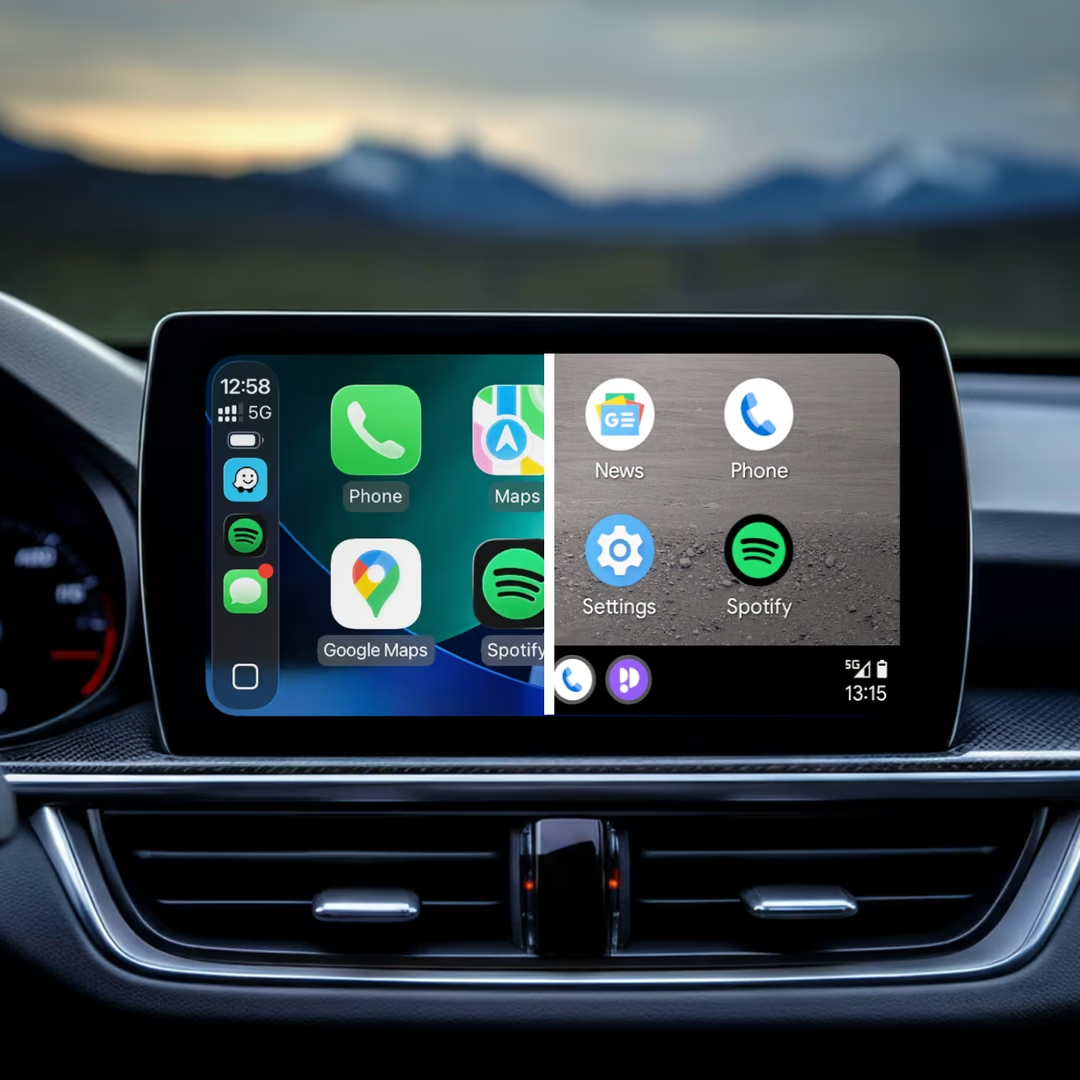
    Apple CarPlay and Android Auto side by side on a car display
  • Keep your cabin clutter-free

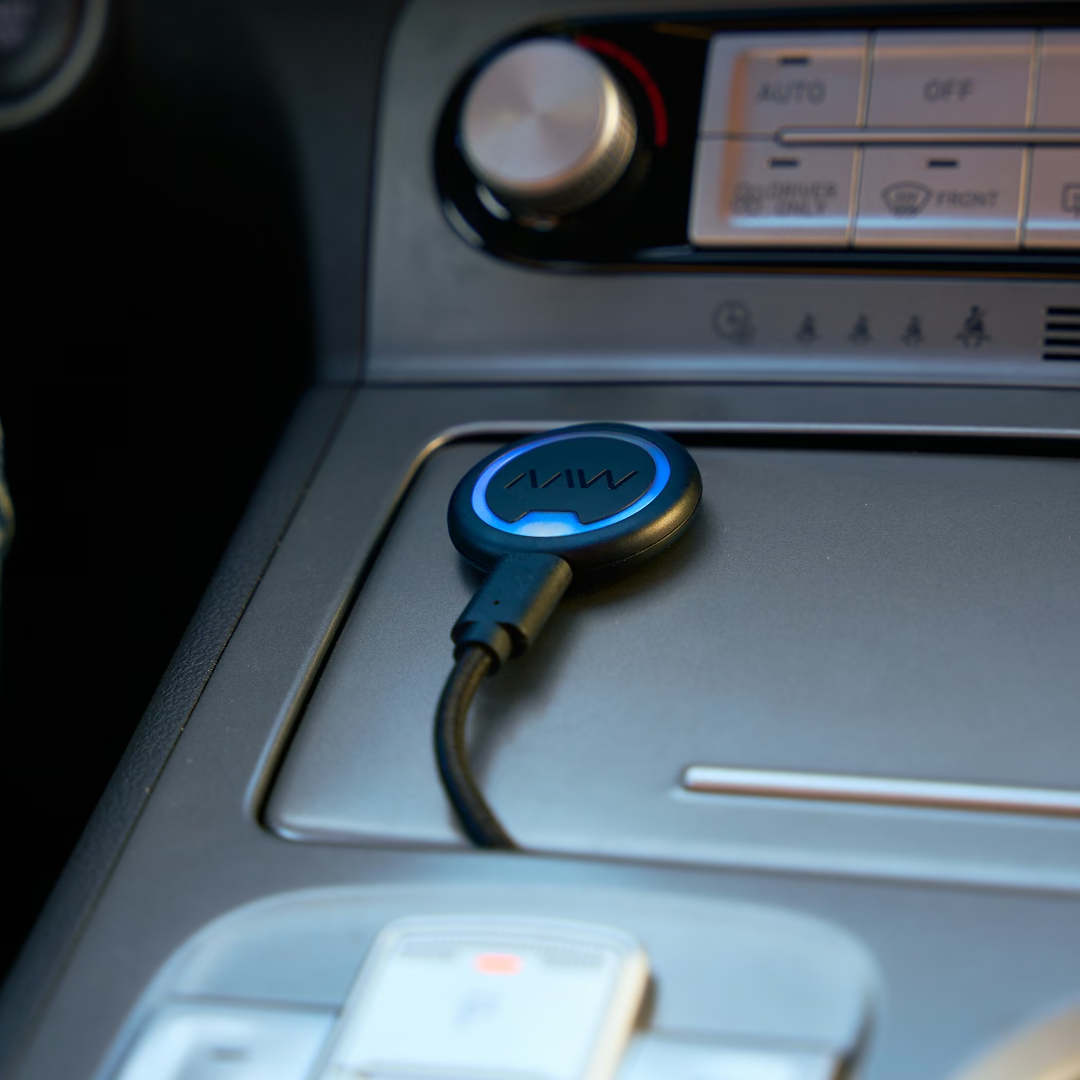
    AAWireless NEXUS placed on the center console of a car
  • More with the Companion App

    Discover app features
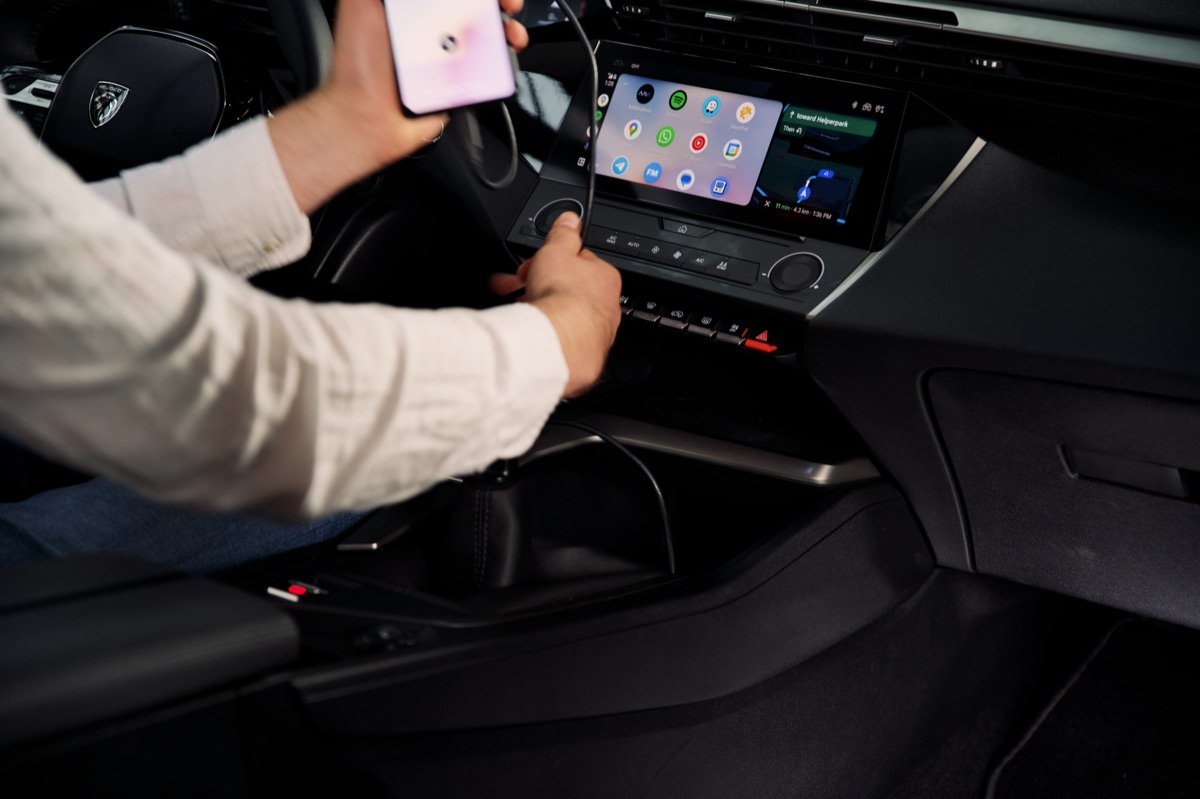
  • Start your car. You're connected.

    Installing AAWireless in the car

Bring your favorite features to your dashboard

Apple CarPlay and Android Auto side by side on a car display

From taking calls and replying to messages to navigating your route and playing your favorite songs, everything you need for a more connected, enjoyable drive is right at your fingertips.

Why shop at AAWireless

  • Trusted by 530K+ users

    Active in more than 35 countries worldwide.

  • 30-day returns

    Not completely satisfied? You can return your device easily.

  • 2-year warranty

    On everything you buy from our store or on Amazon.

  • Fast shipping

    Delivered in 1–2 business days, or 3–5 business days in the US.

Driver reaching for a phone cable

The everyday problem

Wireless CarPlay and Android Auto make every drive easier. No more plugging in a cable each time you get in the car. Just start your engine and your apps, music and navigation are ready to go.

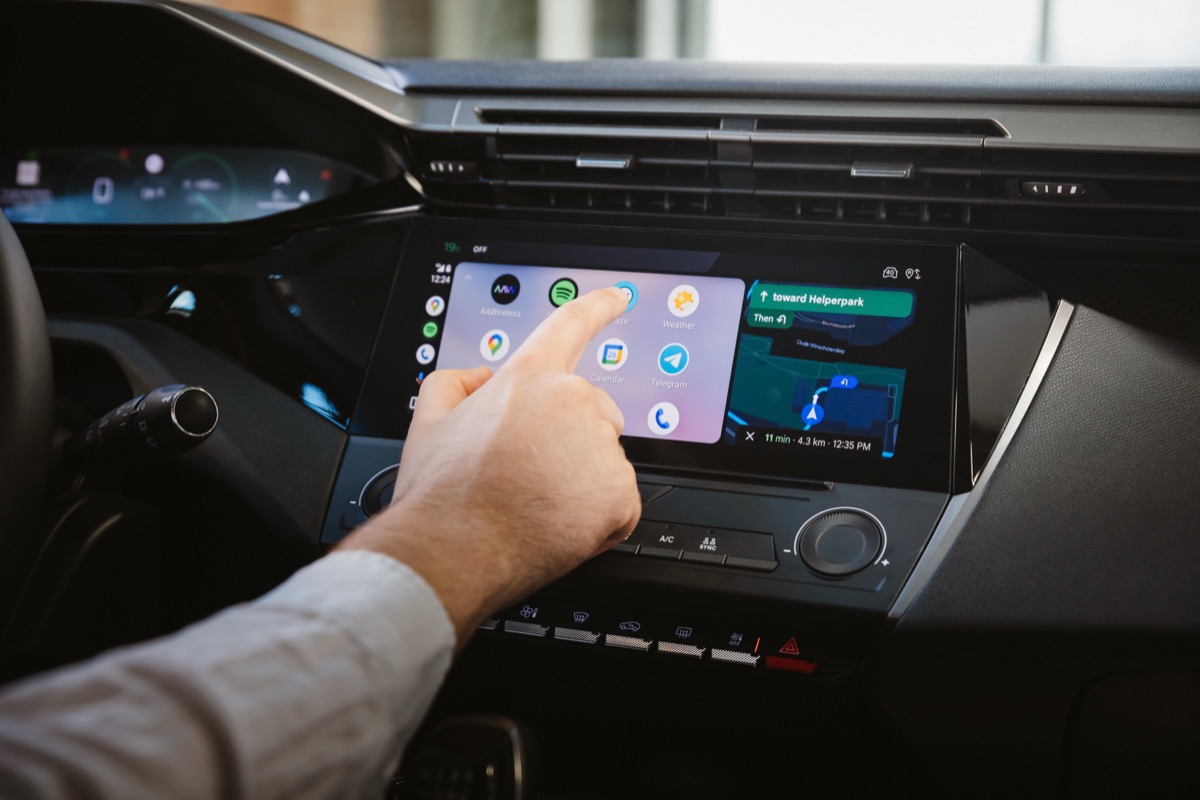
Navigation and music on the car display

Everything you need, right where you need it

Plan your next road trip, take a call on the way to work, reply to a message or put on your favorite playlist. Wireless CarPlay and Android Auto put everything you need from your phone right on your car’s screen, while your phone stays in your pocket.
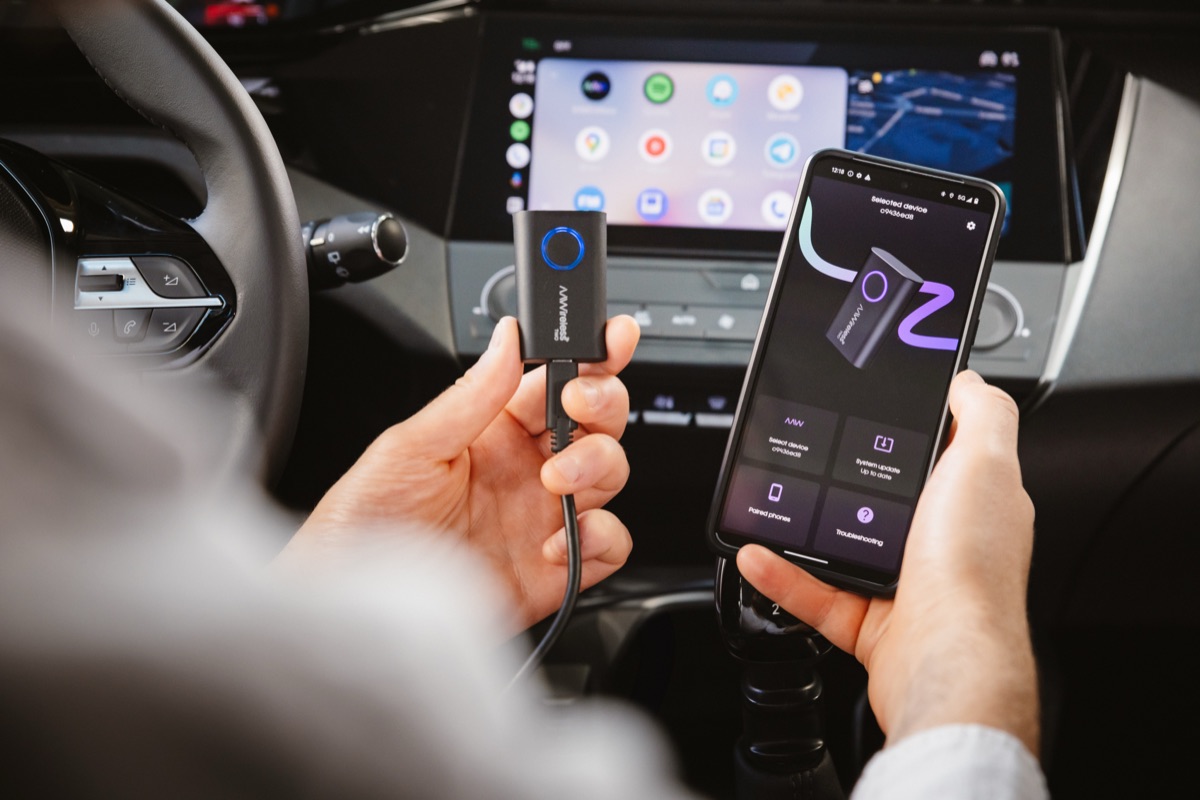
AAWireless adapter in the car

Made for every drive

Our adapters make the switch to wireless effortless. Connect once, and your phone connects automatically every time you start your car. With the free companion app, you can manage your adapter and keep it up to date.
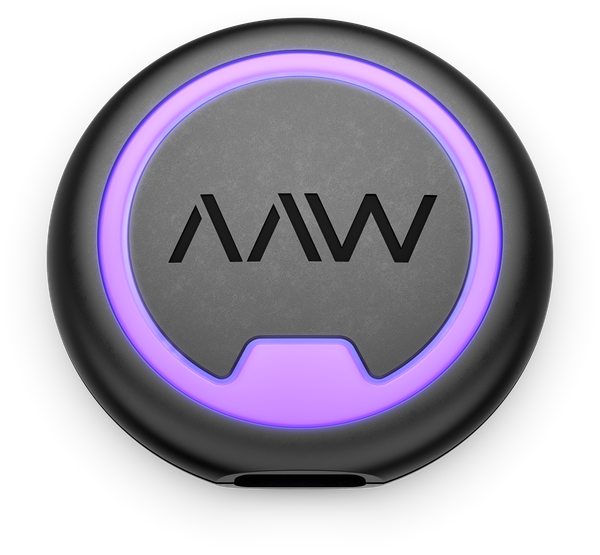
Compare the AAWireless adapters

Compare all models

AAWireless NEXUS

CarPlay & Android Auto Adapter

$69.99
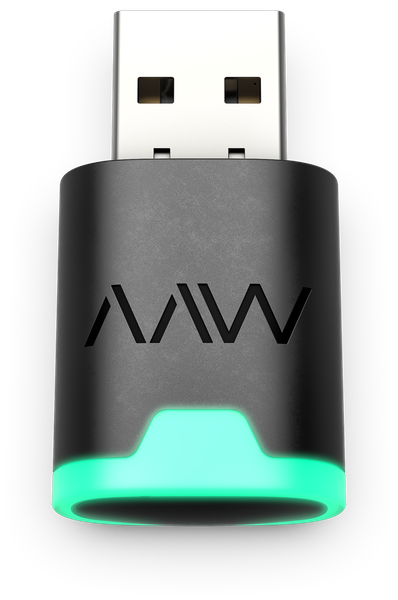
AAWireless NANO

CarPlay & Android Auto Adapter

$69.99
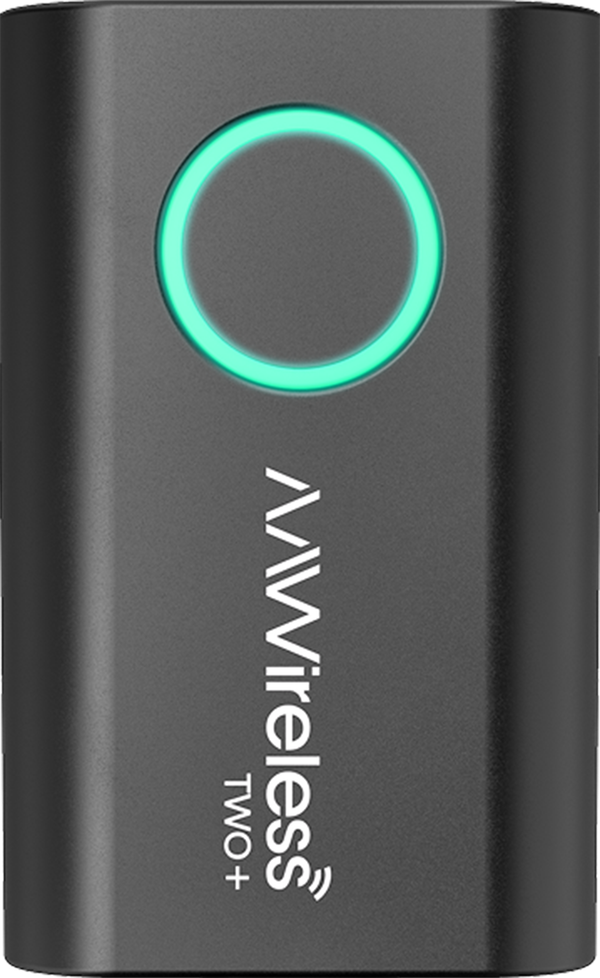
AAWireless TWO+

CarPlay & Android Auto Adapter

$69.99

AAWireless TWO

Android Auto Adapter

$59.99

Compatible with CarPlay & Android Auto
Dual-Band Wi-Fi 6
2.4 GHz + 5 GHz
For USB-C & USB-A car ports
Multifunctional button
Compatible with CarPlay & Android Auto
Dual-Band Wi-Fi 6
2.4 GHz + 5 GHz
For USB-A car ports
Multifunctional button
Compatible with CarPlay & Android Auto
Dual-Band Wi-Fi
2.4 GHz + 5 GHz
Bluetooth
4.2+
For USB-C & USB-A car ports
Multifunctional button
Compatible with Android Auto
Dual-Band Wi-Fi
2.4 GHz + 5 GHz
Bluetooth
4.2+
For USB-C & USB-A car ports
Multifunctional button

Frequently asked questions

Will an AAWireless adapter work in my car?

If your car supports Android Auto or Apple CarPlay with a cable only, you’re good to go. The adapter makes that connection wireless. Cars with built-in wireless Android Auto or CarPlay aren’t compatible.

Not sure what your car supports? Test it in a minute:

  1. Plug your phone into your car’s USB port with a data cable and unlock it.
  2. Does Android Auto or CarPlay open on your car screen? Then your car supports the wired version. If your phone or car asks whether you want to connect wirelessly from now on, your car has wireless built in and doesn’t need an adapter.
  3. Still not sure? Unplug the cable and pair your phone with your car over Bluetooth. If Android Auto or CarPlay starts without the cable, your car already has wireless built in. If it only works with the cable, an AAWireless adapter will work. Plug it into that same port.

Some cars have USB ports that only charge, so try another port if nothing happens. You can also check your car’s manual.

Wireless Android Auto works with Android 11 or higher, on both the TWO and TWO+. Wireless CarPlay works with an iPhone X or newer, on the TWO+ only. Still unsure? Email our support team at support@aawireless.io.

Which AAWireless adapter do I need?

It depends on your phone and what your car supports. The AAWireless TWO makes Android Auto wireless. The TWO+ works with both Android Auto and Apple CarPlay, so it’s the one to pick if you use an iPhone or switch between phones.

What is included in the AAWireless adapter box?

Every AAWireless adapter box contains everything you need to get started:

  • 1x AAWireless adapter
  • 1x USB-C to USB-A fast data transfer cable (short length, optimized for stability)
  • 1x Quick-start manual

Do I need both Bluetooth and Wi-Fi to connect to an AAWireless adapter?

Our adapter has Wi-Fi and Bluetooth hardware. The adapter establishes a Bluetooth connection with your phone, passes the Wi-Fi credentials from the dongle to the phone, and then breaks off the Bluetooth connection. The adapter itself exclusively utilizes Wi-Fi from that moment on, however, Android Auto processes also require a Bluetooth connection.

How it works:

  • If the adapter’s Bluetooth is not visible, go ahead and reboot your phone, reset the AAWireless dongle and re-pair as you’d normally do for the first time.
  • If the adapter’s Bluetooth is visible, but not connected, turn Bluetooth on your phone on and off, forget the “AAWireless-XXXX” device in your phone’s Bluetooth list, then pair again. Finally, restart both the phone and your car’s infotainment system.
  • If the adapter’s Wi-Fi SSID is not visible, go ahead and reboot your phone, reset the AAWireless dongle and re-pair as you’d normally do for the first time.
  • If the adapter’s Wi-Fi is visible, but not connected or asking for the password, manually connect to the dongle’s Bluetooth by tapping on it under your phone’s list of Bluetooth devices.
  • If Bluetooth connects but Wi-Fi still fails, test with another phone (if possible) to check if the issue is device-specific.
  • If the issue persists, clear cache data for the Android Auto app. Next, delete the “AAWireless-XXXX” Wi-Fi network from your phone’s Wi-Fi settings.

The AAWireless adapter uses Bluetooth only to pass Wi-Fi credentials to your phone. Once credentials are exchanged, the connection switches entirely to Wi-Fi, indicated by a solid blue light.

What are the warranty conditions?

All AAWireless products purchased through Amazon or our official webshop are covered by a 2-year warranty. This means you are fully protected against defects or issues during that period. For more information, please visit our Terms and Conditions.

If you are experiencing problems and need further technical assistance, you can reach our support team in the following ways:

  • Via email: support@aawireless.io
  • Companion App (adapters only): have an AAWireless adapter? Use the built-in troubleshooter in the app to diagnose and report the issue.

Once you contact us, our support team will:

  • Guide you through additional troubleshooting steps.
  • Arrange a warranty replacement if necessary.

We want every AAWireless product to work the way it should, every time you get in the car.

Are there any discount codes, coupons or vouchers available for purchasing AAWireless?

Our valued subscribers will be the first to receive exclusive updates regarding upcoming promotions and discounts immediately after signing up for our AAWireless newsletter. You can easily join via the sign up in the footer. We look forward to keeping you informed about all our exciting offers!

How useful is the information on this page to you?

Your cart

Loading your cart…

Search AAWireless