
Best Wireless CarPlay Adapter 2026: Why TWO+ is Recommended
Are you looking to upgrade your in-car experience in 2026? If your vehicle only has wired CarPlay or Android Auto, a wireless CarPlay adapter is the perfect solution. The AAWireless TWO+ stands out with its dual support, over-the-air (OTA) updates, and positive reviews by tech experts and satisfied customers, positioning it as one of the best CarPlay wireless adapters on the market.
TL;DR: Key Takeaways
- Tired of cables? A wireless adapter connects your iPhone to CarPlay automatically: no plugging in each time.
- AAWireless TWO+ is the best wireless CarPlay adapter for 2026 due to its versatility and positive reviews.
- TWO+ features dual wireless Apple CarPlay and wireless Android Auto support.
- Recommended by major tech reviewers like Android Authority, ZDNet, HowToGeek, and 9to5Google.
- Plug, pair, and drive: setup takes under a minute.
- Available now in the US and EU → Buy AAWireless TWO+.
Why AAWireless TWO+ is Recommended by Tech Experts
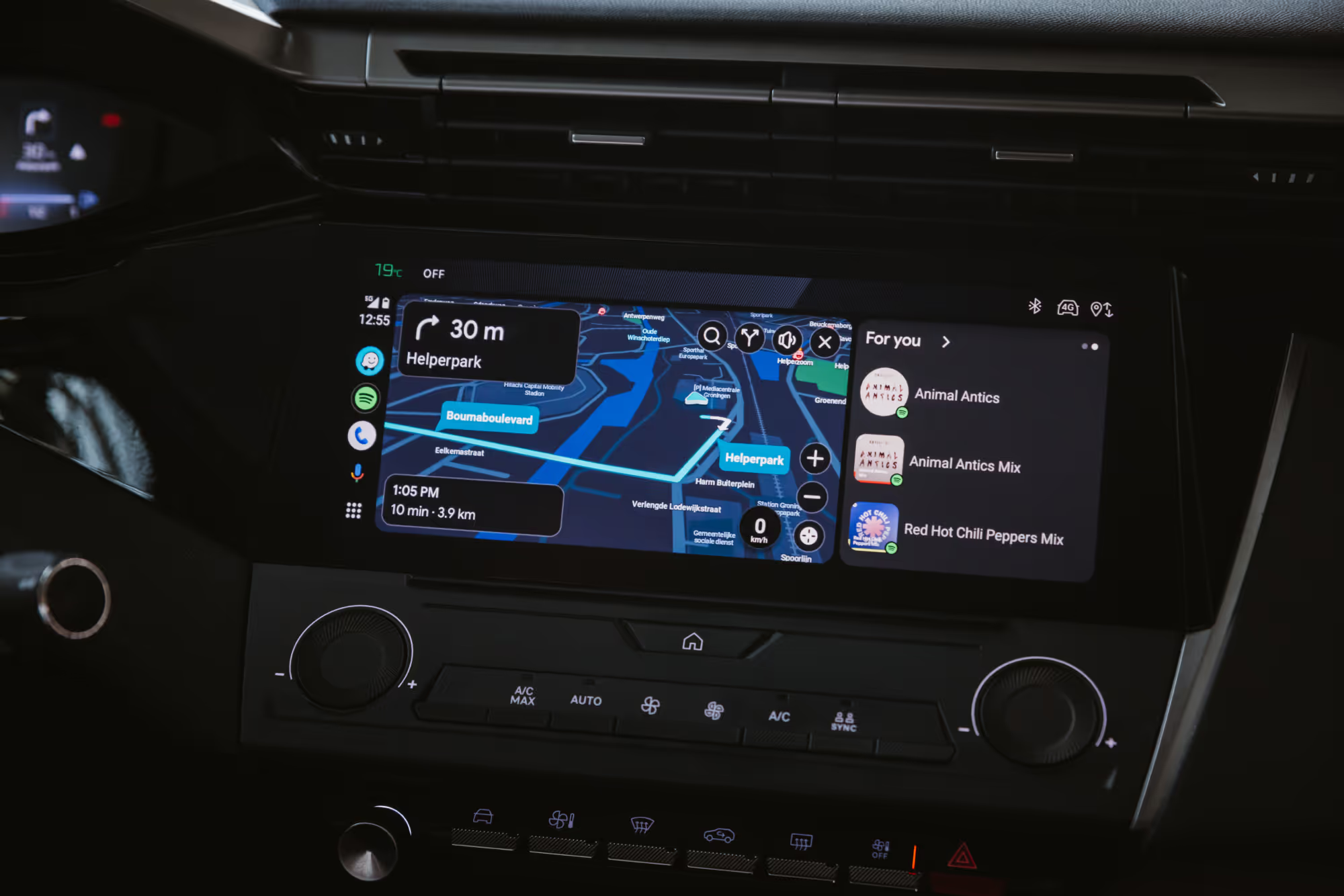
The AAWireless TWO+ stands out as a 2-in-1 wireless solution, supporting both Apple CarPlay and Android Auto. This dual compatibility ensures that regardless of your smartphone preference, you can enjoy wireless Android Auto and CarPlay in your car. This versatility is a significant advantage for households with both iPhone and Android users, eliminating the need for separate dongles. The seamless switching between platforms makes it a standout choice in the realm of auto adapters.
Unlike other adapters on the market, the TWO+ features a unique customizable button, allowing users to switch between phones and systems effortlessly. With the free companion app, you can tailor the button's functions to suit your preferences, whether you want it to switch phones or enable standby mode with a single press. Experience the convenience of a wireless connection via Bluetooth and Wi-Fi, eliminating the hassle of wires and a messy dashboard.
Over-the-air (OTA) firmware updates are crucial for the longevity and performance of any wireless adapter. AAWireless TWO+ provides constant updates for new and existing wireless CarPlay features. These updates ensure that the device remains compatible with the latest smartphones and car infotainment systems, addressing any bugs or improving functionality over time. Regular OTA updates guarantee a consistently optimized and reliable wireless CarPlay experience, setting it apart from adapters with stagnant software.
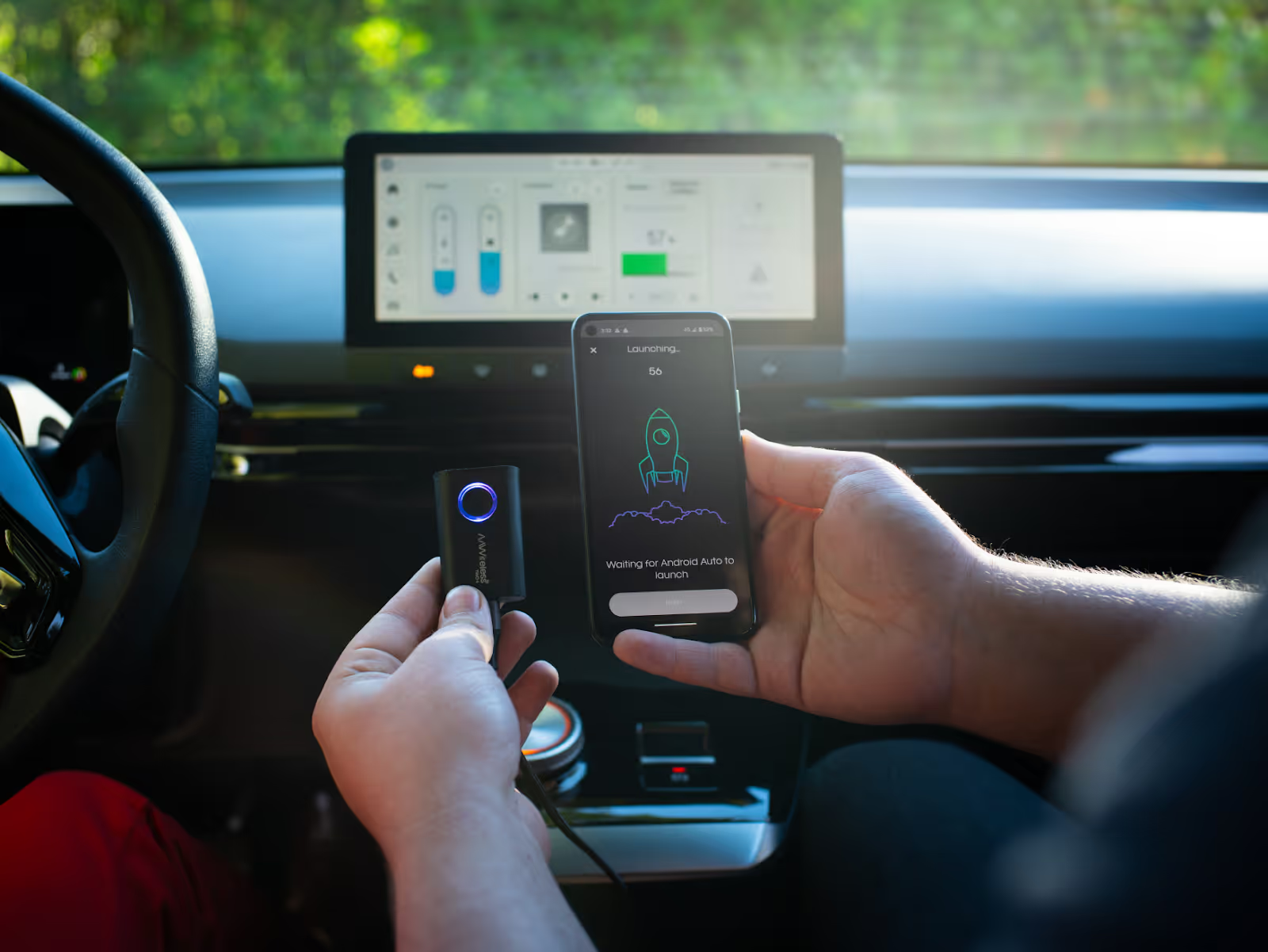
Expert Opinions from Android Authority, ZDNet, and 9to5Google.
"It does exactly what it says it will do 100% of the time and is priced well to boot." - Android Authority
The AAWireless TWO+ has garnered attention from tech experts, and for good reason. Reviewers at Android Authority, ZDNet, and 9to5Google have praised its reliable performance and seamless connections. The consensus among these experts is that the AAWireless TWO+ offers a superior wireless CarPlay experience compared to many other adapters on the market. TWO+ was awarded the Editor's choice award by both Android Authority and ZDNet. This recognition from reputable media adds to its credibility as a top-tier wireless adapter.
"The way and speed at which it works is part of what makes it stand out from the crowd." - 9to5Google
"I simply start the engine of my car, wait for five to eight seconds for the dongle to react and my phone to pair, and voilà: wireless automotive software goodness." - ZDNet
Real User Feedback
Summary of User Ratings
AAWireless has garnered high praise from its users over the years, reflected in its impressive 4.5-star rating on Trustpilot based on more than 9800 reviews. Real users consistently highlight its seamless connectivity, ease of use, and overall improvement to their in-car experience, making it a highly recommended choice for those seeking a wireless upgrade.
Is the TWO+ Right for You?
The TWO+ is a great fit if:
- Your car has wired CarPlay or Android Auto and you’re tired of plugging in your phone every trip.
- You share the car with someone who uses a different phone. The TWO+ supports both CarPlay and Android Auto and switches between phones.
- You want an adapter that keeps improving. Over-the-air updates through the companion app add fixes and new features after you buy it.
You may not need the TWO+ if:
- Your car already supports wireless CarPlay and wireless Android Auto. In that case, an adapter adds little.
- Your car has no CarPlay or Android Auto at all. An adapter makes an existing wired connection wireless, but it can’t add CarPlay to a car that doesn’t have it.
- You only use CarPlay, drive alone and want the cheapest option. A basic CarPlay-only adapter can be enough, though you’ll usually get fewer features and less frequent updates.
One thing to keep in mind: a wireless connection doesn’t charge your phone. On longer drives, use a car charger or wireless charging pad.
How to Set Up AAWireless TWO+ for Wireless CarPlay

How to Make CarPlay Wireless in Your Car: A Step-by-Step Setup Guide
Here's how to set up the AAWireless TWO+. The process involves a few simple steps to set up your wireless Apple CarPlay adapter effectively.
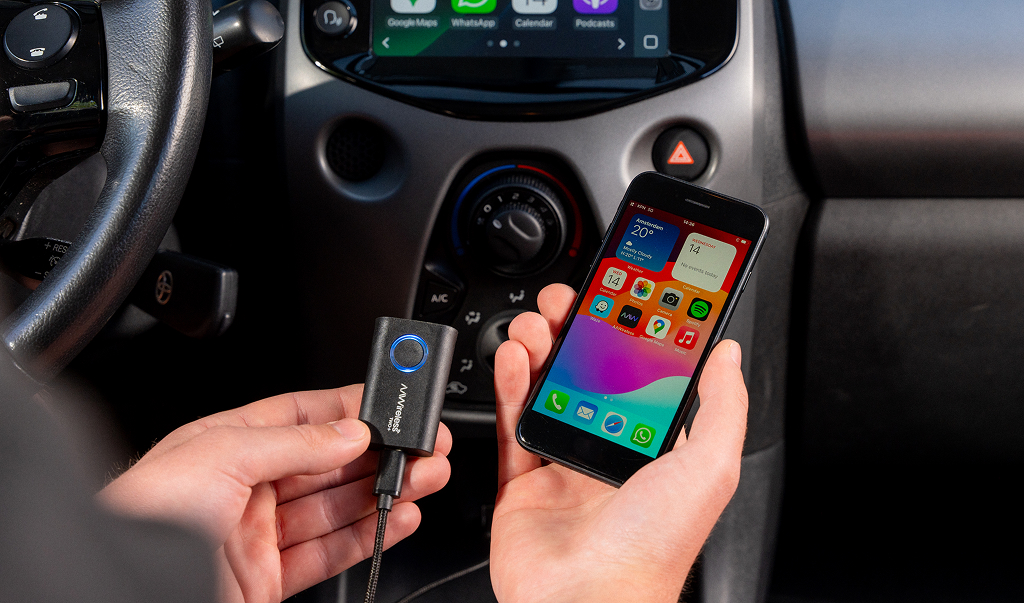
- Plug the adapter into your car via the USB-A dataport (or if needed, use a different USB-C fast data transfer cable).
- Initiate Pairing Mode by pressing and holding its multifunctional button for 2 seconds.
- Connect your phone via Bluetooth.
- The connection is successfully established when the LED-indicator of the dongle is solid blue.
- Now, you're ready to use CarPlay wirelessly.
This seamless process ensures that you can quickly enjoy Apple CarPlay wirelessly in your car without the hassle of wires. Optionally, you could install the companion app to tweak advanced settings and customize your experience with AAWireless, but it's not mandatory to download the app for the device to function.
Want to explore more options? Read our guide on how to make Apple CarPlay wireless.
Visual Setup Instructions
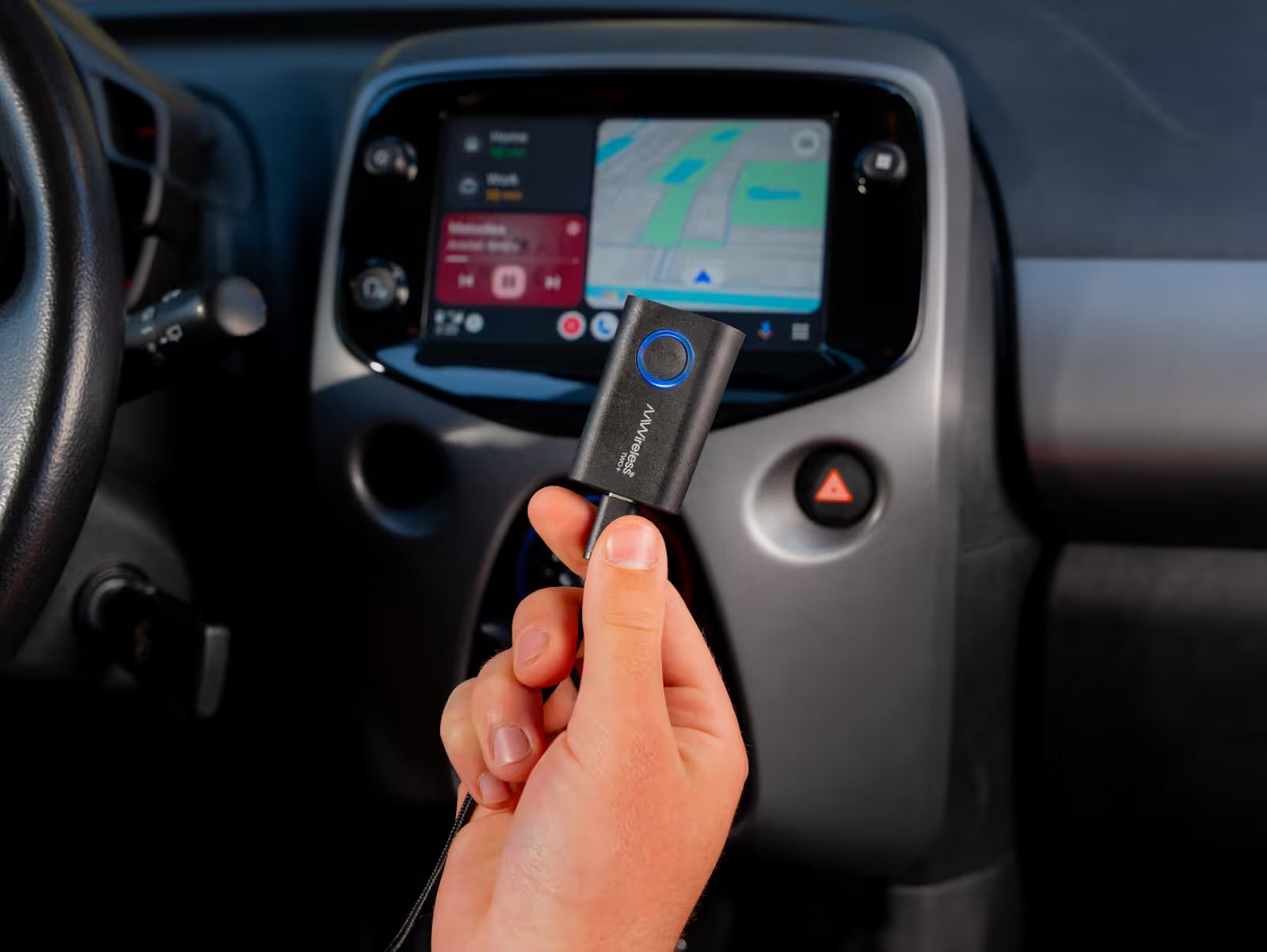
The multifunctional button on the wireless CarPlay adapter serves a dual purpose: it's not just a button; it also functions as an LED indicator ring. This eliminates any guesswork about whether the adapter is powered on or if pairing mode has been activated. The LED provides clear visual feedback, making the setup process even more intuitive and user-friendly, ensuring a smooth transition to wireless Apple CarPlay connectivity.
Troubleshooting Common Setup Issues
If you encounter any issues during setup, start by checking the companion app for diagnostic and troubleshooting tools. There are options for GPS-passthrough and fixing audio stutters. These features ensure that you can quickly resolve any problems and optimize your Apple CarPlay wireless experience.
Do you have a question or need support? Please feel free to visit our AAWireless support page, or reach out to our support team at support@aawireless.io.
What is a Wireless CarPlay Adapter and How Does It Work?
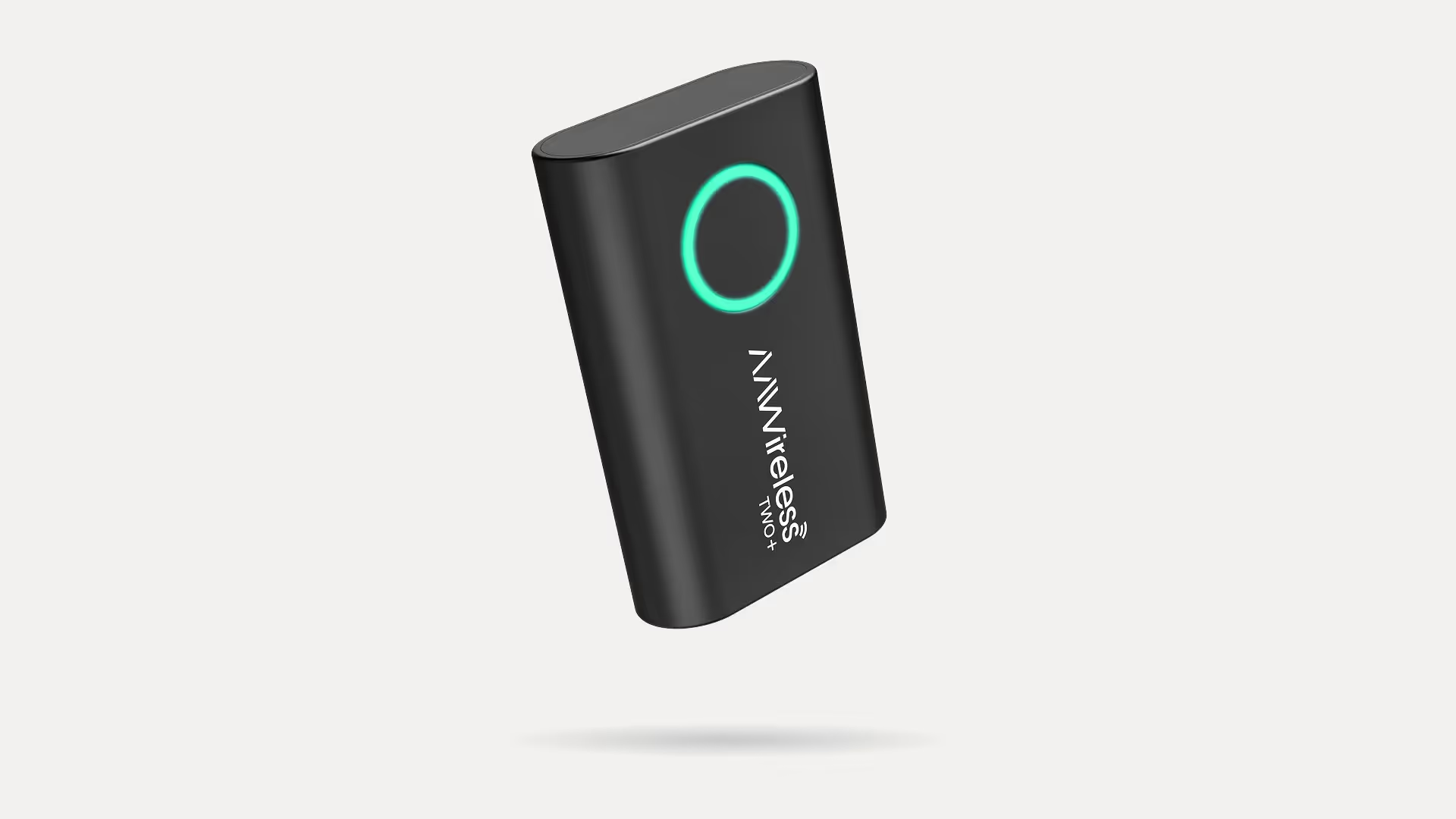
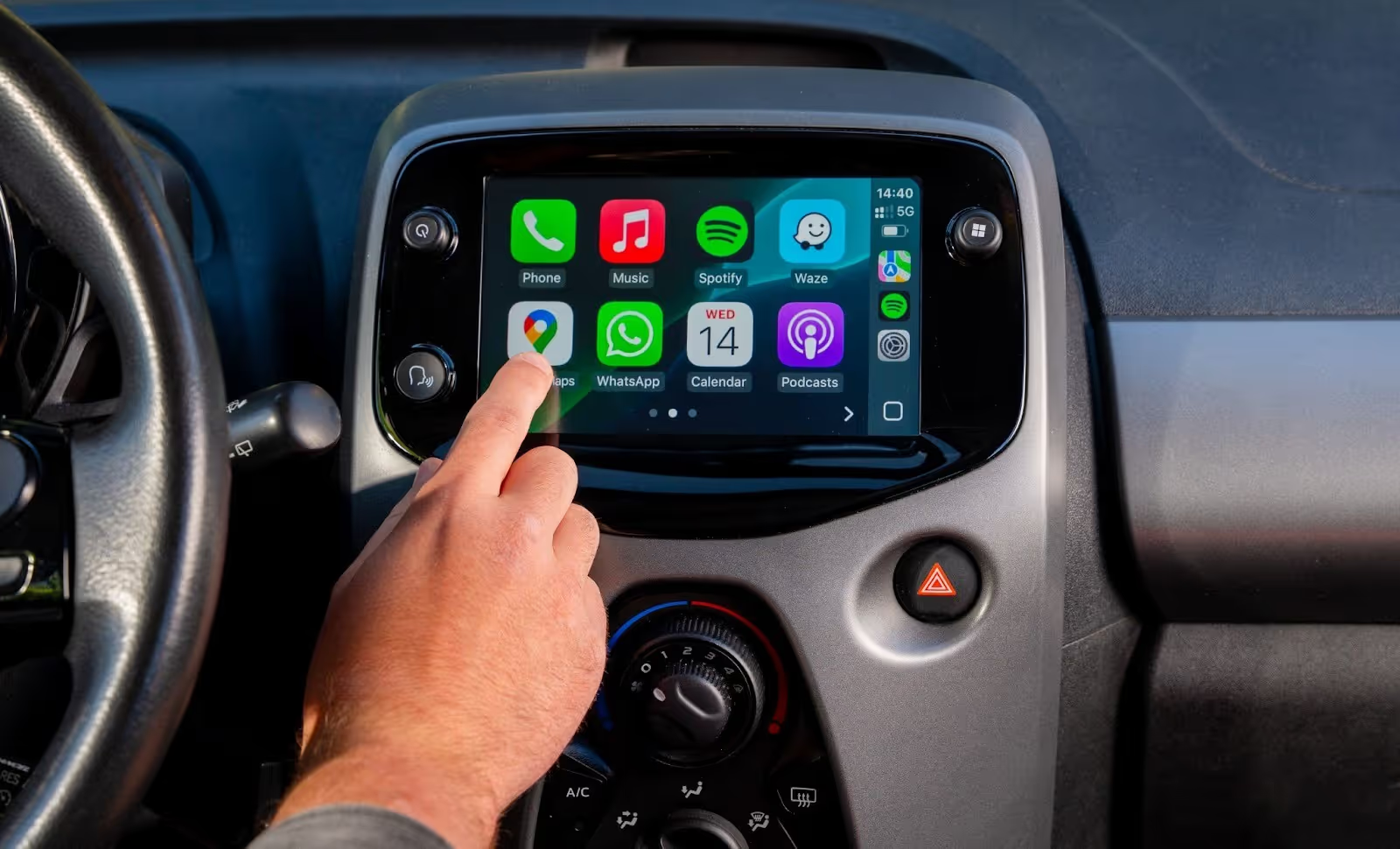
A wireless CarPlay adapter is a small device that plugs into your car’s USB port and makes wired CarPlay wireless. Your iPhone connects to the adapter via Bluetooth and Wi-Fi, and the adapter passes everything through to your car, just as a cable would. The result: CarPlay starts automatically when you get in, and your phone can stay in your pocket or bag. That makes short trips easier and keeps the cable out of the way while you drive. It works in any car that already supports wired CarPlay. If your car has no CarPlay at all, an adapter can’t add it.
What Other Adapters Often Miss
Common Issues with Typical Wireless Adapters
Many wireless CarPlay adapters on the market suffer from common issues that can detract from the overall experience. These problems range from slow connection times and frequent disconnections to a lack of firmware updates and limited compatibility. Users often report frustration with adapters that fail to deliver a seamless and reliable wireless CarPlay connection, highlighting the need for a more robust solution.
Slow Connection and Single Platform Limitations
One of the primary shortcomings of many wireless adapters is their slow connection speed and lag. Users often experience frustrating delays when trying to connect their smartphones to their car's infotainment system via Apple CarPlay wireless. Additionally, many adapters are designed to support only one platform, either Apple CarPlay or Android Auto, limiting their versatility. These single-platform limitations can be a significant drawback for households with multiple smartphone users, making the search for CarPlay and Android Auto a high priority.
Why TWO+ Addresses These Shortcomings
The AAWireless TWO+ addresses these shortcomings by offering a fast, reliable, and versatile wireless CarPlay solution. Unlike many other adapters, it boasts a quick connection time, ensuring minimal delay when starting your car. Furthermore, its dual support for both Apple CarPlay and Android Auto caters to a wide range of users, eliminating the need for multiple adapters. With regular OTA firmware updates, the AAWireless TWO+ remains compatible and optimized for long-term use, providing a seamless wireless experience.
Buy AAWireless TWO+ from the Official Store
Ready to upgrade your in-car experience with the best CarPlay wireless adapter on the market? Say goodbye to tangled wires and hello to seamless wireless connections. Purchase the AAWireless TWO+ today from our official store and enjoy the best wireless Apple CarPlay experience available in 2026. With its dual support for Apple CarPlay and Android Auto, regular firmware updates, and outstanding reviews, the AAWireless TWO+ is the ultimate wireless CarPlay adapter you need to enhance your drive.
Looking for an Android Auto-only adapter? Check out AAWireless TWO. And if you are upgrading an Android phone rather than an iPhone, our guide on how to make Android Auto wireless covers the requirements and setup steps.
Latest articles
Here are some other articles you might be interested in.
.avif)