How to Make Android Auto Wireless: The Complete Guide
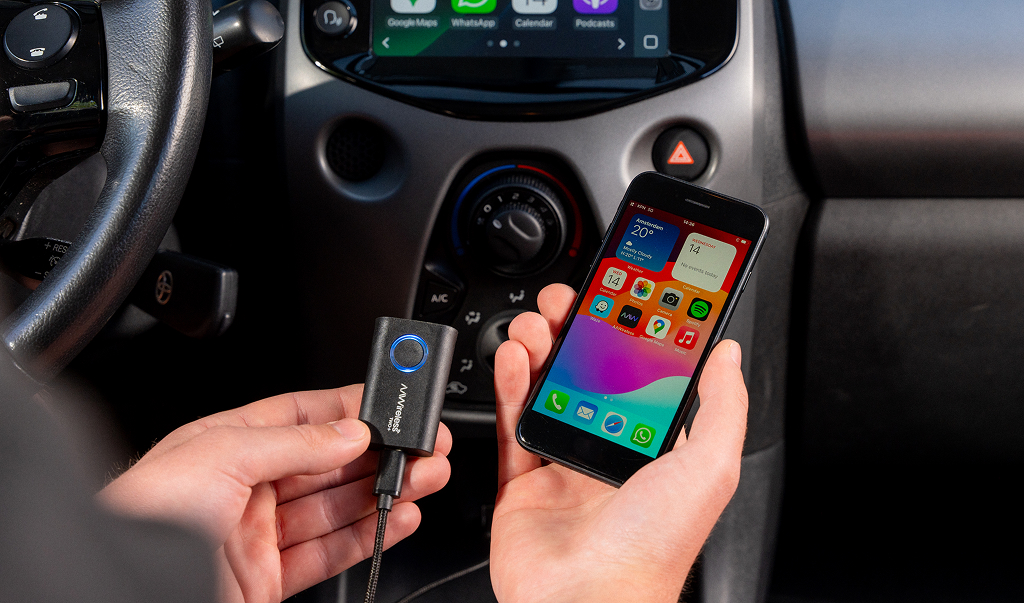
Want to make Android Auto wireless without buying a new car? You can, and it's easier than you'd think. In most cars, Android Auto only works over a USB cable. But with the right setup, your phone connects automatically the moment you get in, no cord required. This guide walks you through the different ways to make Android Auto wireless. We’ll cover what to do if your car already supports it, when you need an adapter, and what to check before you buy.
Summary: Does your car already run Android Auto through a USB cable? Then plug a wireless Android Auto adapter into that same USB port. Pair your phone once over Bluetooth, and the adapter connects automatically every time you get in from then on.
What is wireless Android Auto?
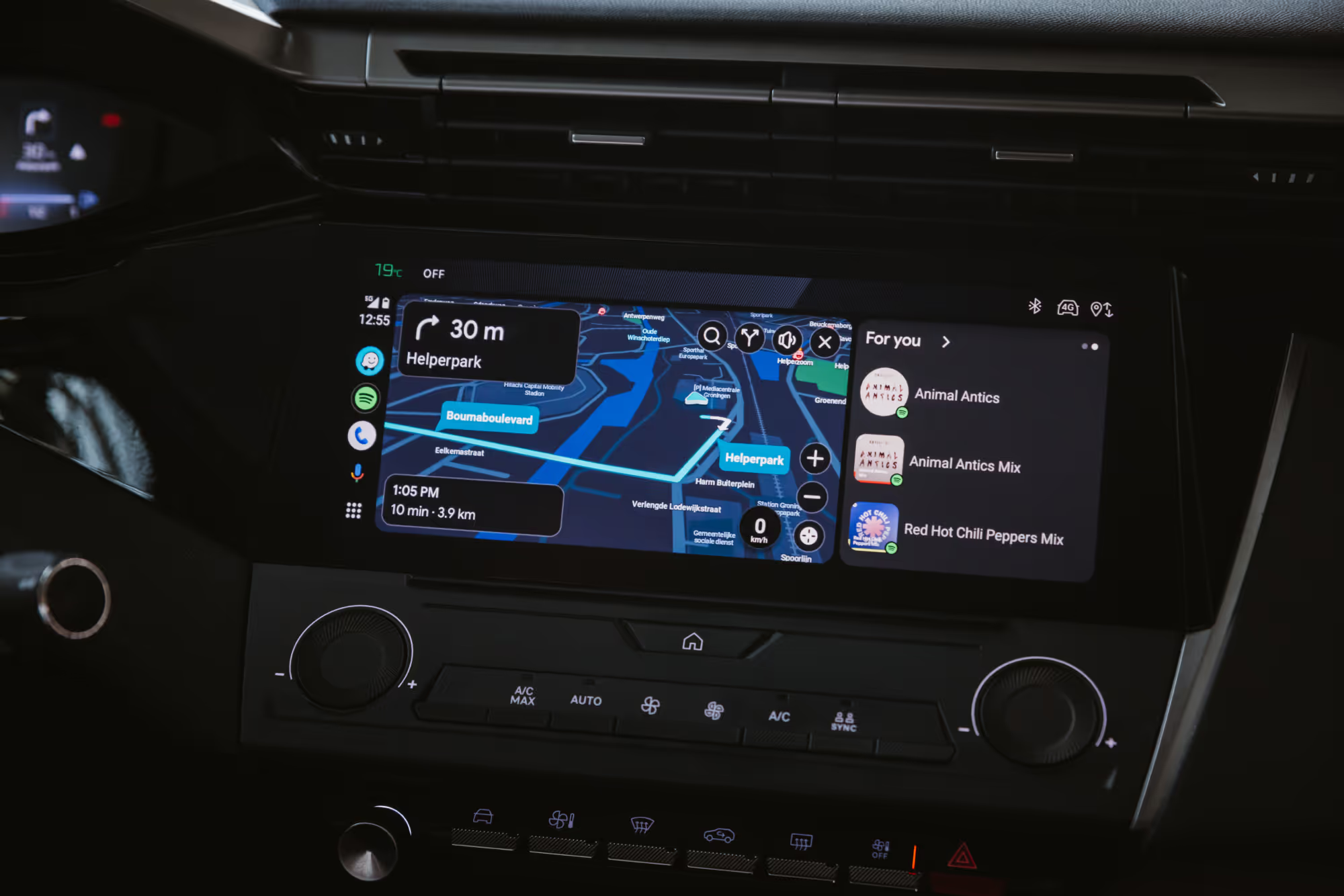
Android Auto brings your phone's apps and features to your car's screen: navigation with Google Maps, music from Spotify, hands-free calls, and more. In most cars you still connect with a USB cable. With the wireless version, that happens with no cable at all. Your phone can stay in your pocket or bag, and the connection happens on its own.
The difference may seem small, but you notice it on every drive. No more digging for a cable, no phone tethered to the dash, and Android Auto appears on your screen automatically as soon as you start the car. Your center console stays clean, with no loose cables to tangle or wear out. That's why more and more drivers want to make Android Auto wireless.
Does your car already support wireless Android Auto?
Before you buy anything, check whether your car already does this natively. Wireless Android Auto used to be limited to selected newer or higher-end vehicles, but it has become more common in mainstream models over the past few years.
The most reliable check is one you do yourself: connect your phone to your car's USB port with a cable. If Android Auto starts up, your car supports the wired version and you can make it wireless with an adapter.
Note: Some cars already support wireless Android Auto from the factory. Check this before using an adapter. Turn on Bluetooth and Wi-Fi on your Android phone and pair your phone with your car via Bluetooth. Then check whether Android Auto connects without a cable. If it does, your car already supports wireless Android Auto and you don't need an adapter. Using an adapter in this case may actually cause connection issues. The adapter is only intended to make a wired Android Auto connection wireless.
Three ways to make Android Auto wireless
There are three routes, depending on your situation:
- A wireless Android Auto adapter (the easiest way). A small dongle that plugs into your car's USB port and turns wired Android Auto into a wireless connection, with no changes to your car. For most people this is the simplest and most affordable option.
- A car with built-in wireless Android Auto. If you're already shopping for a new car, check whether the model supports wireless Android Auto. But nobody needs to buy a new car just for this, that's what an adapter is for.
- An aftermarket head unit. If your car doesn't support Android Auto at all, you can have a compatible aftermarket stereo or infotainment system installed.
What you need to make wired Android Auto wireless with an adapter
If your car only runs Android Auto with a cable, don’t worry. Many cars still fall into this category. You can add wireless support with a small adapter. Here's what's required:
- A car or head unit that supports wired Android Auto. Whether an adapter works comes down to your head unit, the infotainment system in your dash, not just the make, model, or year. Even two cars of the same model can ship with different infotainment systems.
The most reliable test: plug your phone into your car's USB port with a cable. If Android Auto starts, your car supports the wired version and you can make it wireless with an adapter. - A compatible Android phone. You need a compatible Android phone with Android 11 or higher, 5 GHz Wi-Fi support, and an active data plan. The 5 GHz requirement is easy to overlook, but it matters because wireless Android Auto relies on Wi-Fi for the main data connection.
- A wireless adapter. A small device that plugs into your car's USB port.
After a one-time pairing, the adapter reconnects on its own every time you start the car.
How does a wireless Android Auto adapter work?
An adapter sits between your phone and your car's infotainment system. The connection starts over Bluetooth, so the adapter and your phone can find each other and exchange Wi-Fi credentials. The actual data then runs over Wi-Fi. With wireless Android Auto, Bluetooth stays active in the background, for phone calls, for example.
Already have a wireless Android Auto adapter, but it's not working? Here are the 5 most common fixes.
What to look for when choosing an adapter
Not every adapter is equal. These are the things that separate an adapter you’ll enjoy for years from one you may want to replace after a few months:
- Connection speed and stability. How fast does it connect after you get in, and does it stay stable while you drive? Dropped connections are one of the most common complaints with cheaper dongles.
- Firmware updates. Does the adapter keep getting updates after you buy it? Android Auto and phones keep changing; an adapter that updates stays useful far longer. Many cheap dongles never get a single update after purchase.
- Configuration options. Some adapters let you customize behavior through an app or on the device itself, which helps with tricky compatibility cases.
- Compatibility. Does it work with your specific car and head unit?
- Warranty and support. Are you buying from an official seller with a warranty and real customer service, or from an unknown listing?
The real difference often comes down to warranty and support: the lowest-priced options often come with no updates, no app, andlimited support when something goes wrong.
Which AAWireless adapter is right for you?
AAWireless makes adapters that turn Android Auto (and on some models, Apple CarPlay too) wireless. Below you can see the models side by side, so you can find the one that fits your situation.
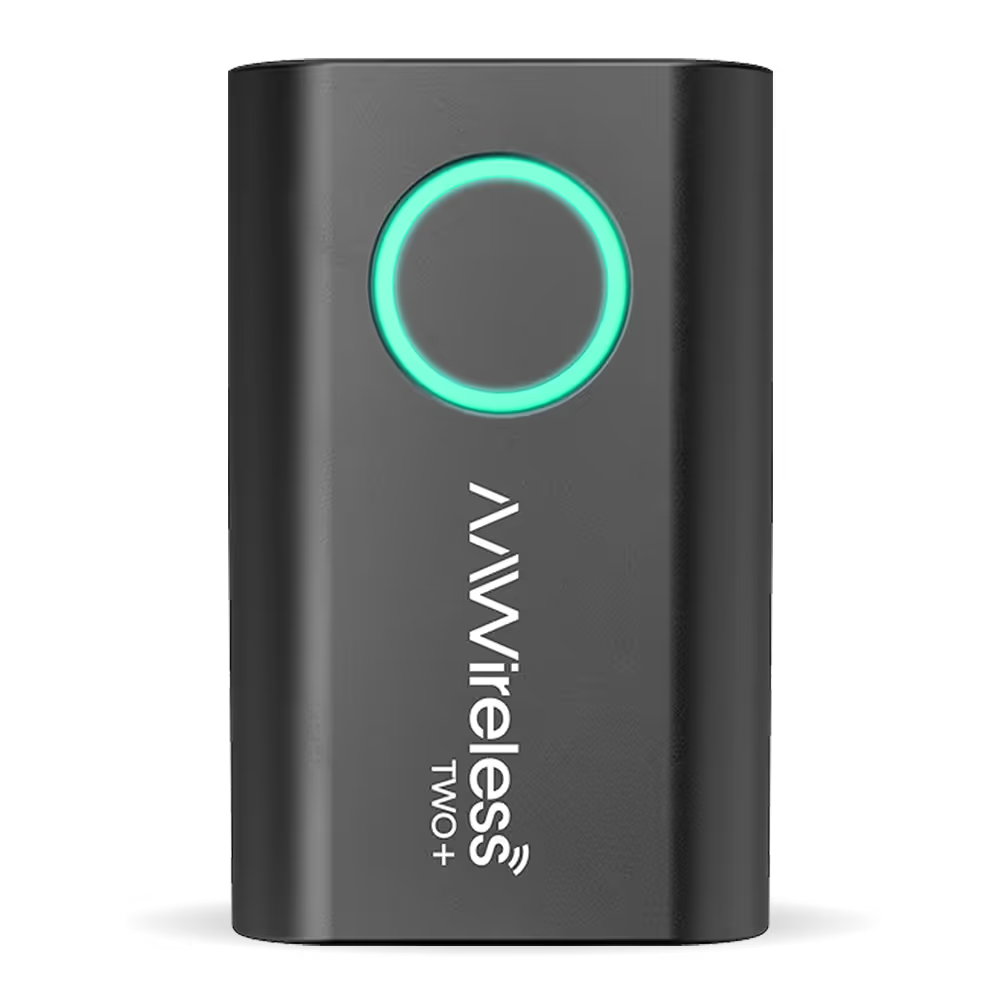
AAWireless TWO+
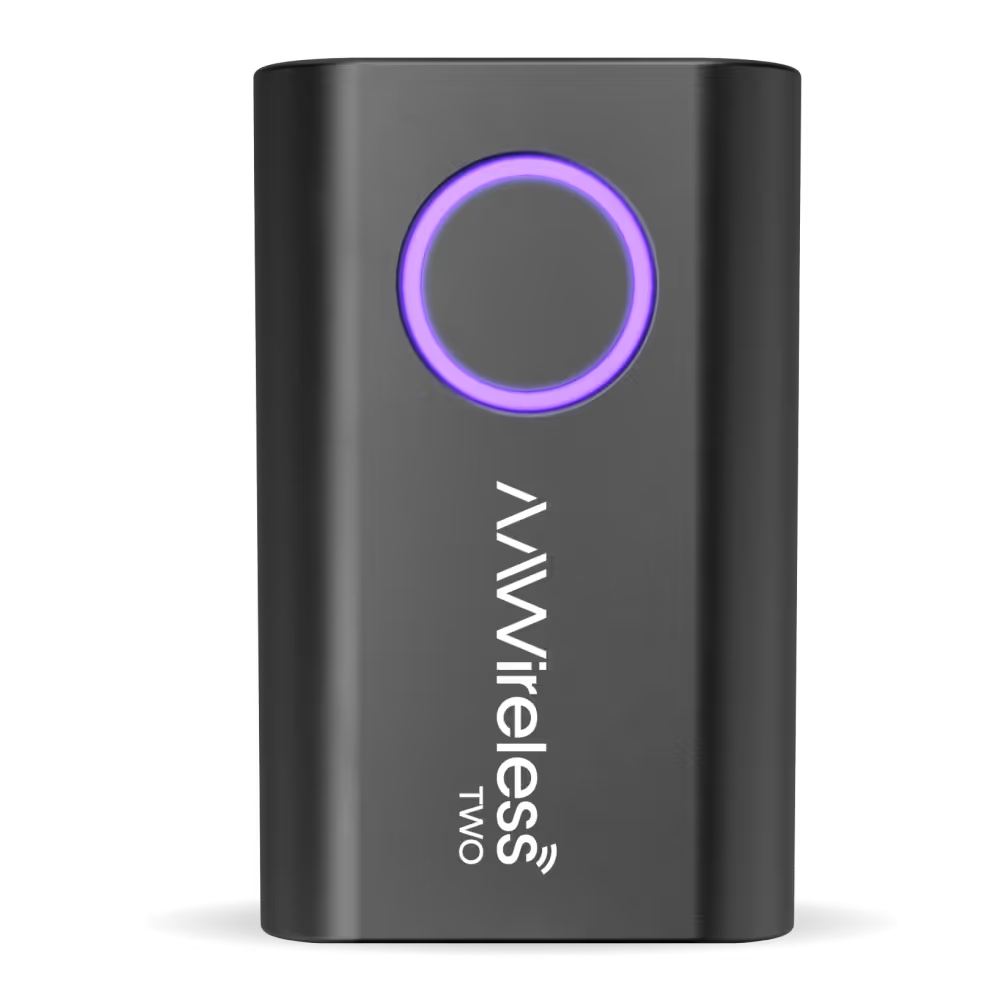
AAWireless TWO
In our testing, AAWireless adapters connected within 15 to 20 seconds on average after the car was started and power reached the USB port. AAWireless adapters have now been used in more than 7,000 car models.
Ready to get rid of the cable? Our wireless Android Auto adapter turns every drive into a cable-free experience. Take a look at our AAWireless adapters and find the one that fits your car.
How to set up a wireless Android Auto adapter
Making Android Auto wireless with an adapter usually takes just a few minutes:
- Plug the adapter into your car's USB port.
- Put the adapter into pairing mode.
- Connect your phone over Bluetooth.
- You're done once Android Auto appears on the screen.
From then on, the adapter connects automatically every time you get in.
Are there any downsides to wireless Android Auto?
Wireless Android Auto is mostly just more convenient, but a few things are worth knowing:
- Your phone uses a bit more battery, since Bluetooth and Wi-Fi both stay active.
- On long drives it can still be worth charging your phone.
- Startup can take a few seconds longer than a cable connection.
- Stability depends on the combination of your phone, car, and adapter.
A good adapter with regular firmware updates can resolve many compatibility and connection issues.
Frequently asked questions
Does wireless Android Auto work with an iPhone?
No. Android Auto only runs on Android phones. If you use an iPhone, you need Apple CarPlay instead. Some adapters support both, so you can switch between an Android phone and an iPhone in a shared car.
Using an iPhone? Learn how to make Apple CarPlay wireless, or go straight to our wireless CarPlay adapter.
Will wireless Android Auto keep working after I update my phone?
Usually, yes. Occasionally an Android or Android Auto update can affect the connection temporarily. Firmware updates let a good adapter adapt to those changes so it keeps working and stays compatible.
Does wireless Android Auto drain my phone's battery faster?
It asks a little more of your battery than a wired connection, because your phone stays connected over Wi-Fi. On longer drives it's smart to charge your phone now and then.
Can I pair more than one phone to a single adapter?
Yes. Most adapters let you pair multiple phones, which is handy in a shared car. You can then switch between paired phones, often with a single button press.
How much does it cost to make Android Auto wireless?
A wireless adapter costs far less than a new built-in system or a new car. The price varies by model and depends on features like dual-platform (Android Auto and CarPlay) support, firmware updates, and a companion app.
Ready to get rid of the cable? Our wireless Android Auto adapter turns every drive into a cable-free experience. Take a look at the AAWireless TWO and TWO+ and find the one that fits your car.
Latest articles
Here are some other articles you might be interested in.
.avif)