
Best wireless Android Auto adapter 2026 AAWireless TWO vs TWO Plus
Upgrading from wired to wireless Android Auto is one of the simplest ways to modernize your car in 2026. If your vehicle still requires a cable to launch Android Auto, you don’t need to replace your infotainment system or buy a new car. A high-quality wireless Android Auto adapter can transform the experience in under a minute, converting a wired experience into a seamless wireless Android Auto connection every time you start the engine.
Among the available options, AAWireless TWO and AAWireless TWO+ stand out for reliability, customization, and long-term software support. Both models are frequently considered among the best wireless Android Auto adapters available in 2026 due to their stability and advanced configuration options.
TL;DR: Quick Summary
- If your car exclusively supports wired Android Auto, you can make it wireless with a wireless Android Auto adapter.
- AAWireless TWO is widely regarded as one of the best Android Auto wireless adapters for drivers who want customization and control.
- The TWO is optimized for Android Auto only and includes DPI customization and Auto-Standby mode.
- AAWireless TWO+ supports both Android Auto and Apple CarPlay on a single device.
- Both models support firmware updates via the companion app.
- No need to wait for a manufacturer update or buy a new vehicle to enjoy wireless Android Auto.
What Is a Wireless Android Auto Adapter? And How Does it Work?
A wireless Android Auto adapter (sometimes referred to as an Android Auto dongle or Android Auto USB adapter) plugs into the same USB port that your phone normally uses for wired Android Auto.
Instead of maintaining a physical cable connection, the adapter:
- Establishes an initial Bluetooth connection
- Switches to Wi-Fi for the Android Auto session
- Automatically reconnects when you start your car
The result is full wireless Android Auto, featuring navigation, calls, music, and voice assistance, all without the need to plug in your phone every time.
For most drivers, installing a wireless Android Auto adapter is the simplest way to upgrade to wireless Android Auto without replacing the factory infotainment system.
In short, if wired Android Auto works for you today, wireless Android Auto can work too.
How to Make Android Auto Wireless in Your Car (Step-by-Step Guide)
The four steps below cover the AAWireless setup. For the full picture, including what to do if your car already supports wireless natively and how to check whether your phone meets the requirements, read our complete guide on how to make Android Auto wireless.
If you’re wondering how to make Android Auto wireless, the process is very straightforward with an AAWireless adapter.
Step 1: Compatibility Check
To verify whether your car has wireless Android Auto, turn on Bluetooth and connect your phone to your car’s infotainment system. If the Android Auto logo appears, it supports wireless connectivity, and you won’t need an adapter. If the logo doesn’t appear on the dashboard:
Plug your Android phone directly into your car’s USB data port. If Android Auto launches, your vehicle supports wired Android Auto and can typically be upgraded to a wireless connection through an AAWireless adapter.
Step 2: Plug in the Adapter
Insert the AAWireless adapter into the same USB port.
Step 3: Pair Once
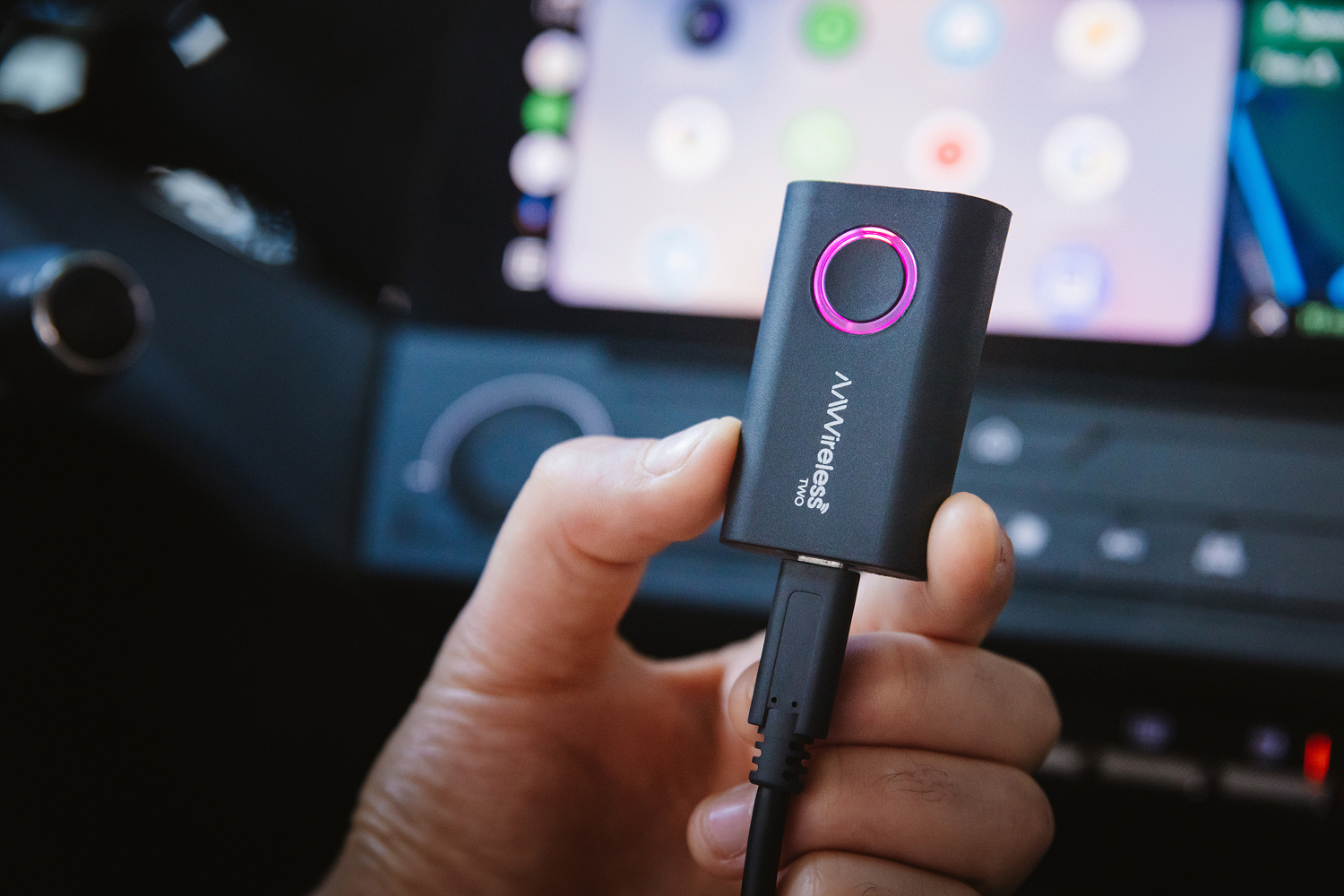
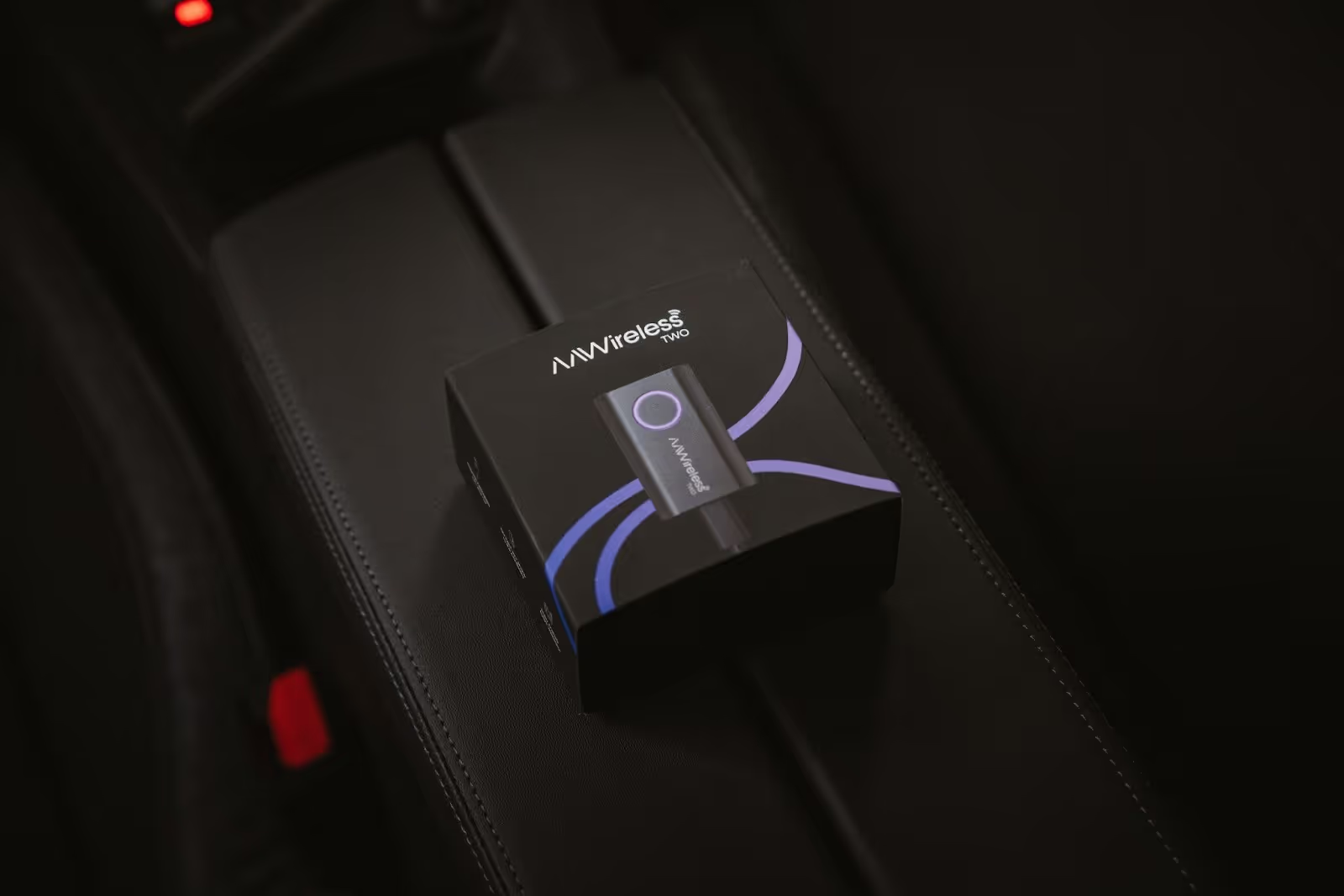
Press the button for two seconds to enable Pairing Mode (indicated by the LED ring turning solid purple) and pair your phone via Bluetooth with the adapter.
Step 4: Enjoy Wireless Android Auto
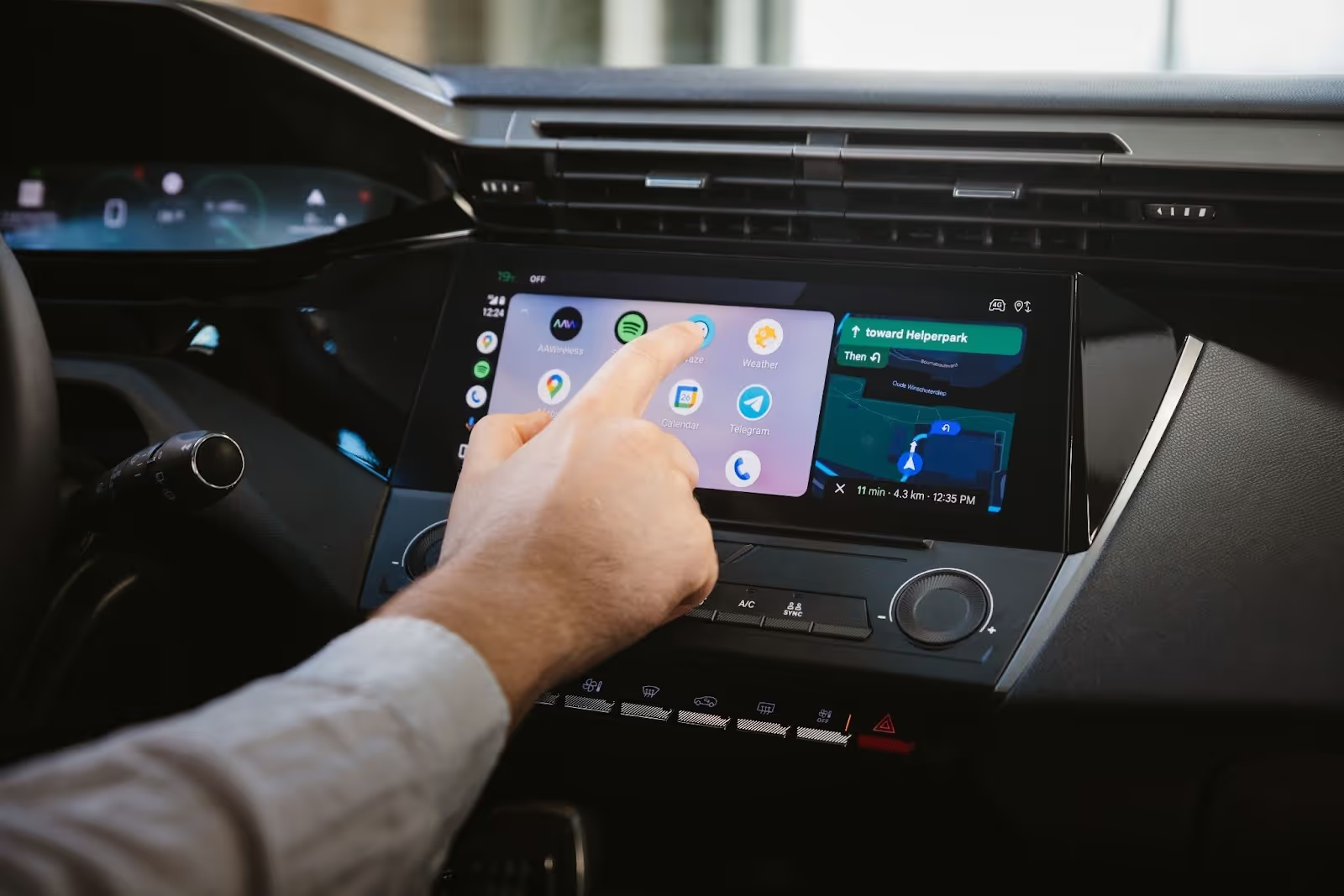
After initial setup, Android Auto connects automatically each time you enter the car.
No more plugging in your phone with tangled cables, and no more dashboard clutter.
Not sure if your car is compatible? You can also verify support for Android Auto by checking Google’s official vehicle compatibility list.
Benefits and Drawbacks of a Wireless Android Auto Adapter
Before choosing the best wireless Android Auto adapter for your car, it’s important to understand both the advantages and the trade-offs of upgrading from wired to wireless Android Auto.
Benefits of Wireless Android Auto
- No need to plug in your phone on every drive
- Automatic launch of wireless Android Auto when you start the car
- A cleaner dashboard with no cable clutter
- Freedom to place your phone anywhere in the vehicle
- Reduced wear on USB ports and charging cables
For daily commuters and short trips, a wireless Android Auto adapter quickly becomes a seamless part of the driving routine. It removes friction at every start-up and keeps the interior organized.
Drawbacks of Wireless Android Auto Adapters
- Slightly higher latency than a direct wired connection
- Possible connection dropouts in congested Wi-Fi environments
- Increased phone battery usage during longer drives
- Wireless Android Auto does not charge your phone
These trade-offs are inherent to any wireless Android Auto adapter, as the system converts a wired connection into a Wi-Fi session.
The difference lies in how well the adapter handles these challenges. Higher-quality adapters provide firmware updates, connection diagnostics, and Wi-Fi channel control to minimize disruption and maintain long-term stability.
Practical Takeaway
Wireless Android Auto is ideal for everyday driving and users who value convenience. For extended highway trips, keeping a cable available remains a practical option.
Choosing a well-supported wireless Android Auto adapter, one that offers ongoing firmware updates and advanced configuration tools, ensures that convenience doesn’t come at the cost of reliability.
What Makes AAWireless TWO Unique as a Wireless Android Auto Adapter?
When upgrading to wireless Android Auto, it’s important to remember that each adapter is different.
AAWireless TWO has been repeatedly singled out in reviews and tests as one of the few adapters that actually works consistently for Android Auto, with a reliable Bluetooth and Wi-Fi connection that behaves like a native wireless implementation. How To Geek even advises against cheaper adapters and recommends AAWireless as the only quality choice they encountered. Many other esteemed outlets also praise the TWO. ZDNet calls AAWireless their “Favourite Android Auto Wireless Adapter”, and Android Authority and 9to5Google say it’s one of the best Android Auto Adapters.
Many generic adapters simply convert the connection, but fall short in everyday usability, especially when it comes to multi-phone support, connection stability, customization, and control. That’s where AAWireless sets itself apart. With the TWO, offering advanced Android-specific features, and the TWO+, for multi-platform compatibility.
DPI Adjustment (Exclusive to AAWireless TWO)
DPI (dots per inch) controls how Android Auto scales on your vehicle’s screen.
With DPI adjustment, you can:
- Fit more content on the screen
- Reduce oversized interface elements
- Improve readability on larger displays
- Optimize layout for wide infotainment systems
For drivers who value interface precision, this level of control significantly enhances daily usability.
Auto-Standby Mode (Exclusive to AAWireless TWO)
Some vehicles keep USB power active even when parked. Auto-Standby mode prevents unwanted reconnections when the car is not in use. This reduces unnecessary phone battery usage and maintains predictable connections.
How AAWireless TWO+ Builds on that Foundation
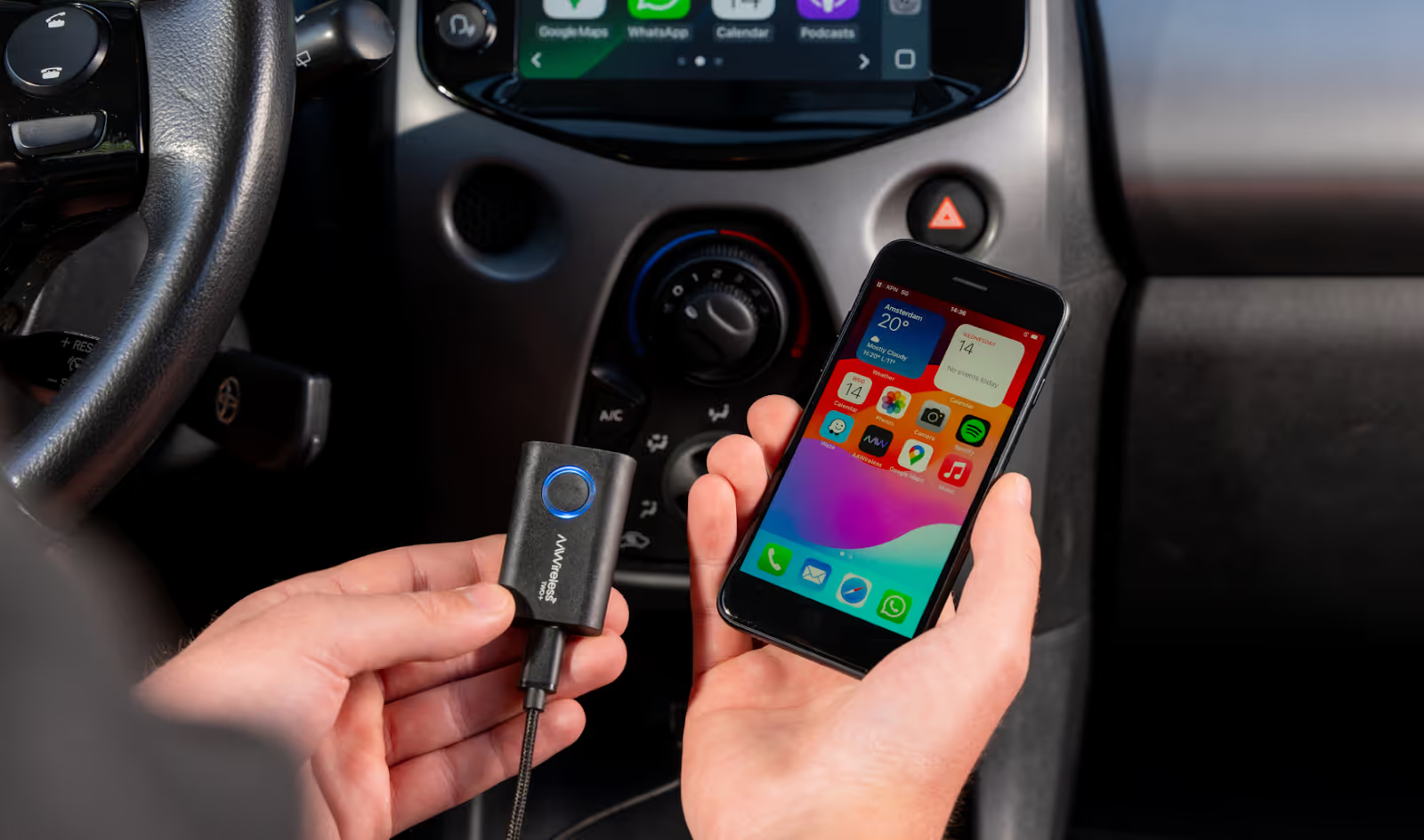
While AAWireless TWO is designed specifically for Android Auto, the TWO+ adds platform flexibility to that strong foundation.
TWO+ delivers:
- Wireless Android Auto
- Wireless Apple CarPlay
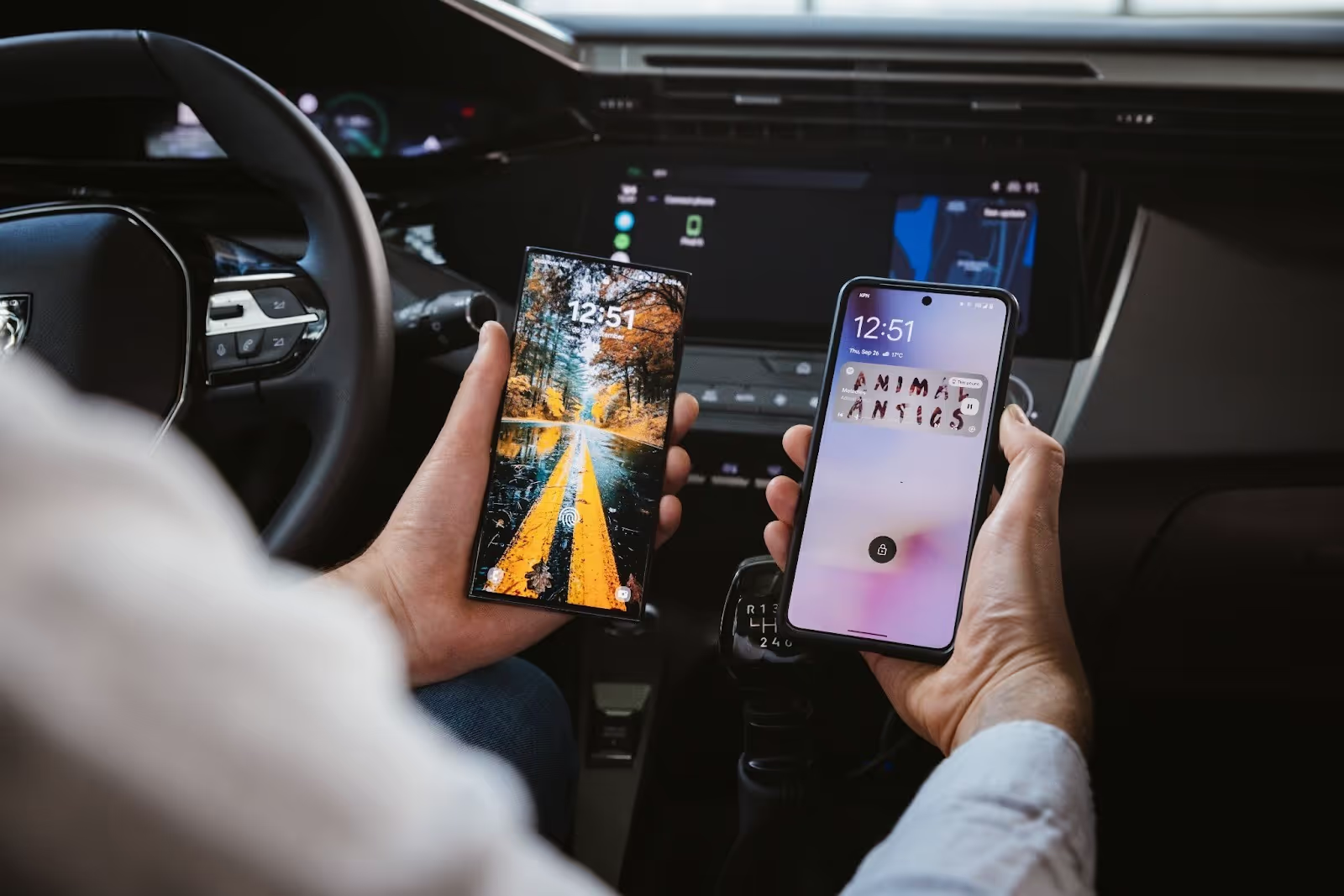
- Easy switching between Android and iPhone
- Same companion app support
- Same stable wireless performance
What many other 2-in-1 adapters struggle with is doing both well. In multiple independent tests and comparisons, AAWireless devices stand out for stable connections, reliability, multi-phone support, and consistent performance.
TWO+ prioritizes cross-platform support over Android-exclusive customization. If your household uses both platforms, the TWO+ is the adapter you want.
Want to learn more about wireless Apple CarPlay and why TWO+ is recommended? Explore our complete guide to the AAWireless TWO+ wireless CarPlay adapter for 2026.
Stability and Customization in 2026
Wireless Android Auto performance depends on the environment, the car model, and the phone hardware. Because performance can vary, both TWO and TWO+ are designed with built-in controls that allow you to optimize and troubleshoot the connection when needed.
Both TWO and TWO+ provide:
- Wi-Fi channel adjustment
- Audio stutter fixes
- Connection diagnostics
- Firmware updates through the companion app
In 2026, the best wireless Android Auto adapter isn’t just the one that connects, it’s the one that stays connected, adapts to software updates, and gives you control when conditions change. That combination of reliability, configurability, and ongoing support is what defines AAWireless.
AAWireless TWO vs AAWireless TWO+: Full Feature Comparison
It’s essential to understand the feature differences between AAWireless TWO and TWO+ when choosing the best wireless Android Auto adapter. View the feature comparison in the table below:
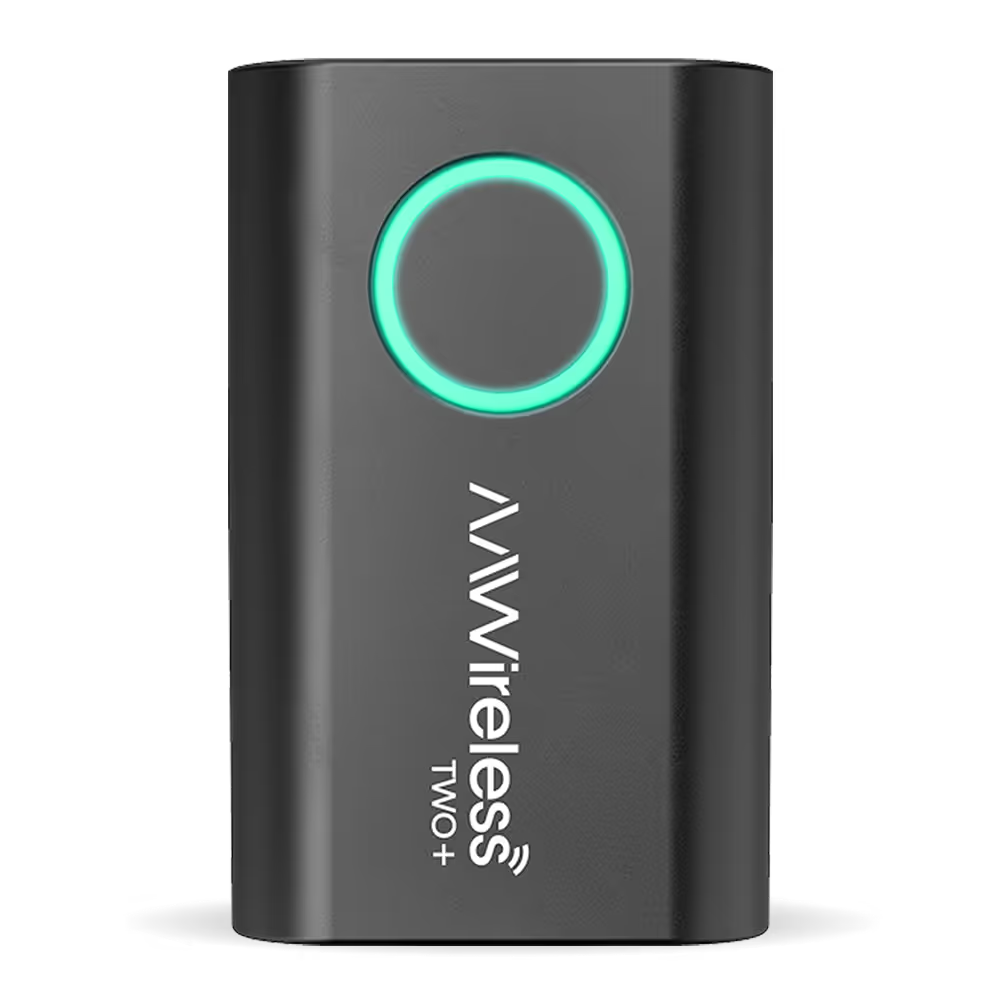
AAWireless TWO+
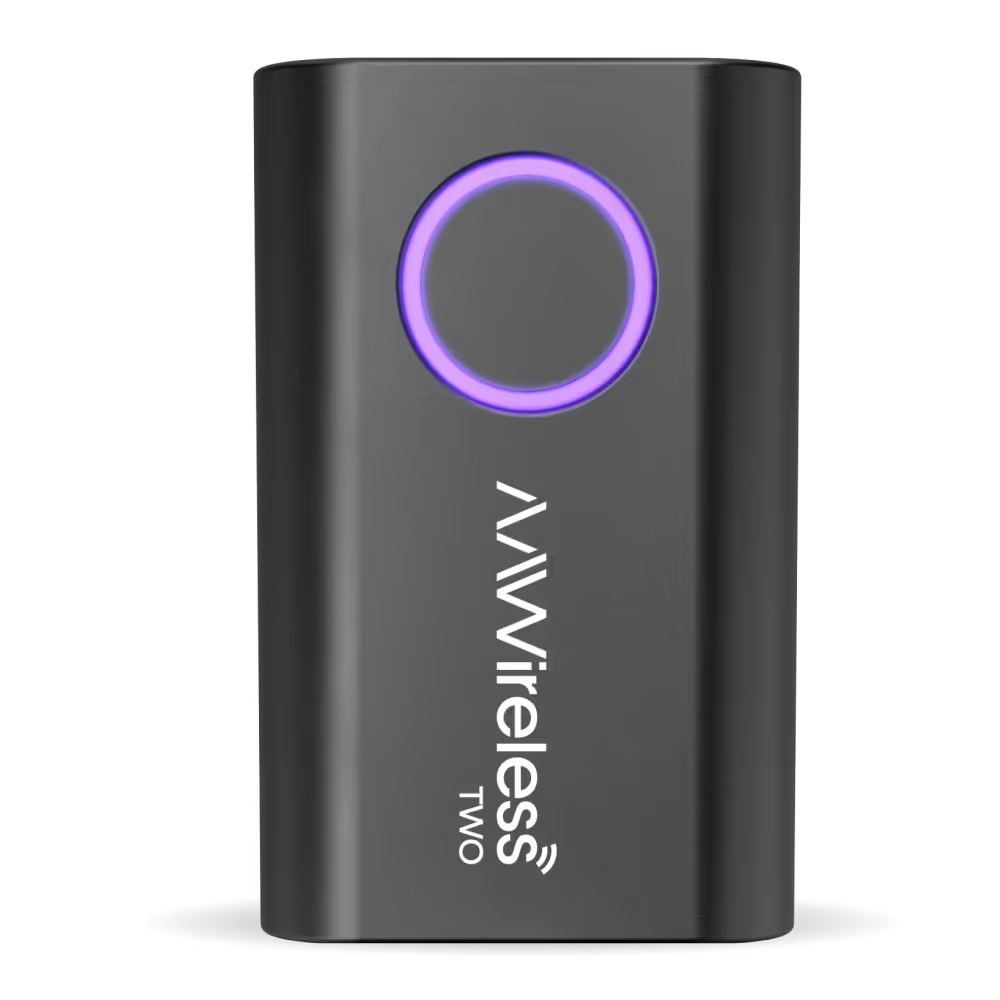
AAWireless TWO
Which Model Should I Choose?
Choosing the right wireless Android Auto adapter depends on how you use your vehicle and which features matter most to you.
Choose AAWireless TWO if:
- You only use Android Auto
- You prefer advanced Android controls
- You want DPI customization
- You value Auto-Standby
Choose AAWireless TWO+ if:
- You want wireless Android Auto and CarPlay in one device
- Your vehicle is shared between iPhone and Android users
- You want maximum platform flexibility
Both models enable you to enjoy wireless Android Auto. The choice comes down to priorities: Android-focused customization with TWO, or cross-platform flexibility with TWO+.
Why Upgrade to Wireless Android Auto in 2026?
Drivers upgrade for practical reasons:
- Faster entry and exit from the car
- Less Cable Clutter
- Automatic reconnection
- Less wear on USB ports
- No need to upgrade the entire infotainment system
- Keep your phone wherever you want
Conclusion: Best Wireless Android Auto Adapter 2026
Compared with many basic adapters that only mirror Android Auto or struggle with stability, AAWireless TWO and TWO+ deliver:
- Reliable wireless connection every time you start the car
- Advanced Android Auto customization (like DPI adjustment with TWO)
- Easy multi-phone switching via a physical button
- Companion app configuration and updates
- Auto-standby for smarter power behavior (exclusive to AAWireless TWO)
That combination of performance, control, and usability is what makes AAWireless adapters among the top choices for anyone seeking the best wireless Android Auto adapter in 2026.
For Android-only users who want advanced customization and control, AAWireless TWO stands out as one of the best wireless Android Auto adapters available in 2026.
For drivers who need both Android Auto and Apple CarPlay, AAWireless TWO+ offers unmatched flexibility in one compact adapter.
Upgrading to wireless Android Auto in 2026 doesn’t require a new vehicle. It only requires the right adapter.
Frequently Asked Questions
Does AAWireless work with my car?
If your car supports wired-only Android Auto, it can typically support wireless Android Auto through an adapter. The same goes for Apple CarPlay.
What is the best wireless Android Auto adapter in 2026?
The best wireless Android Auto adapter in 2026 depends on your needs, but AAWireless TWO and AAWireless TWO+ stand out for reliability and long-term support. AAWireless TWO is ideal for Android-only users who want advanced features like DPI customization and Auto-Standby. AAWireless TWO+ adds dual support for both wireless Android Auto and Apple CarPlay, making it perfect for shared vehicles. Both models offer firmware updates, stability controls, and companion app configuration, delivering a seamless upgrade from wired to wireless Android Auto.
Will I be able to expand the current Android Auto display with DPI scaling?
The resolution of your Android Auto display cannot be adjusted by default, but DPI scaling is available through the AAWireless TWO to improve the visibility and accessibility of your Android Auto display.
Bluetooth connects, but Android Auto doesn’t launch
If Bluetooth connects but Android Auto doesn’t start, first confirm that your vehicle actually supports Android Auto. Some cars support Bluetooth audio but do not support Android Auto. You can verify compatibility using Google’s official Android Auto vehicle list.
If Android Auto worked previously, either wired or with another adapter, the issue is usually related to pairing or a failed connection.
With AAWireless, you can:
- Reset pairing cleanly
- Reconnect through guided setup
- Use the companion app for diagnostics
Unlike basic adapters that rely solely on automatic pairing, AAWireless provides structured recovery tools to resolve most connection issues quickly. Restarting your phone and re-pairing typically restores wireless Android Auto within minutes.
What is the difference between a wireless Android Auto adapter and built-in wireless Android Auto?
A wireless Android Auto adapter upgrades a car that only supports wired Android Auto. Built-in wireless Android Auto is integrated by the vehicle manufacturer. An adapter allows you to enjoy wireless Android Auto without replacing your vehicle.
For more information and frequently asked questions, please visit the AAWireless support page.
About This Article
This article was updated for 2026 to reflect the latest Android Auto developments and current AAWireless product features. It is maintained to ensure accuracy as firmware versions evolve.
By the Pioneers of Wireless Android Auto
AAWireless is the company behind the world’s first wireless Android Auto adapter. The original device launched as a crowdfunding success and has since grown into a globally adopted solution with more than 500,000 drivers worldwide.
Since that first-generation adapter, AAWireless has continuously evolved its hardware and software. The introduction of AAWireless TWO and TWO+ reflects years of refinement focused on connection stability, advanced configuration options, and long-term firmware support through the companion app. Real-world usage and community feedback have shaped every AAWireless product. Features such as DPI adjustment, stability improvements, and other configuration tools were developed in response to real driver needs.
Because AAWireless constantly innovates and iterates on its products, it understands what it takes to build a reliable wireless Android Auto adapter.
Latest articles
Here are some other articles you might be interested in.
.avif)