Does Mercedes Have Apple CarPlay? How to Check Your Car
Whether you already drive a Mercedes-Benz or are planning to buy one, having maps, music and messages on your car's screen makes driving more convenient. But does your Mercedes support Apple CarPlay?
The answer depends on the model, year and equipment. Even two Mercedes-Benz vehicles from the same year can have different CarPlay capabilities.
In this article, you'll learn how to check if your Mercedes supports Apple CarPlay, whether it works wirelessly or requires a cable, and how to turn wired CarPlay into wireless CarPlay.
Summary
- Most newer Mercedes-Benz models have Apple CarPlay. Whether yours does depends on the infotainment system, the car's equipment and its software.
- Mercedes-Benz started offering CarPlay on select models around the 2016 model year, often as an option. Wireless CarPlay is only available on newer models, and not on every Mercedes with the MBUX system.
- Start with a cable: plug your iPhone into the USB port with a data cable. If CarPlay starts, your Mercedes supports Apple CarPlay.
- Then unplug the cable and restart your car. If CarPlay connects without a cable, your car supports wireless CarPlay and you don't need an adapter. If it only works with a cable, a wireless CarPlay adapter like the AAWireless TWO+ can make it wireless.
Which Mercedes models have Apple CarPlay?
Mercedes-Benz began offering Apple CarPlay on select models around the 2016 model year. Initially, it was often an optional feature included in a smartphone integration package. Today, most newer Mercedes-Benz models support CarPlay, but wireless CarPlay is not available on every model, even those equipped with MBUX.
Two cars of the same model and year can differ, depending on their infotainment system, their equipment and the market they were built for. That's why the best way to check compatibility is to test CarPlay in your own car using the steps below.
How to check if your Mercedes has Apple CarPlay: 6 simple steps
Before you start, make sure:
- Your iPhone is running the latest version of iOS.
- Siri is enabled.
- You have a USB data cable, not a charge-only cable.
Step 1: Connect your iPhone
Start your car and plug your iPhone into a USB port. If a port has a smartphone or CarPlay icon, use that one. Some Mercedes models only support CarPlay through specific ports.
Wait a few seconds to see if CarPlay starts.
Step 2: Check your car screen and iPhone
If CarPlay starts or your iPhone asks for permission, your Mercedes supports Apple CarPlay. Accept to connect.
If your iPhone offers wireless CarPlay for future drives, your car also supports wireless CarPlay, so you don't need an adapter.
If nothing happens, look for the Apple CarPlay icon in your car's main menu and select it.
Step 3: Test wireless CarPlay
To check whether CarPlay works without a cable:
- Turn on Bluetooth and Wi-Fi on your iPhone.
- Unplug the cable and restart your car.
- Check if CarPlay connects automatically.
If CarPlay connects without a cable, your Mercedes supports wireless CarPlay and you don't need an adapter.
If it only works with a cable, check your car's wireless pairing settings. If your Mercedes only supports wired CarPlay, a wireless CarPlay adapter can make it wireless.
Step 4: Check your Mercedes settings
Open your infotainment system's connection settings and look for Smartphone Integration or Apple CarPlay. If the feature is disabled, enable it and repeat step 1.
Step 5: Check your iPhone settings
Go to Settings > General > CarPlay. If your Mercedes appears under your saved cars, it has connected to CarPlay before.
Also check Settings > Screen Time > Content & Privacy Restrictions > Allowed Apps to make sure CarPlay isn't restricted.
Step 6: Check your car's equipment
Still no CarPlay? Search your owner’s manual for “Apple CarPlay” or “Smartphone Integration”, or ask a Mercedes-Benz dealer to check your car’s factory-installed equipment. If CarPlay isn’t listed, your Mercedes most likely doesn’t support it.
CarPlay only works with a cable? Make it wireless
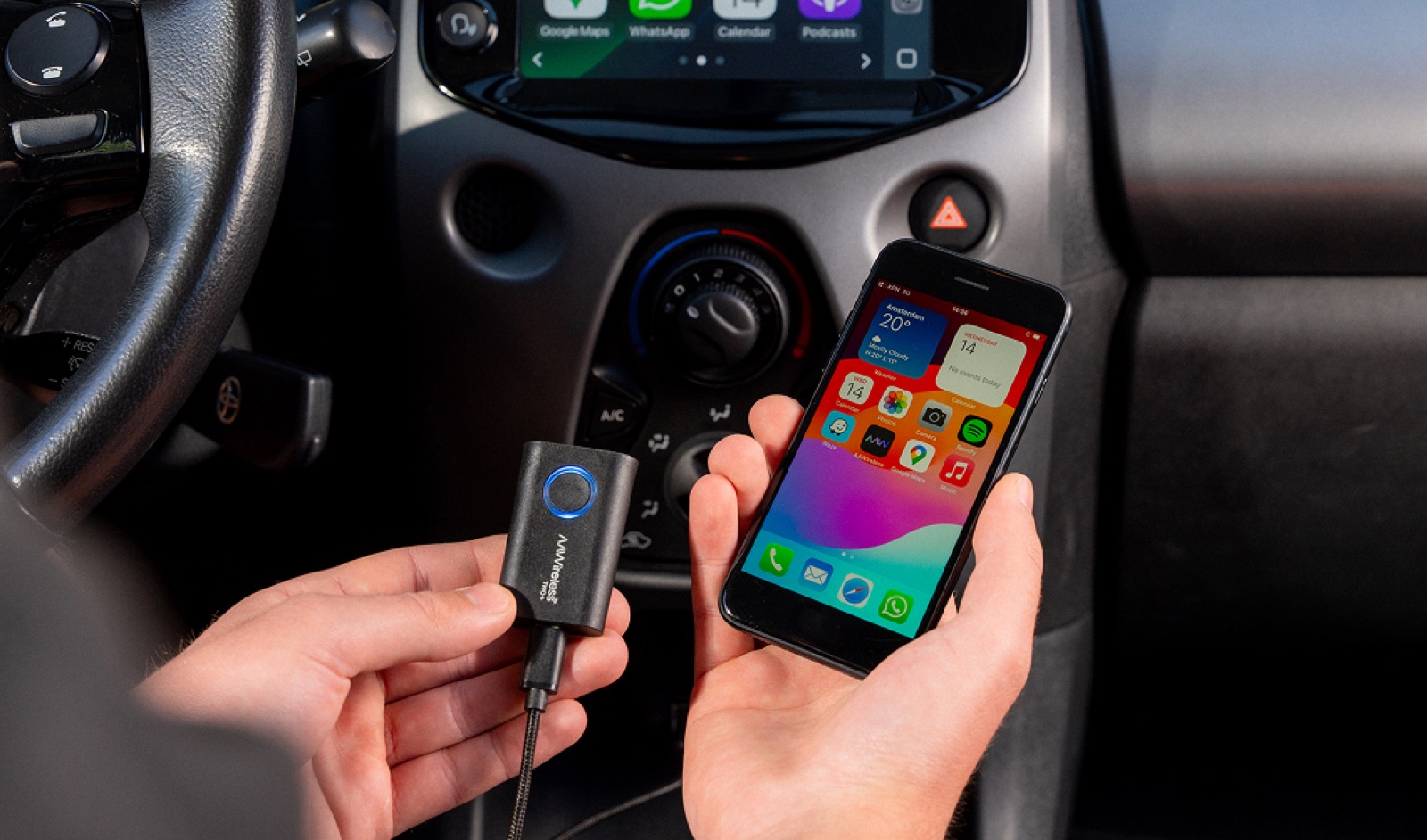
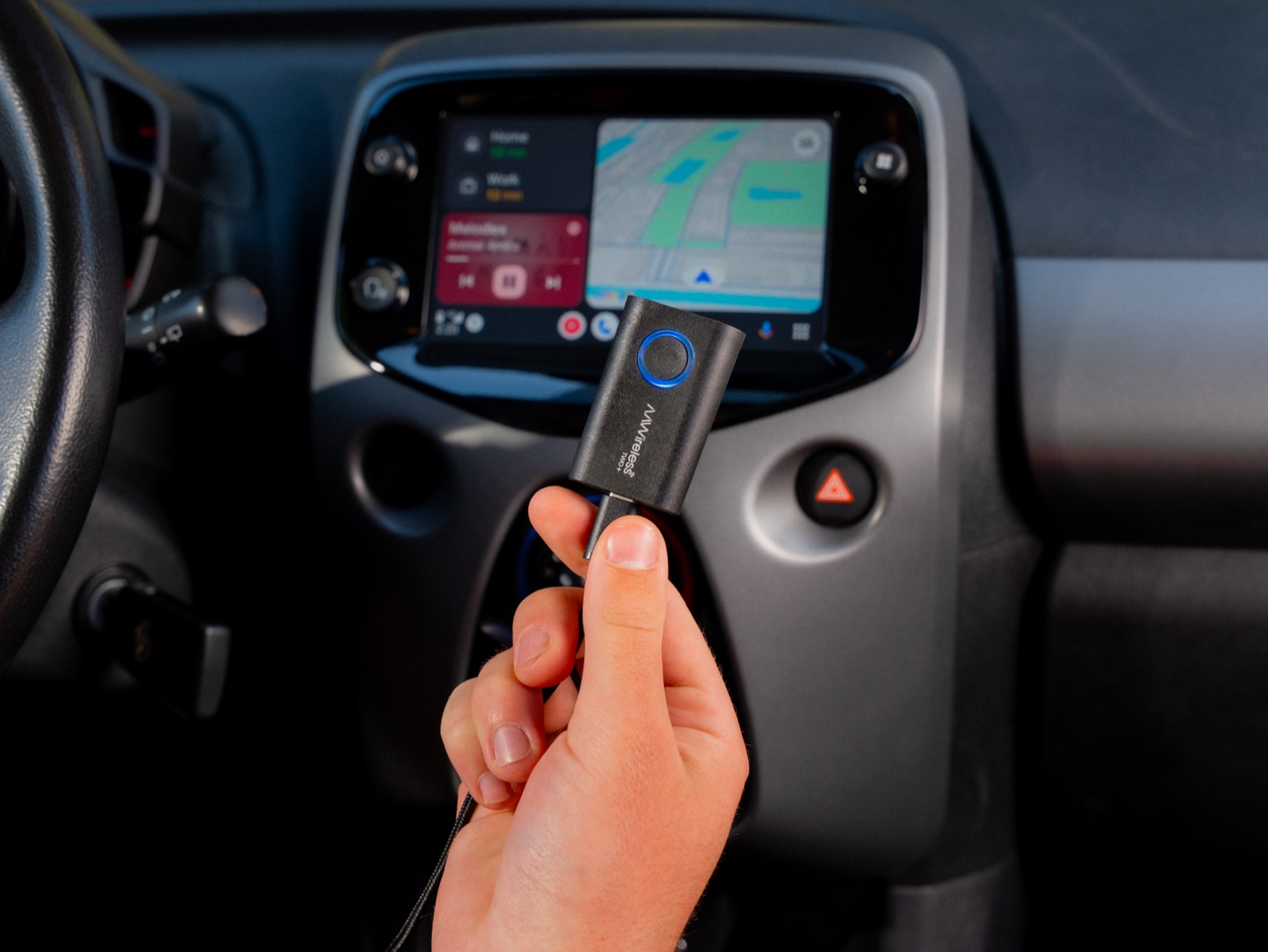
Tired of plugging in your iPhone every time you drive? A wireless CarPlay adapter lets you connect automatically without a cable. Simply plug the adapter into the USB port you normally use for CarPlay.
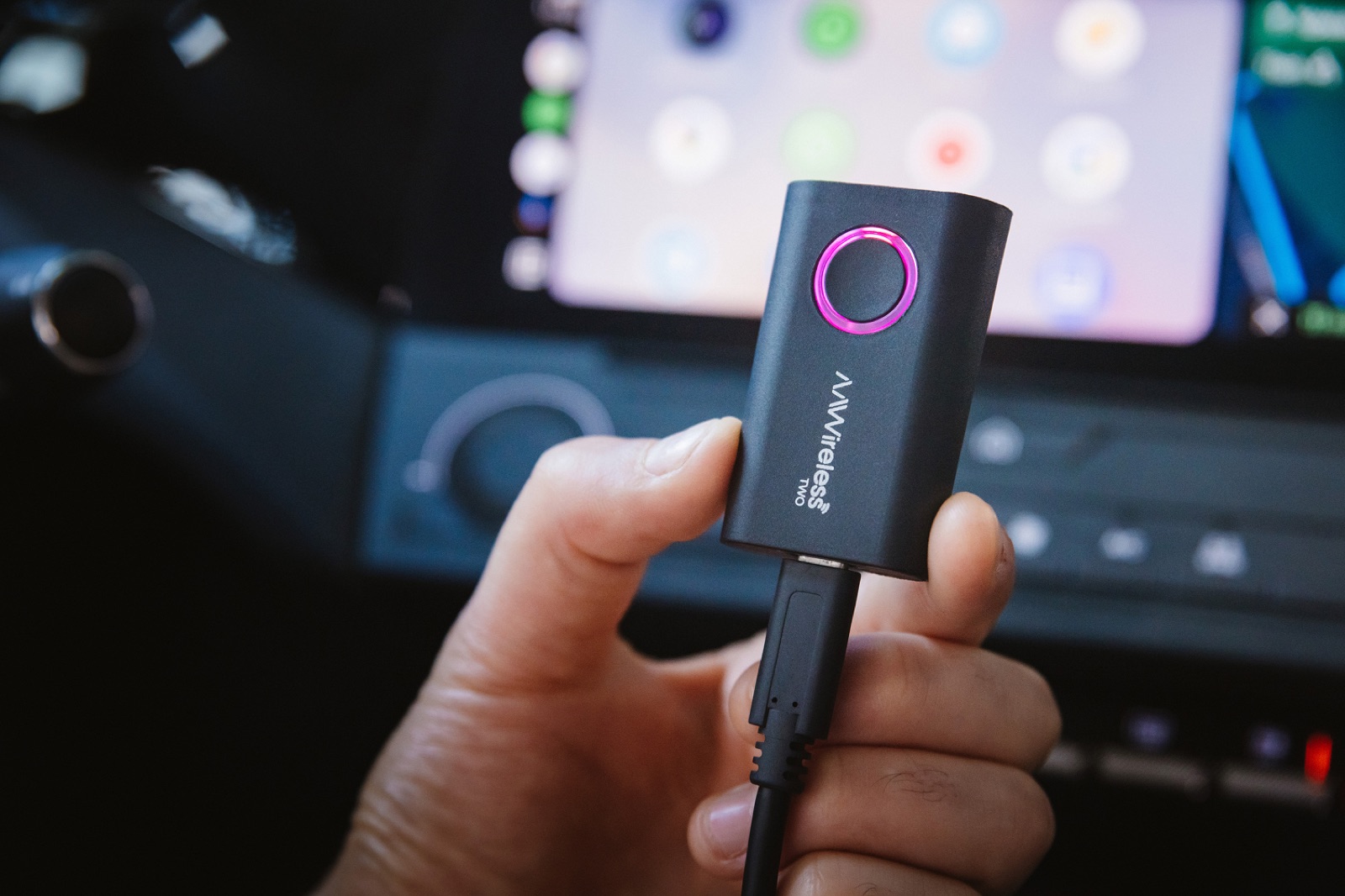
The AAWireless TWO+ turns wired CarPlay into wireless CarPlay and supports iPhone X or newer. It also works with wired Android Auto, allowing you to switch between an iPhone and an Android phone with the press of a button.
Want to know how it works? Read our guide on how to make Apple CarPlay wireless.
No CarPlay at all? Here's what you can do
A wireless CarPlay adapter can't add CarPlay to a Mercedes that doesn't already support it. However, you still have a few options:
- Contact a Mercedes-Benz dealer. Some models allow smartphone integration to be added afterward. A dealer can check whether your Mercedes is eligible.
- Install an aftermarket head unit. Depending on your model, you may be able to replace or upgrade your infotainment system with one that supports Apple CarPlay. If it only supports wired CarPlay, a wireless CarPlay adapter can make it wireless.
Conclusion
Most newer Mercedes-Benz models support Apple CarPlay, but availability depends on your car's equipment. The easiest way to check is to connect your iPhone and test whether CarPlay works with or without a cable.
Does your Mercedes only support wired CarPlay? The AAWireless TWO+ turns it into wireless CarPlay, so you can enjoy a cable-free connection on every drive.
Frequently Asked Questions
What year did Apple CarPlay come to Mercedes?
Mercedes-Benz started offering Apple CarPlay on select models around the 2016 model year, often as an option. Wireless CarPlay is only available on newer models, and not on every Mercedes with the MBUX infotainment system. Because availability differs per model and equipment, the 6-step test above is the most reliable way to check your car.
Why is CarPlay not showing up in my Mercedes?
CarPlay usually doesn't show up because of a charge-only cable, the wrong USB port, or smartphone integration being switched off in the car's settings. Try a data cable and the port with the smartphone icon, check the car's menu and restart both your iPhone and the car. Also check that CarPlay isn't blocked in Screen Time on your iPhone.
Can I use Google Maps or Waze with CarPlay in my Mercedes?
Yes. Since iOS 12, CarPlay supports navigation apps like Google Maps and Waze. Install the app on your iPhone and it appears on the CarPlay screen in your Mercedes. This works with both wired and wireless CarPlay.